You can accept credit or debit card payment (credit or debit card payment availability varies based on the payment gateway) by adding automated payment in your payment setup. Examples include Stripe, PayPal, Xendit, Flutterwave, Mercado Pago, and many others.
Take App is not a standalone payment gateway or wallet but rather a platform that integrates with external payment methods to facilitate transactions in your online store. Additionally, you can also accept payments via Bank Transfer, depending on the payment gateway and regional availability.
For the complete list of payment options by country, please visit this article
Who charges the transaction fee?
The gateway does, not us. Take App charges no payment processing fee on any payment method, and takes no percentage of your sales — your subscription is the only thing you pay Take App.
The gateway you connect is a separate company with its own per-transaction pricing (check its own pricing page for your country's rate). It deducts that fee from the payment and settles the rest directly into your own account; Take App never holds your money and never adds anything on top of the gateway's rate.
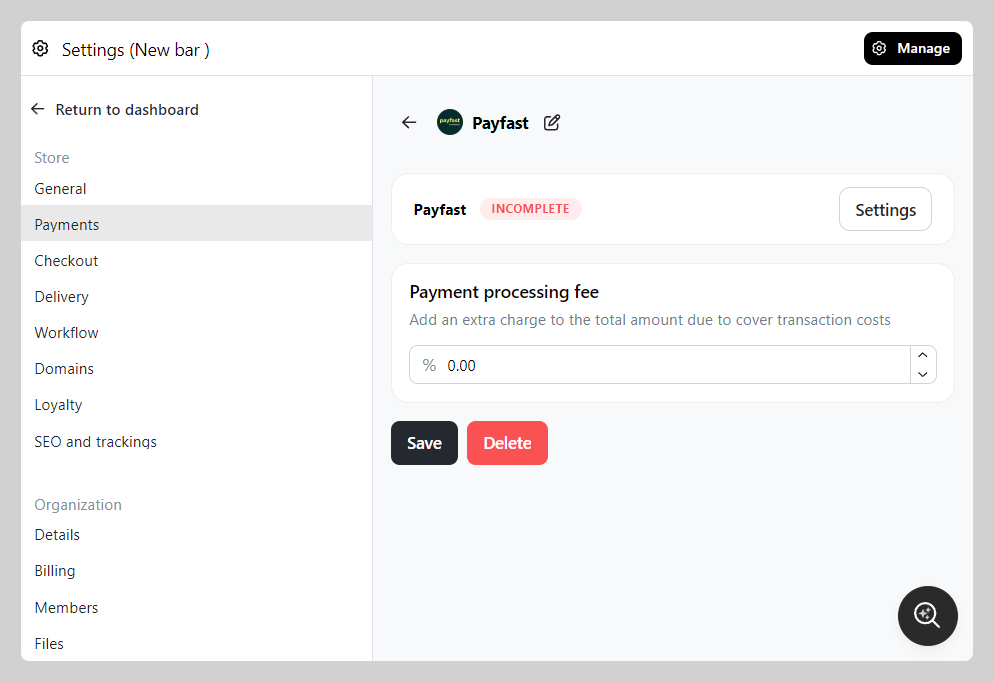
If you want your customers to cover the gateway's fee, you can add it at checkout — see Payment processing fee.
How to add automated payment method?
-
Go to Settings > Payments > Navigate to "Automated payments methods" section then click
Add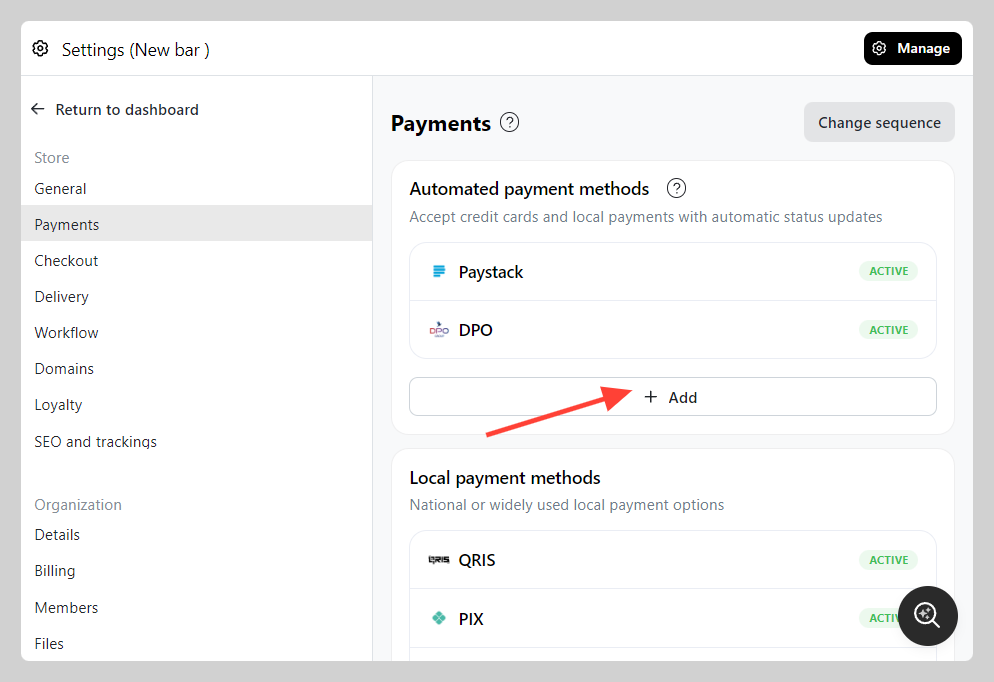
-
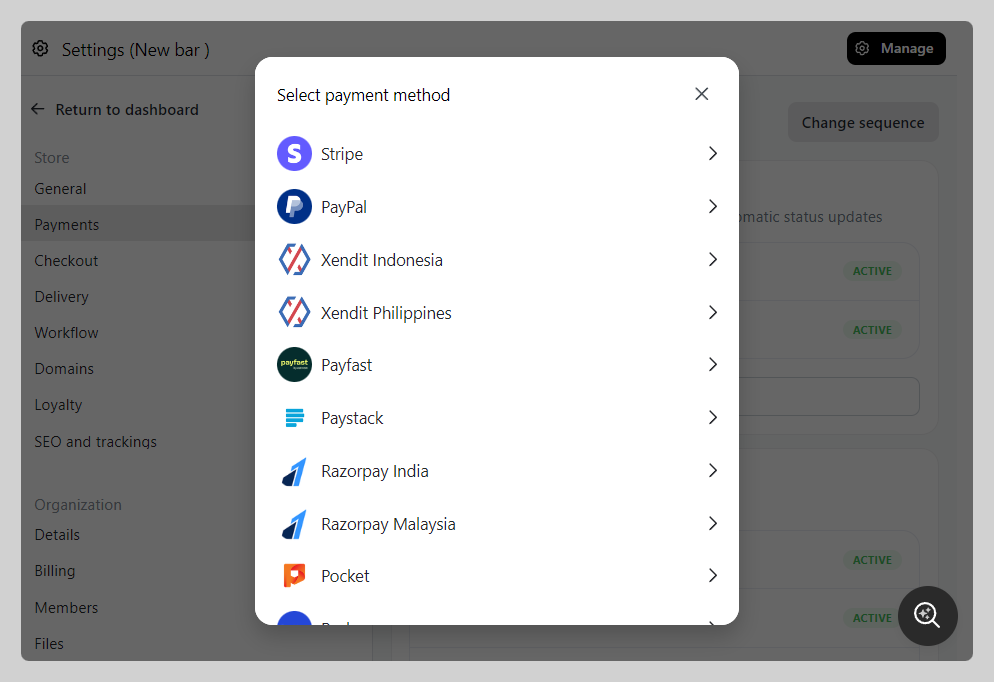
Select the a Payment Gateway that you want to add (check the availability on the list above)
-
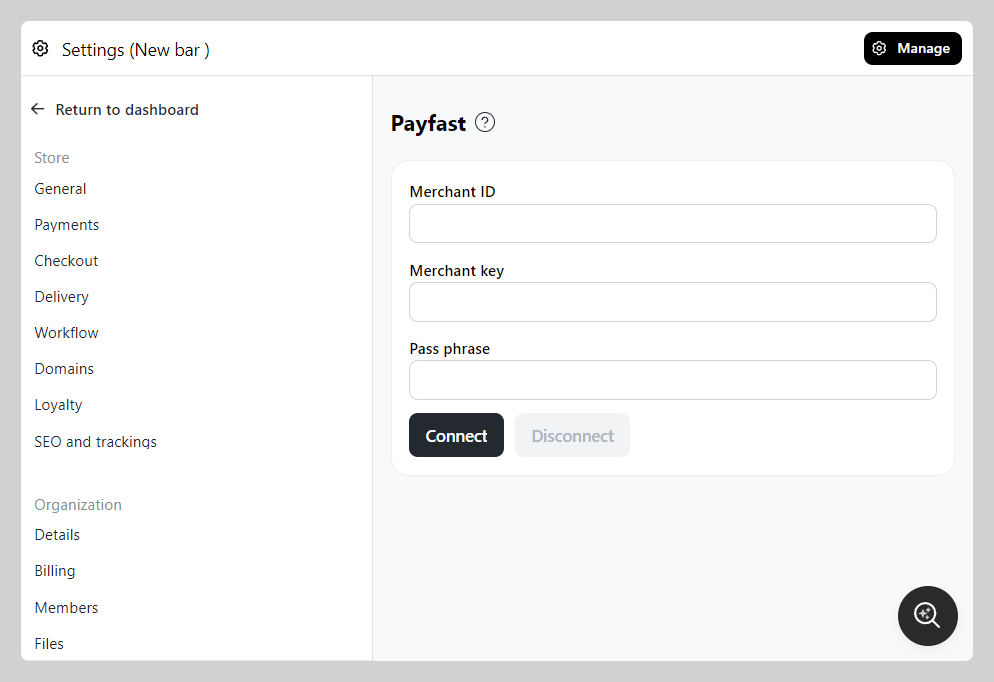
Follow through the setup process based on each payment gateway (e.g. Payfast setup)