How to set wholesale prices for customers
-
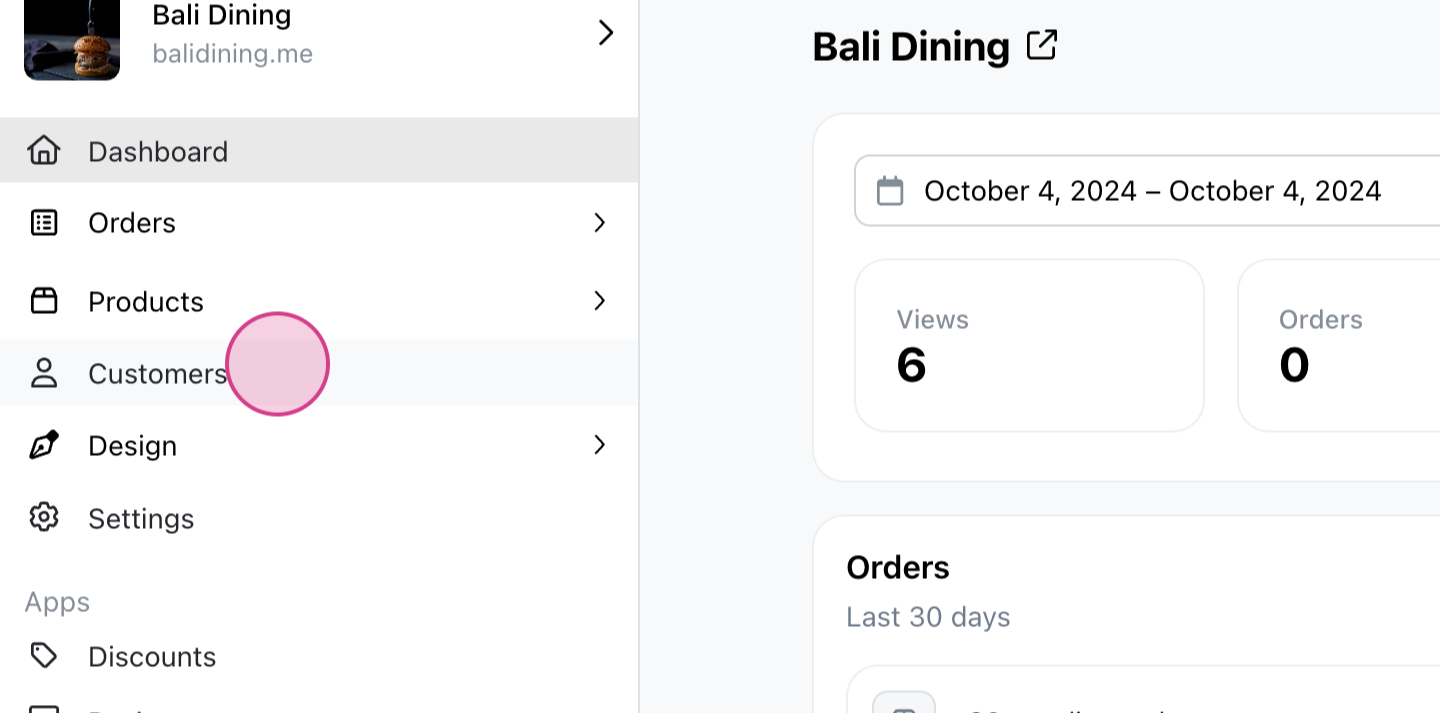
Start by navigating to the Customers tab.
-
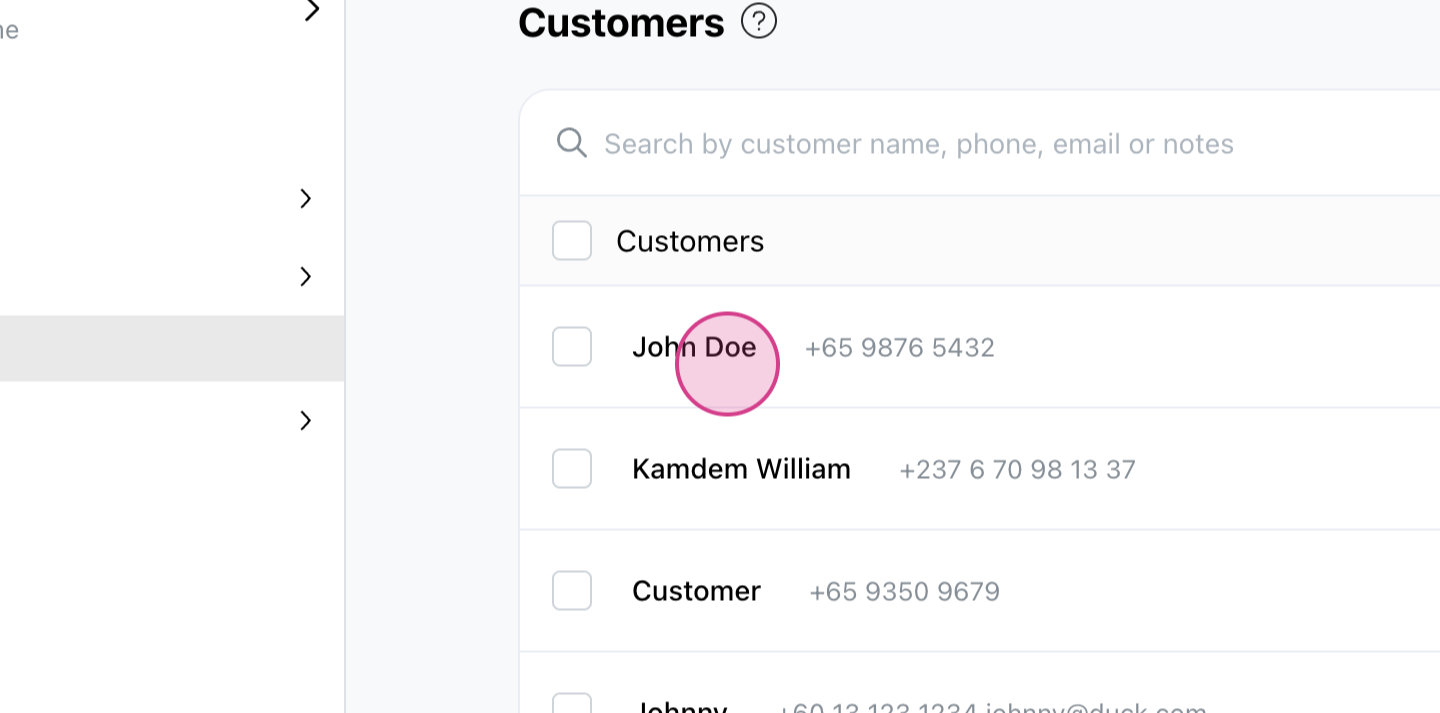
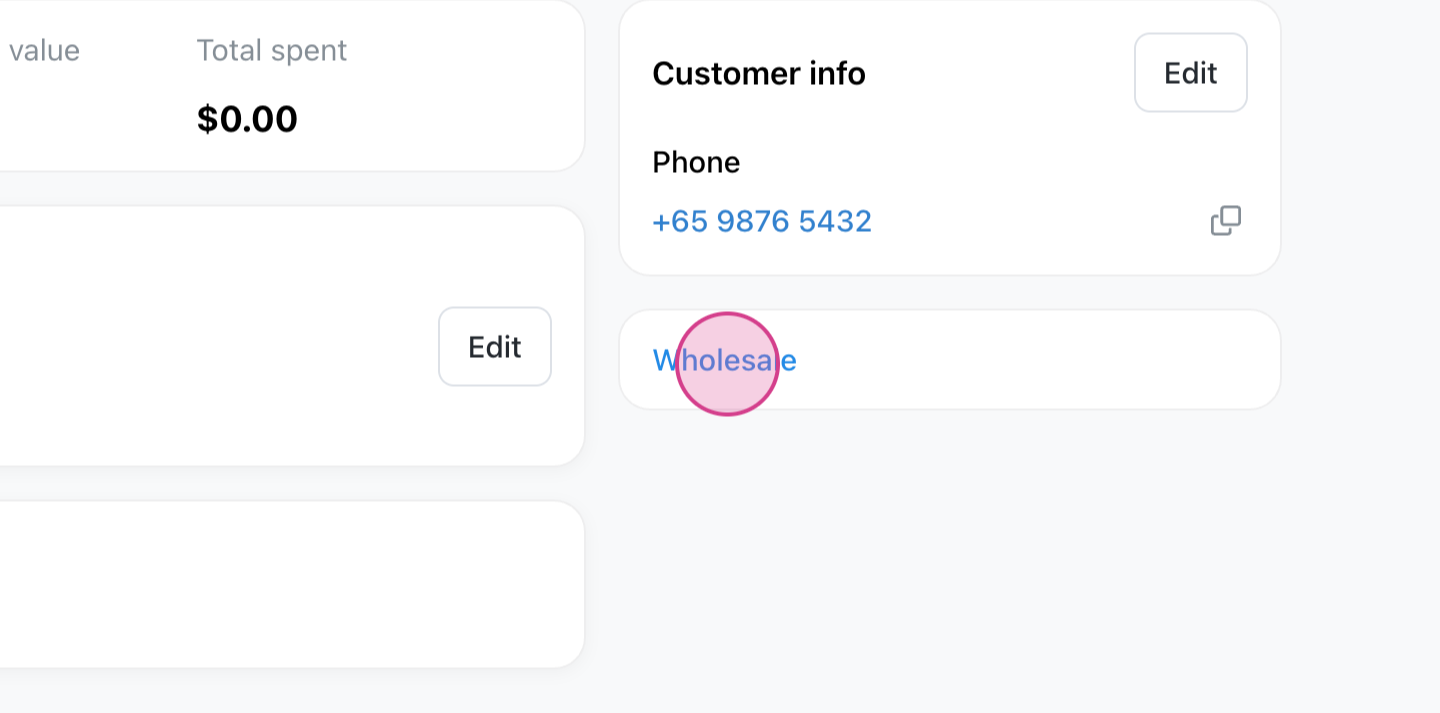
Select the customer for whom you want to set wholesale prices. Under the customer's information, locate the Wholesale tab.
-
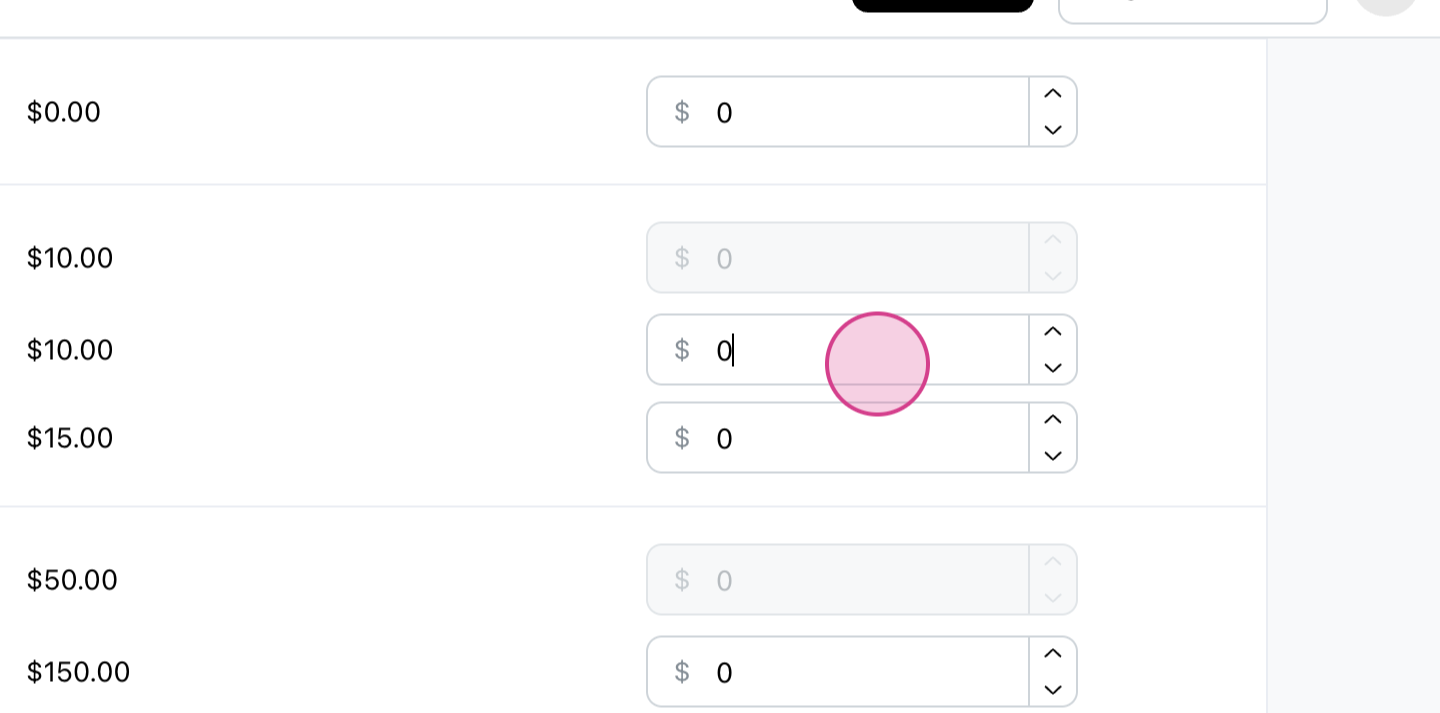
Click on the Wholesale tab. In the wholesale product catalog for the selected customer, you'll find the prices for all your product variants. Set the desired prices for that customer.
-
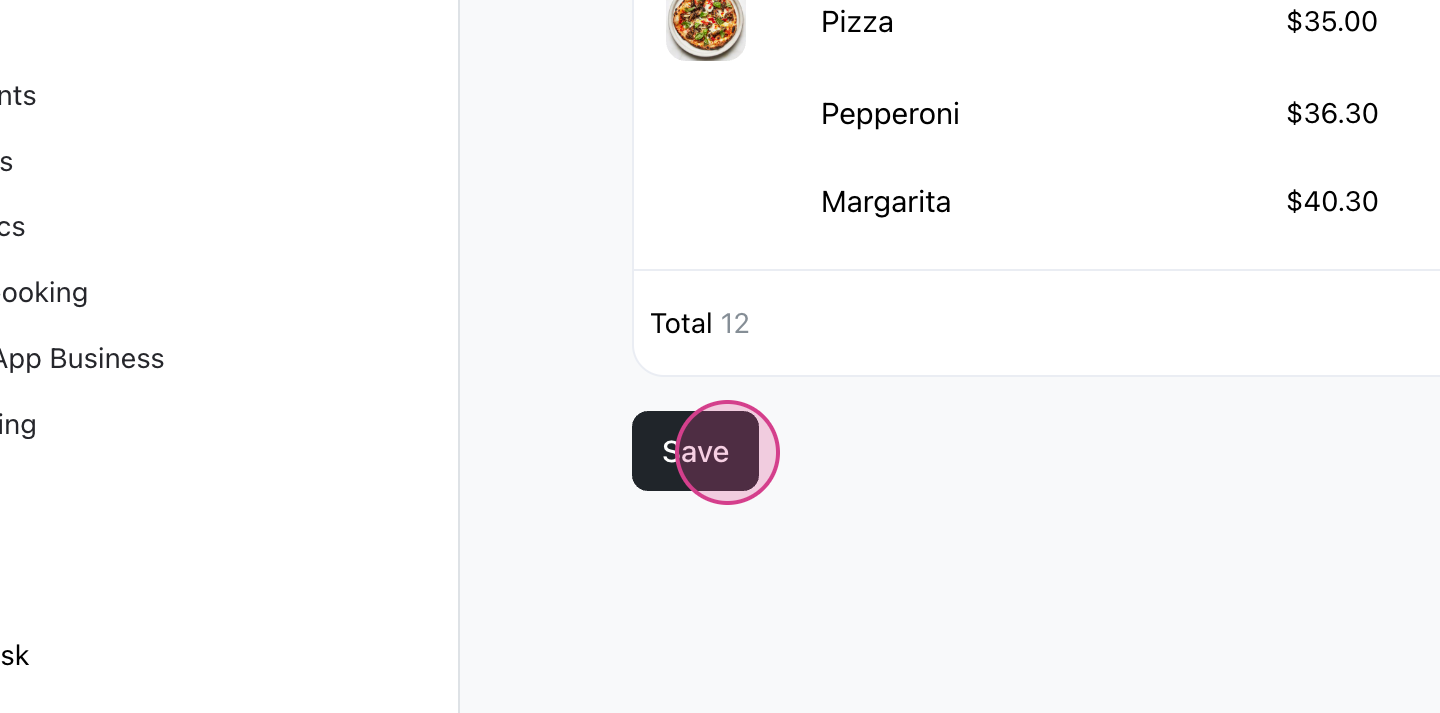
Click on Save.