Take App

Password protected store

Requiere plan Business Comparar planes

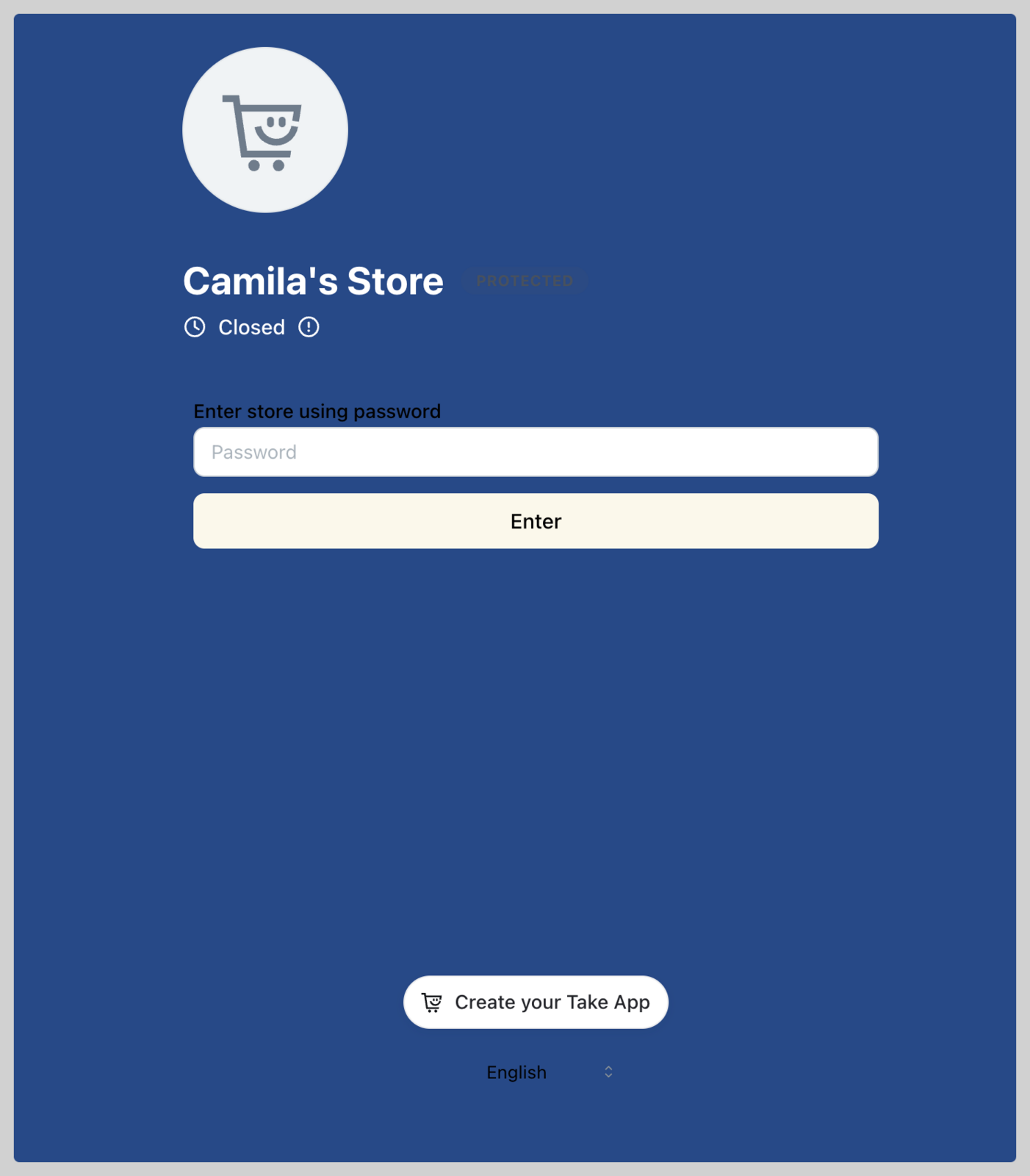
You can protect your storefront by setting a password. You can share the password with selected customers.

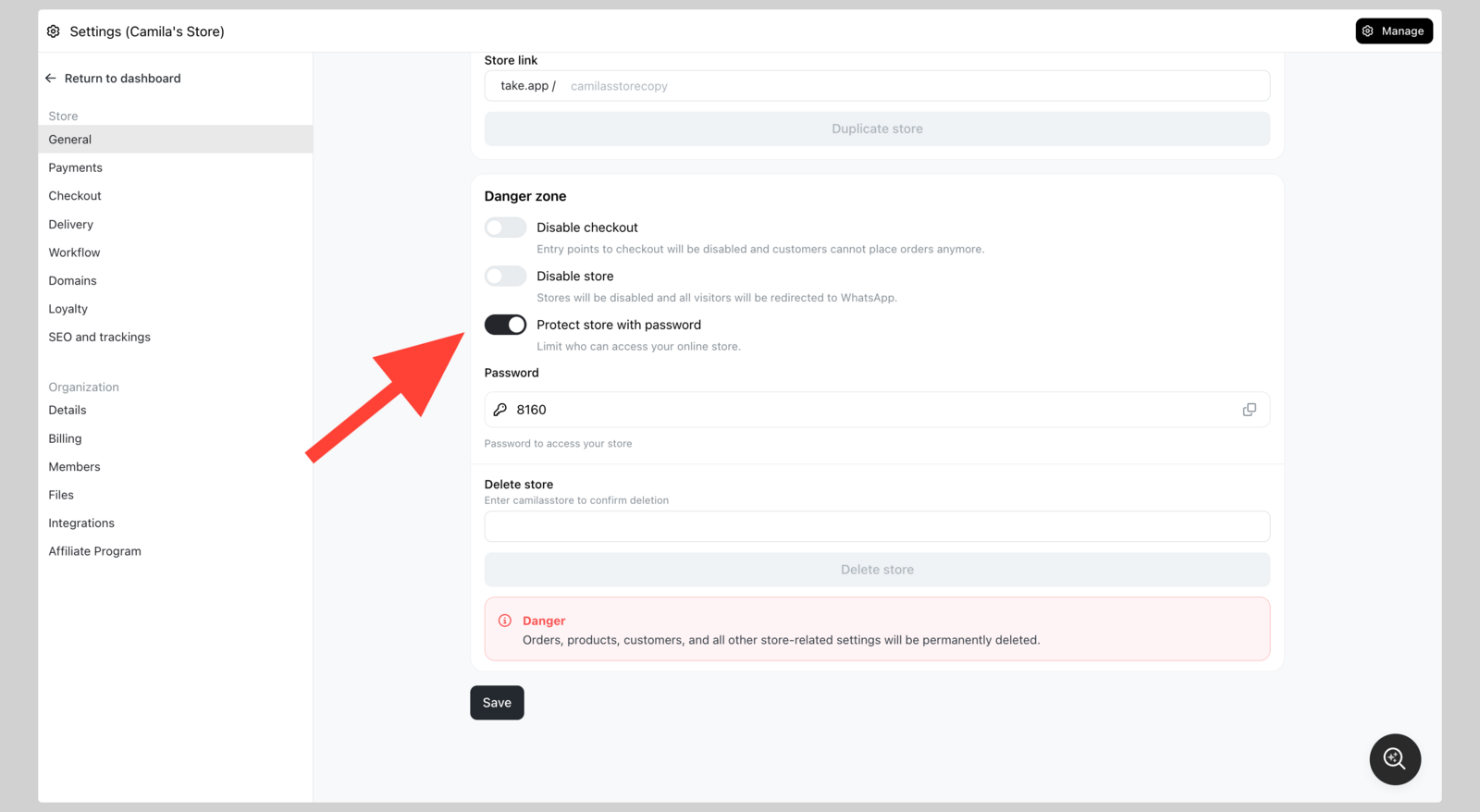
  1. Go to Admin > Settings > General and navigate to "Danger zone". Switch on Protect store with password
  2. Share the password with selected customers (e.g. reseller group)
Password protected store Password protected store

Más en Acceso a la tienda

Acceso a la tienda

¿Sigues necesitando ayuda?

Haz una pregunta y recibe respuesta al momento, o habla con nuestro equipo.