
Mercado Pago is a popular payment method in South America. You can connect it in two ways:
- Automated payments — enter your Mercado Pago API keys, and payments are collected and reconciled through Take App.
- Payment link (manual) — paste your Mercado Pago payment link, and reconcile order payments yourself.
Automated payments (API keys)
-
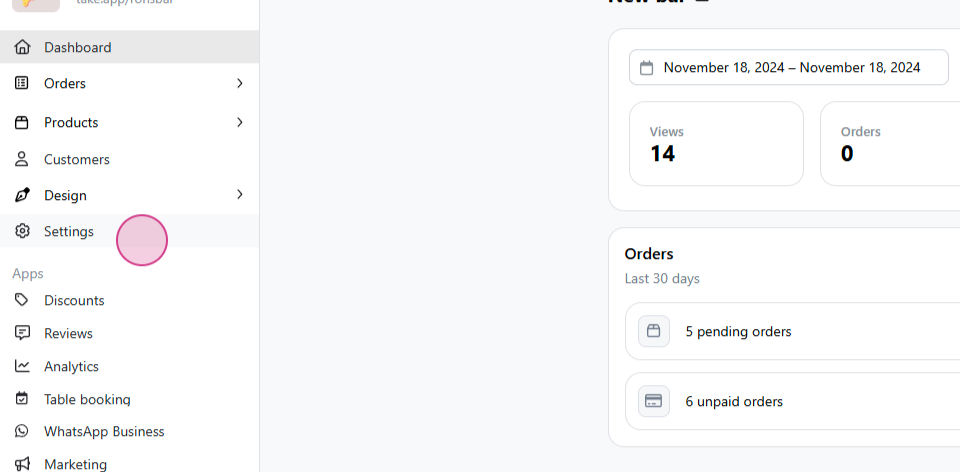
From the dashboard, select Settings.
-
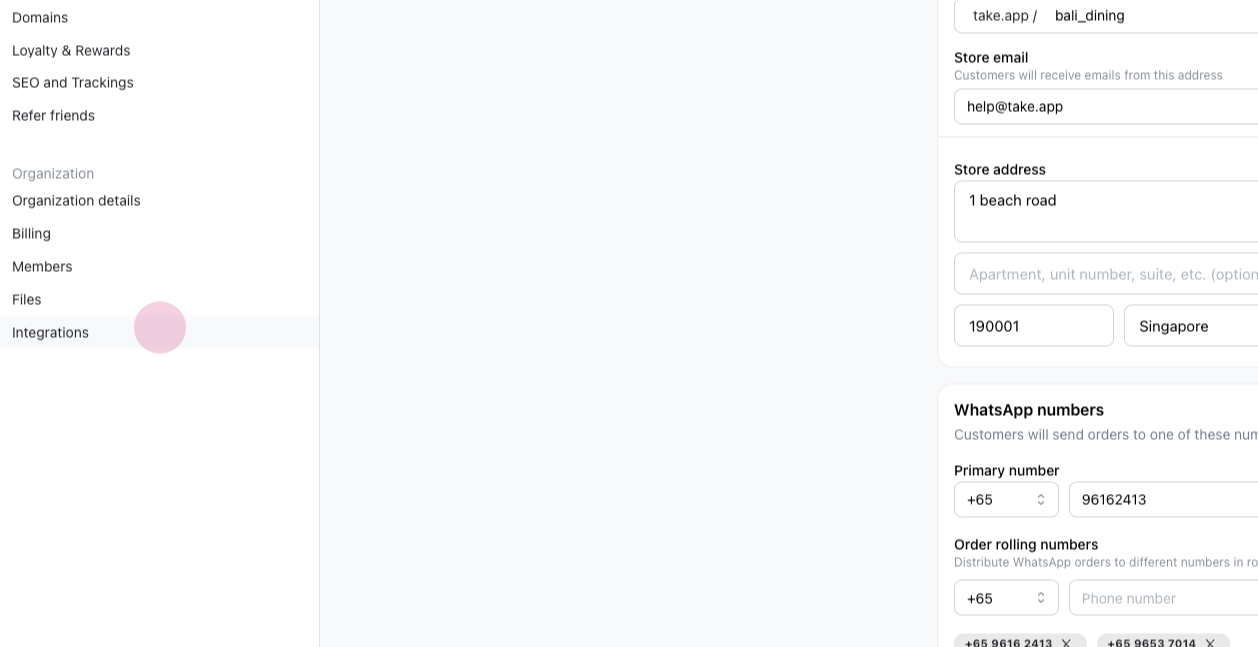
Navigate to Integrations.
-
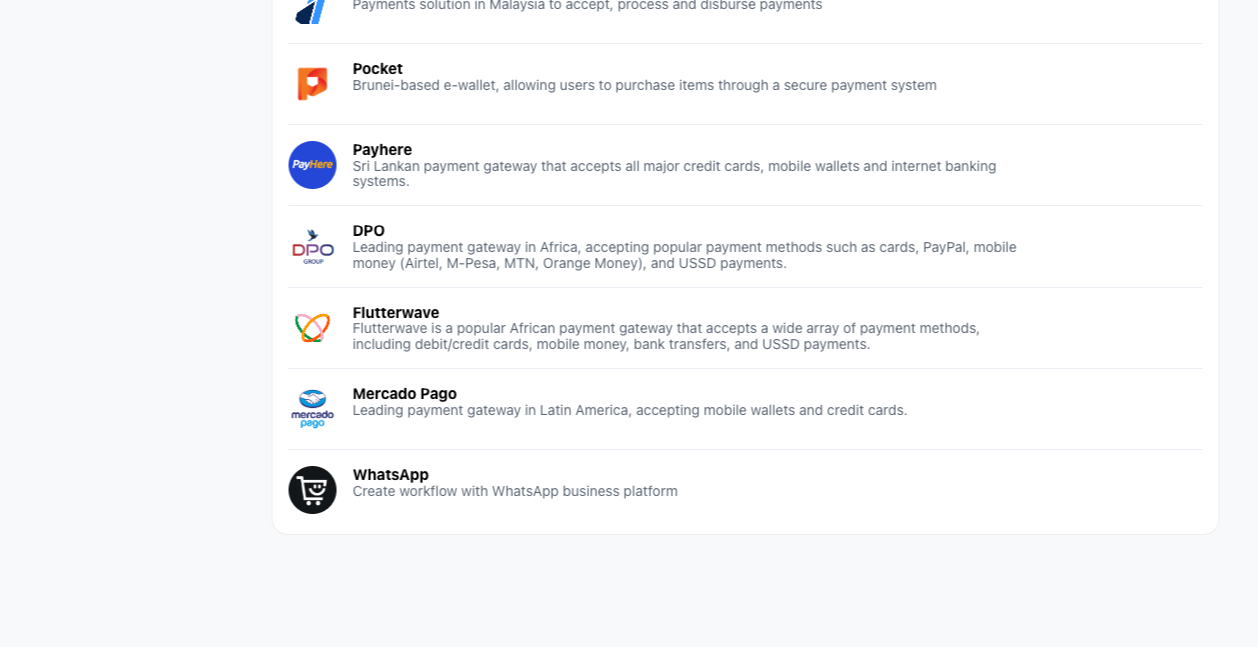
Choose Mercado Pago.
-
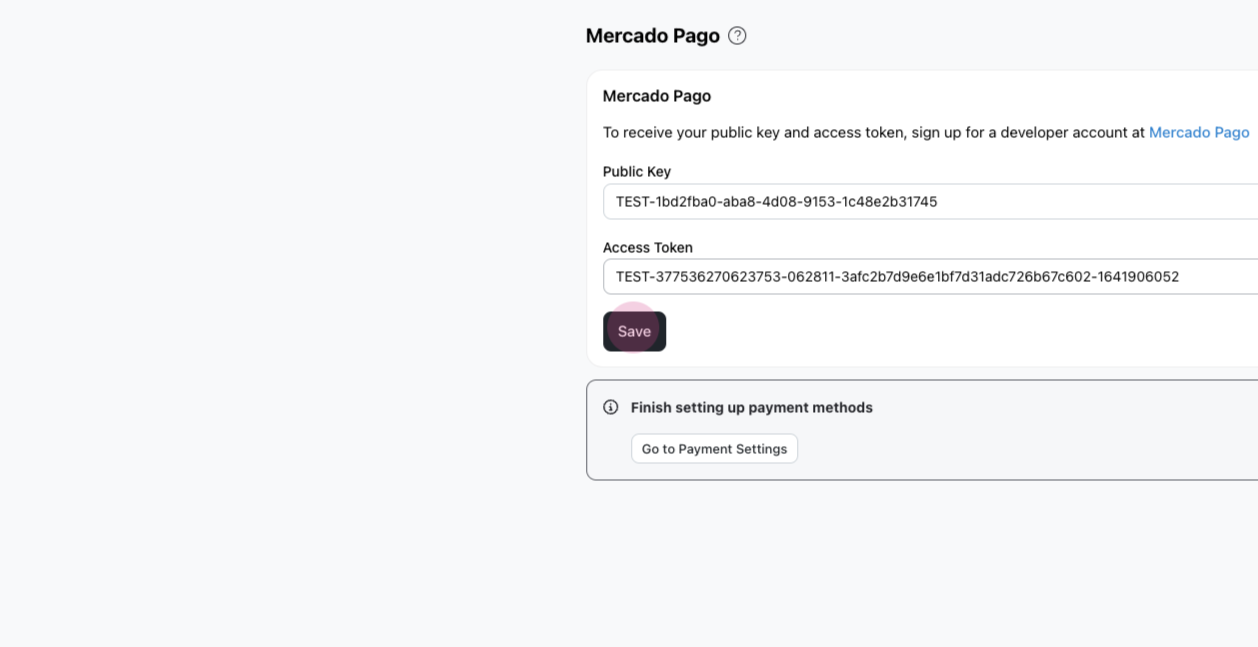
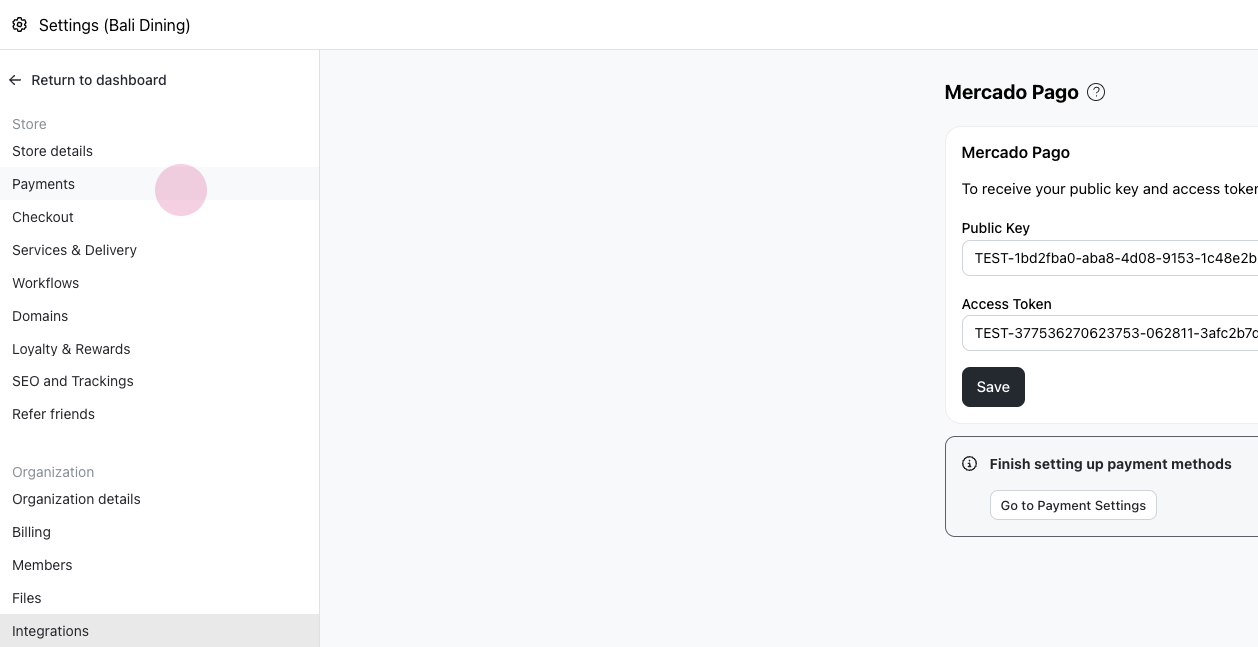
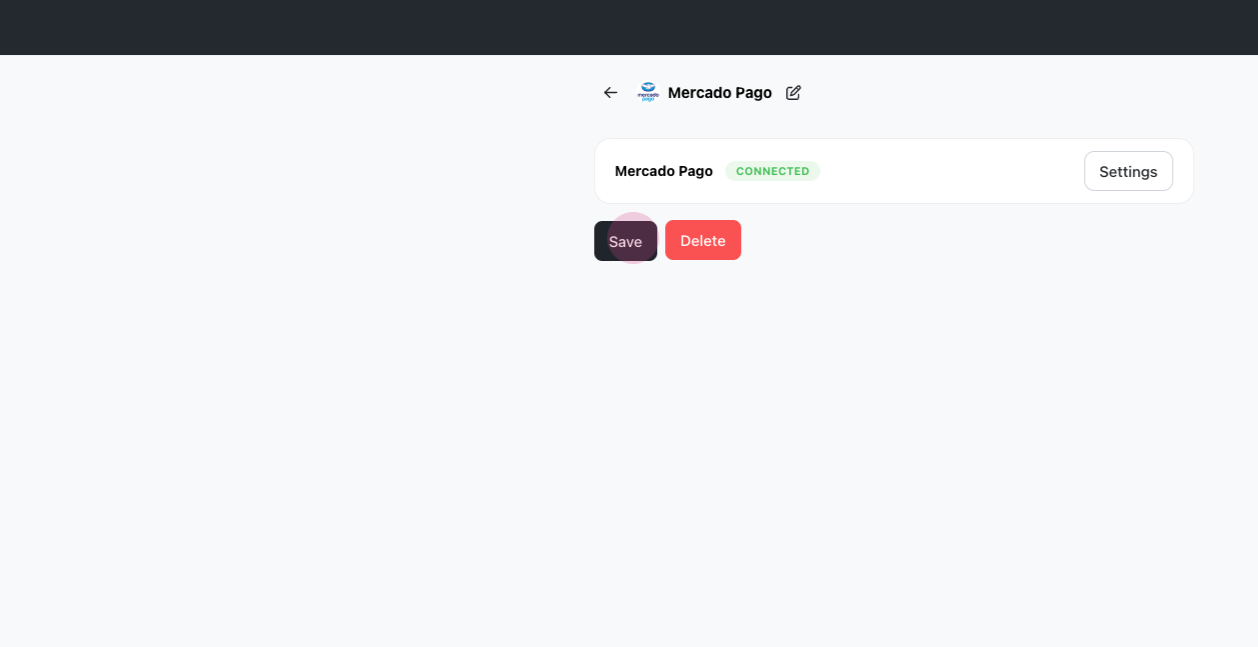
Input your public key and access token. Click Save.
-
Proceed to Payments, add Mercado Pago, and select Save.
What the customer sees
-
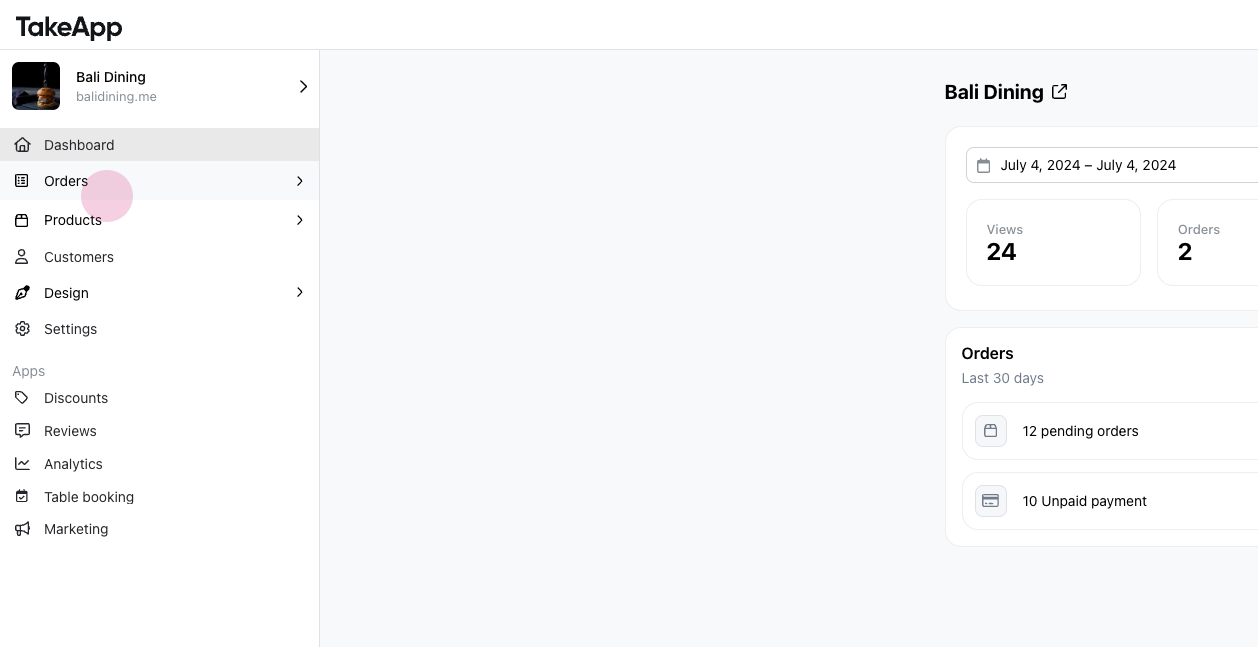
Return to the dashboard. Go to orders, then All.
-
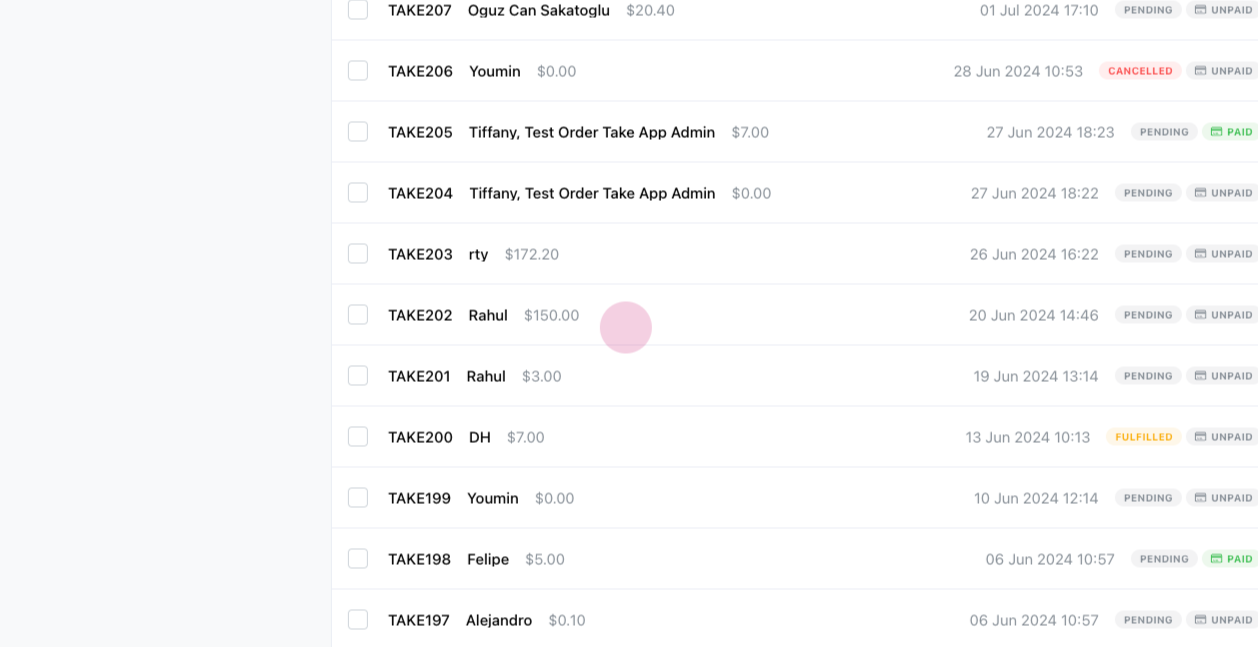
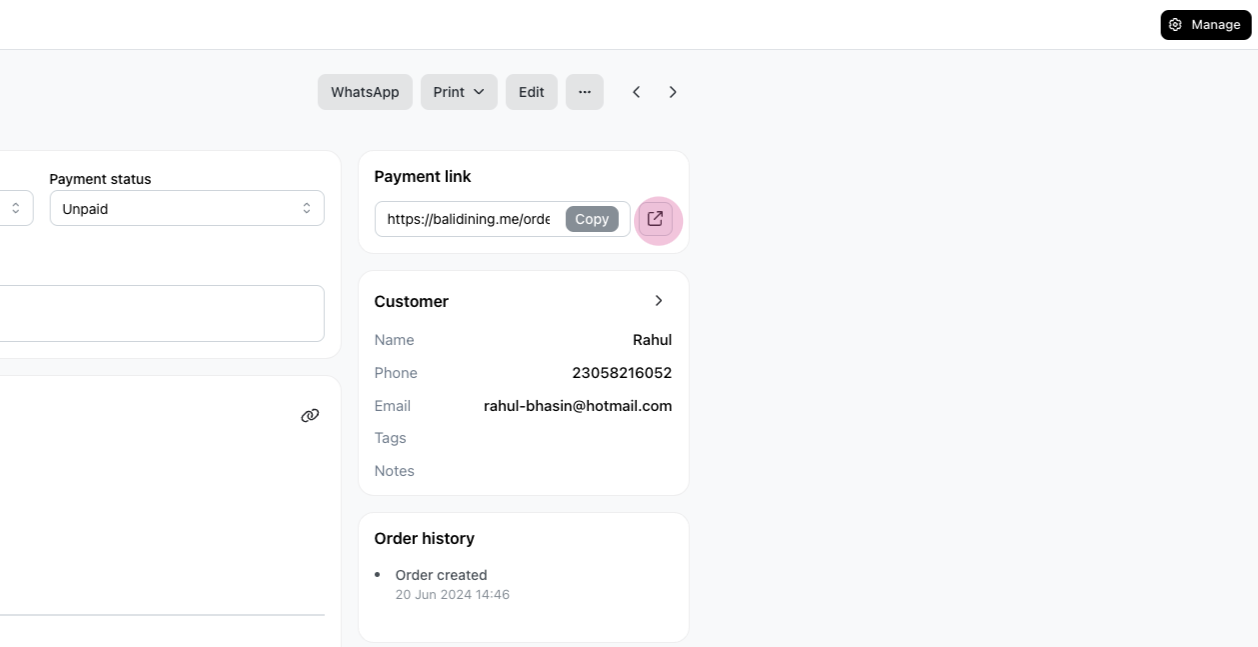
Open any unpaid order and open a new tab for payments.
-
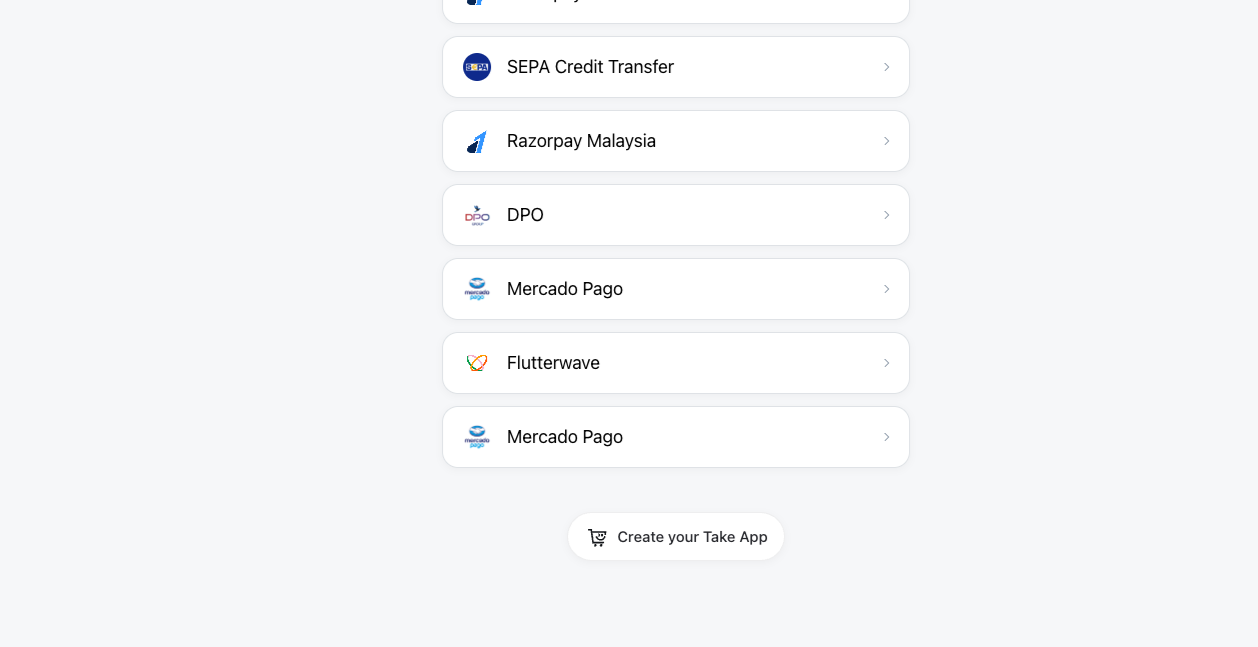
Choose Mercado Pago as the payment method.
-
Click the
Pay with Mercado Pagobutton.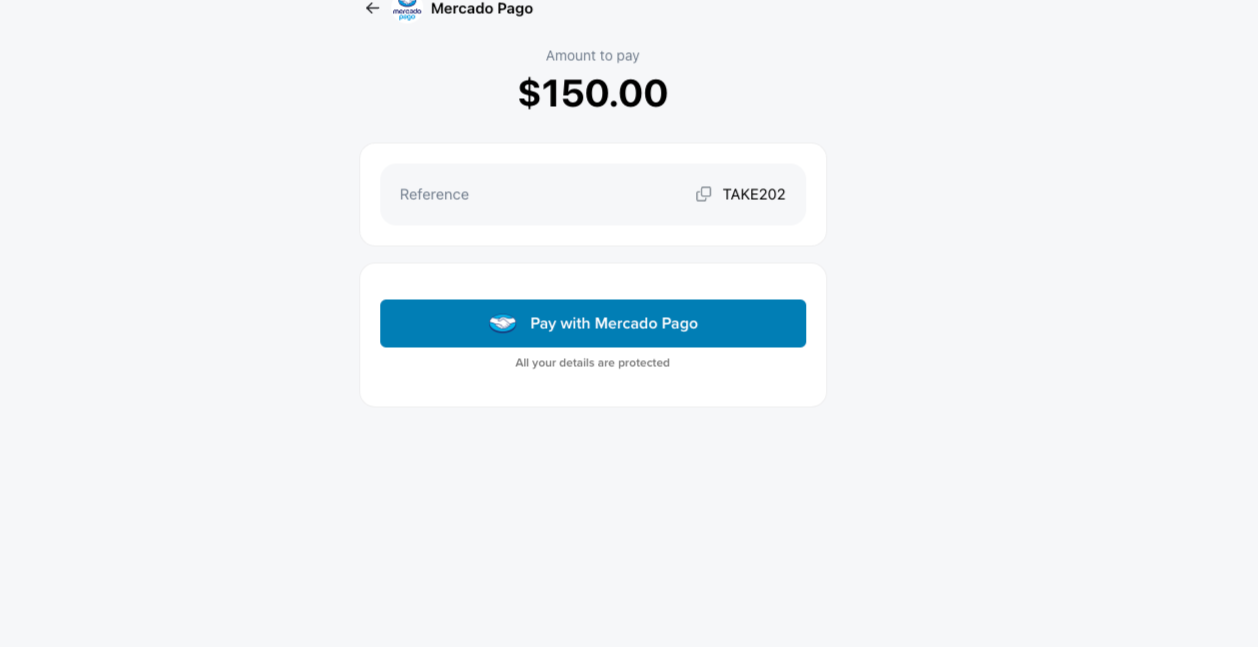
-
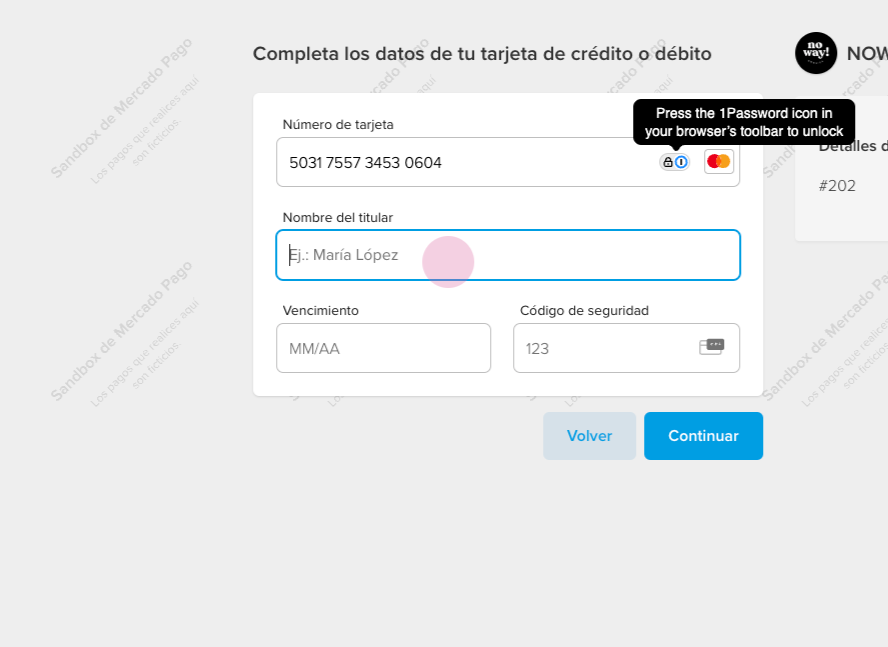
Confirm the payment and copy and paste the credit card number. Click Continue.
-
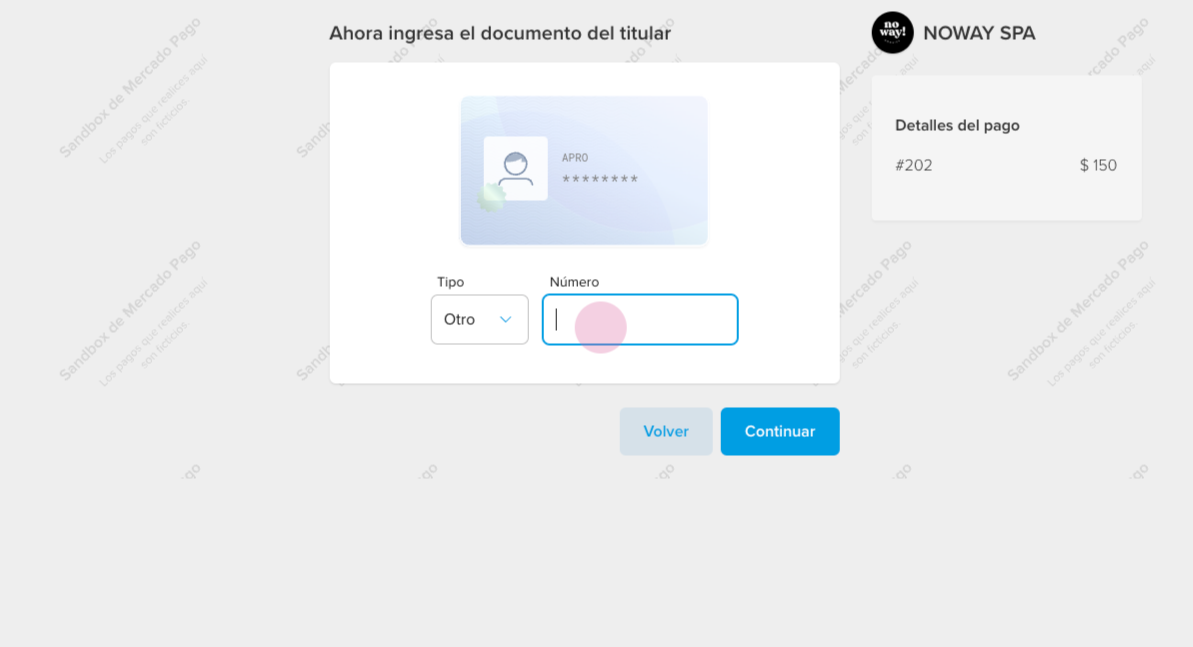
Customers should enter their ID.
-
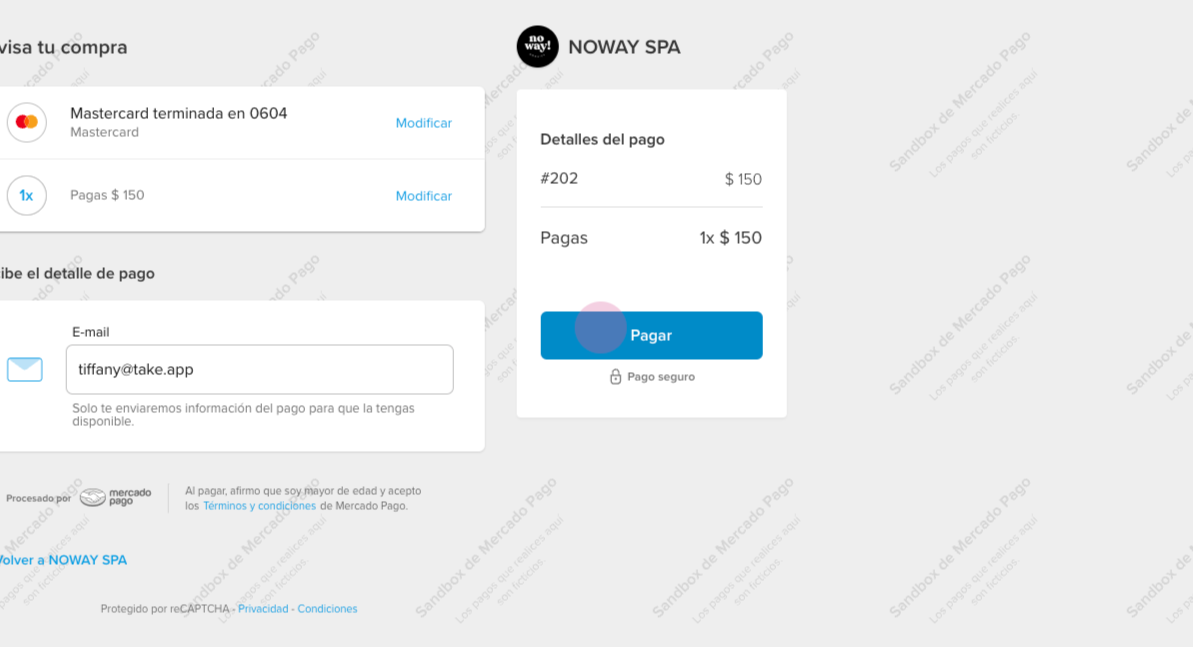
Click on Payment, add their email, and confirm.
-
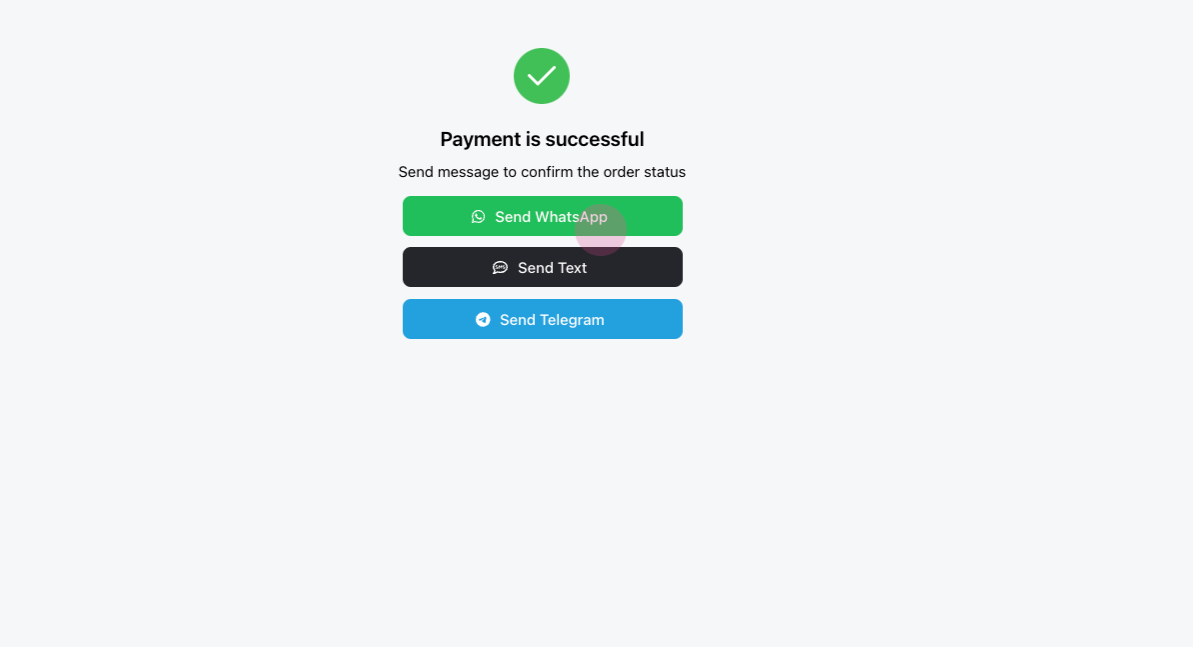
Wait for the payment to complete and send a WhatsApp message. This action should mark the invoice as paid, completing the customer's payment process.
Payment link (manual)
-
Go to Admin > Settings > Payments > Local payments and click
Add.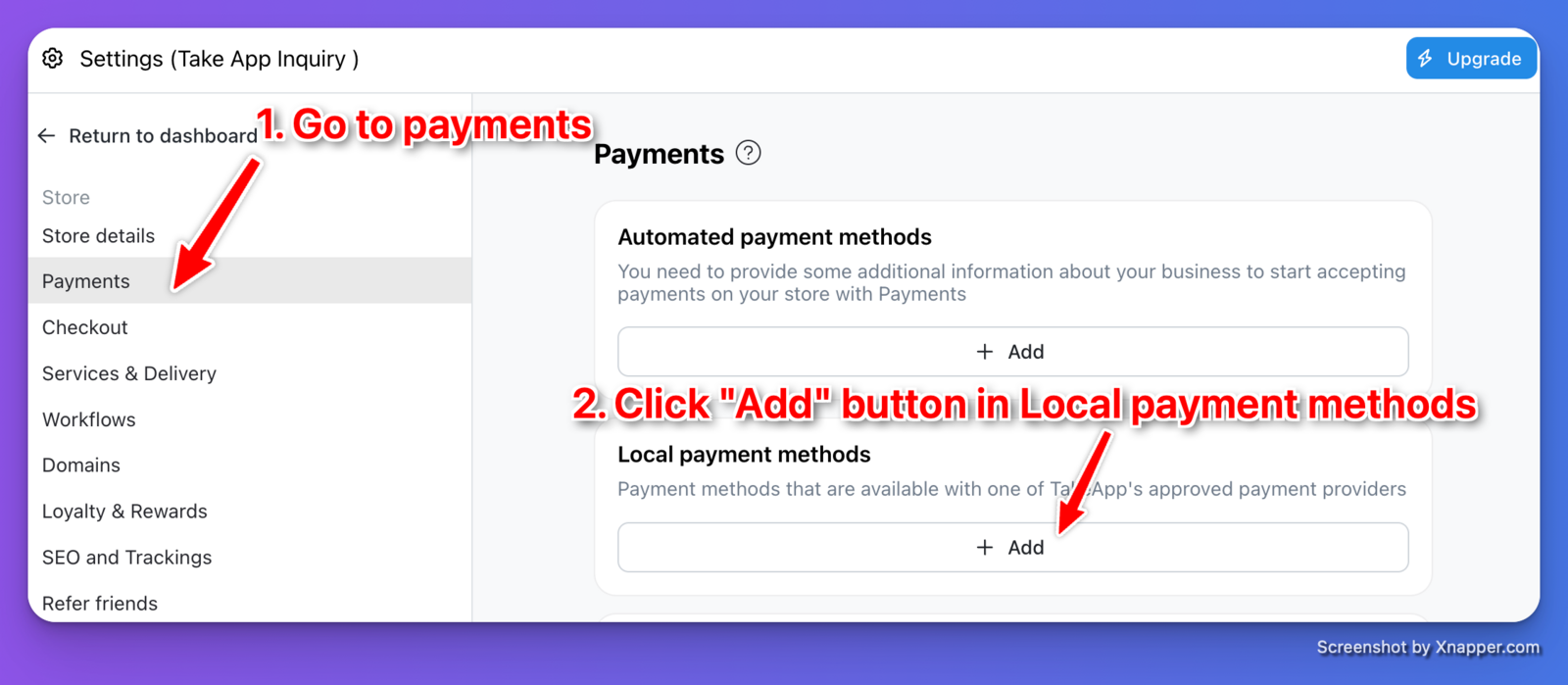
-
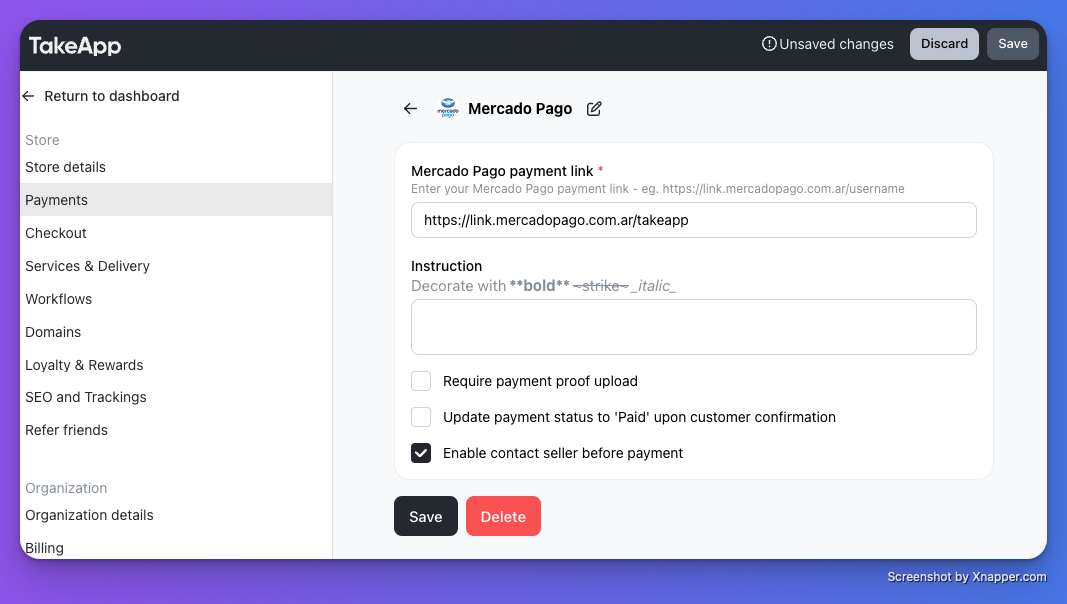
Choose payment with "Mercado Pago". Enter your payment link (e.g. link.mercadopago.com.ar) then click
Save.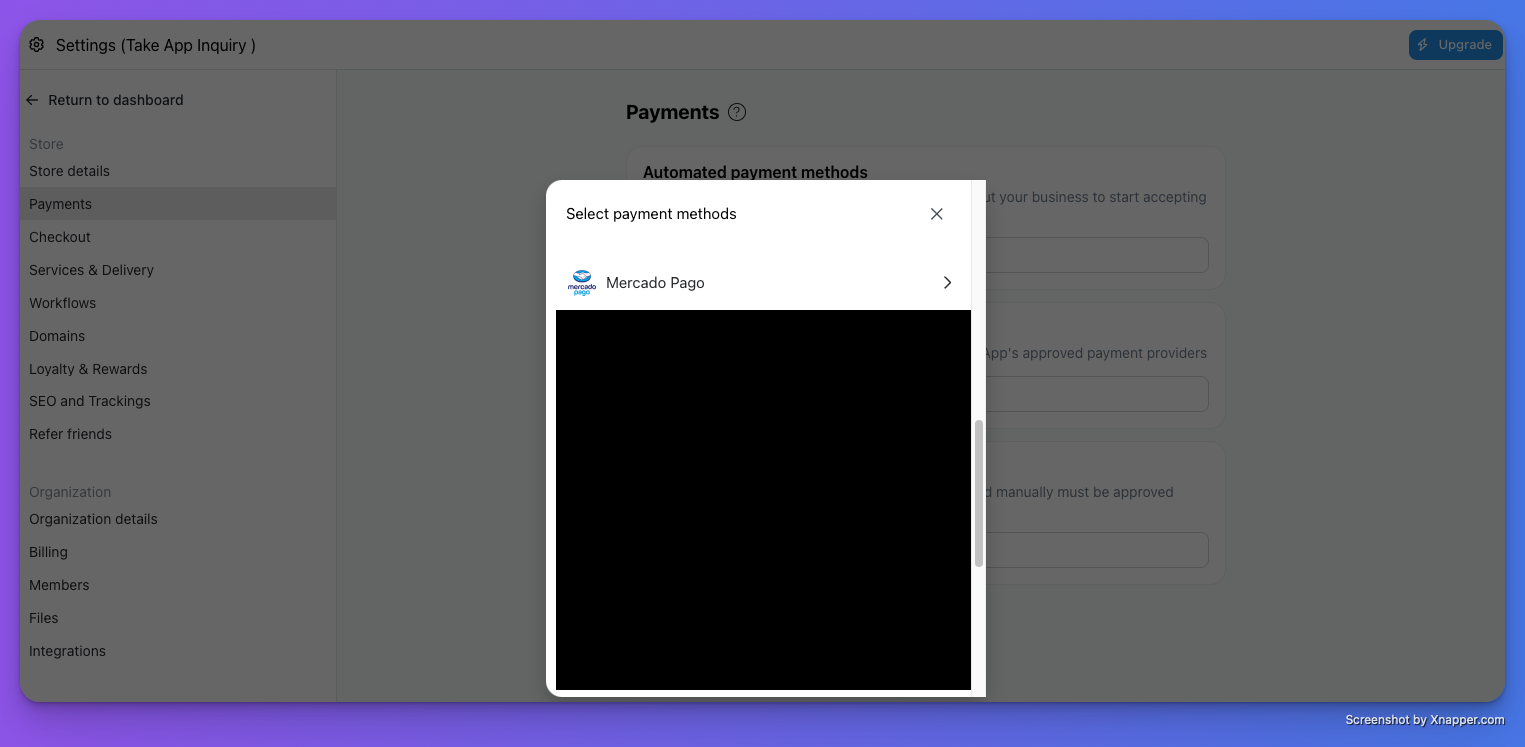
-
Make a test order and check if your Mercado Pago payment page shows properly.
See Payment links for how link-based payment methods work.