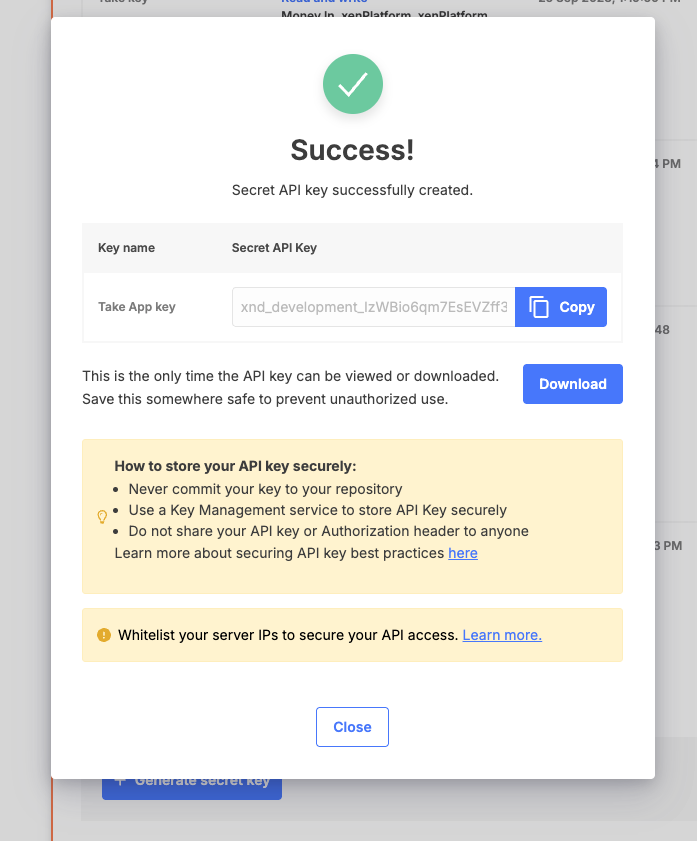
Automate your payment with Xendit for SEA countries - Malaysia, Vietnam, Philippines, Indonesia, Thailand.
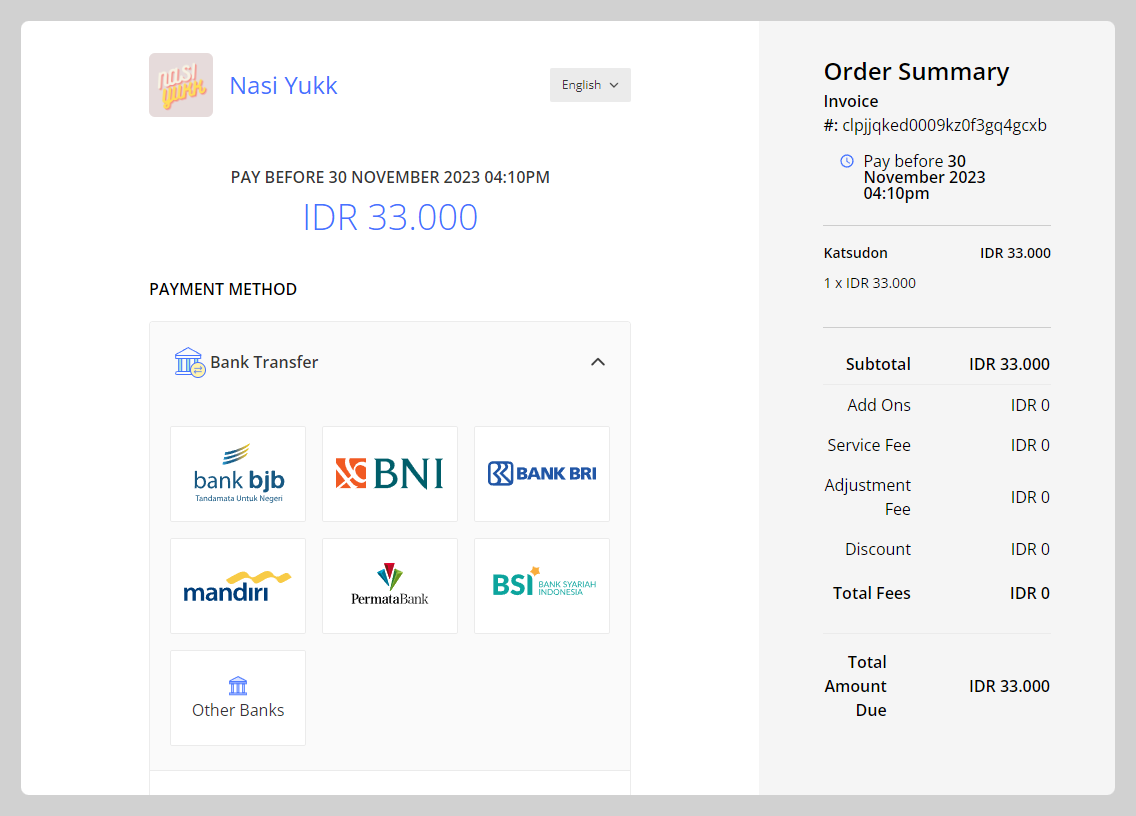
How to set up Xendit as a payment method
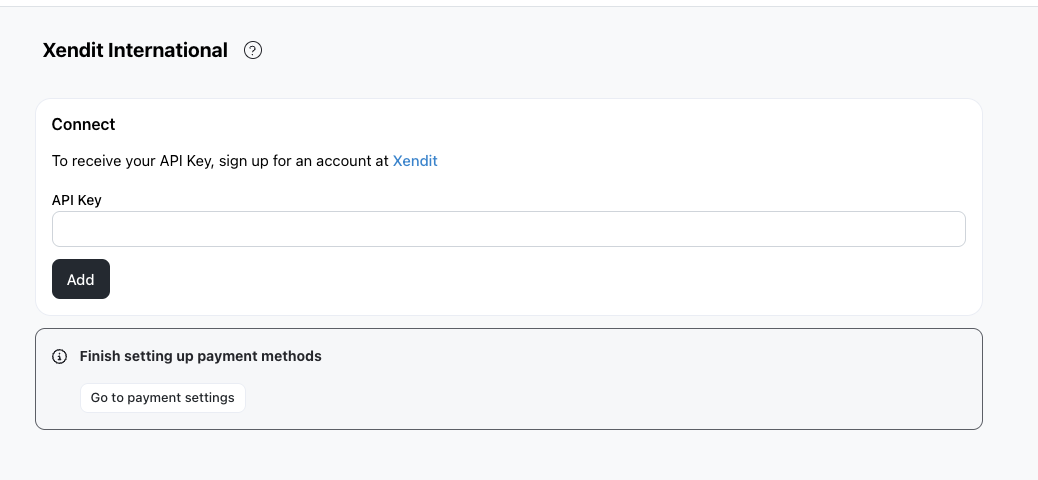
1. Go to Admin > Settings > Integrations > Xendit International

2. Click on Connect, then key in your API Key in the field provided.
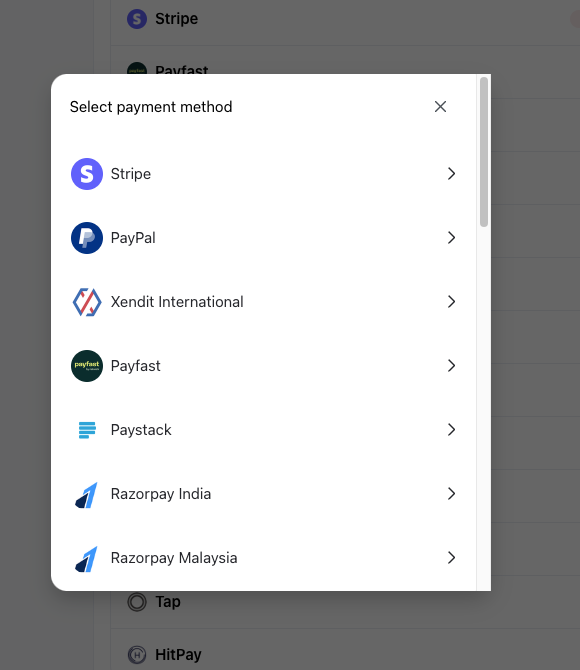
3. Go to Admin > Settings > Payments. Click on +Add and choose Xendit International
4. Select the API Key you just keyed in from the API Key dropdown.
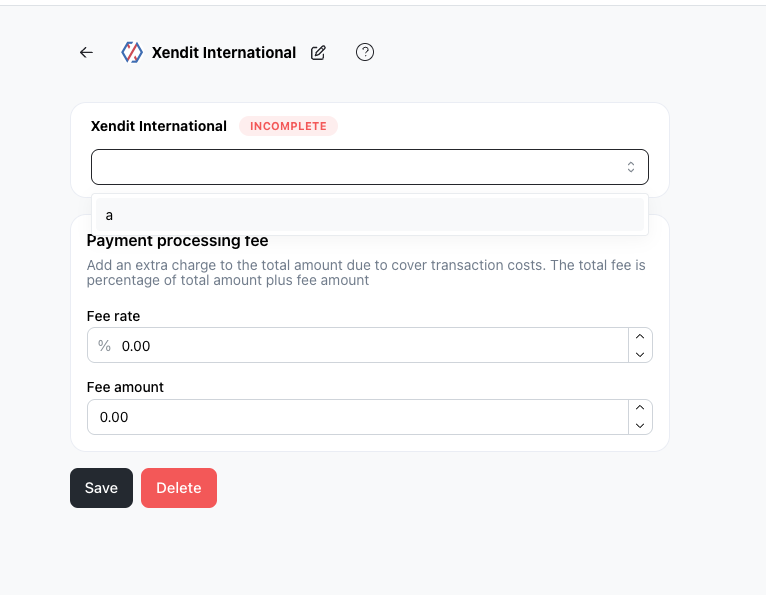
5. Add fee rate and fee amounts if you'd like to offset the transaction costs incurred.
6. Click on Save
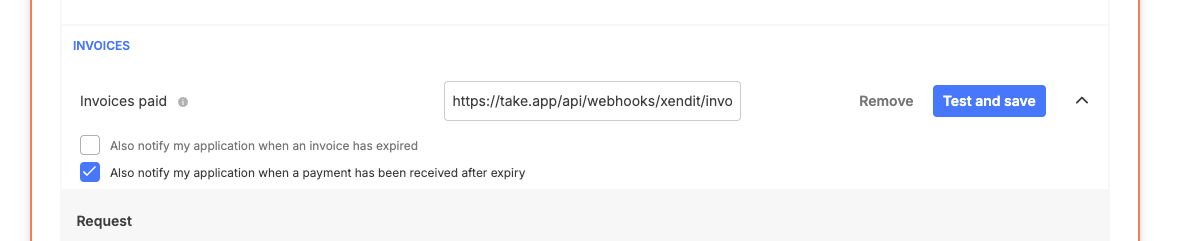
7. Add the following webhook into your Xendit webhook dashboard, so that your receipts update themselves when customers have paid. Make sure you are in Live Mode, and not Test Mode.
https://take.app/api/webhooks/xendit/invoice
Where to find my Xendit API Key?
-
Go to Xendit API Keys Dashboard to find your API Keys
-
Switch to Live Mode instead of Test Mode.
-
Click on
Generate secret key
-
Generate your Take App key by adding the below configurations, and click on
Generate key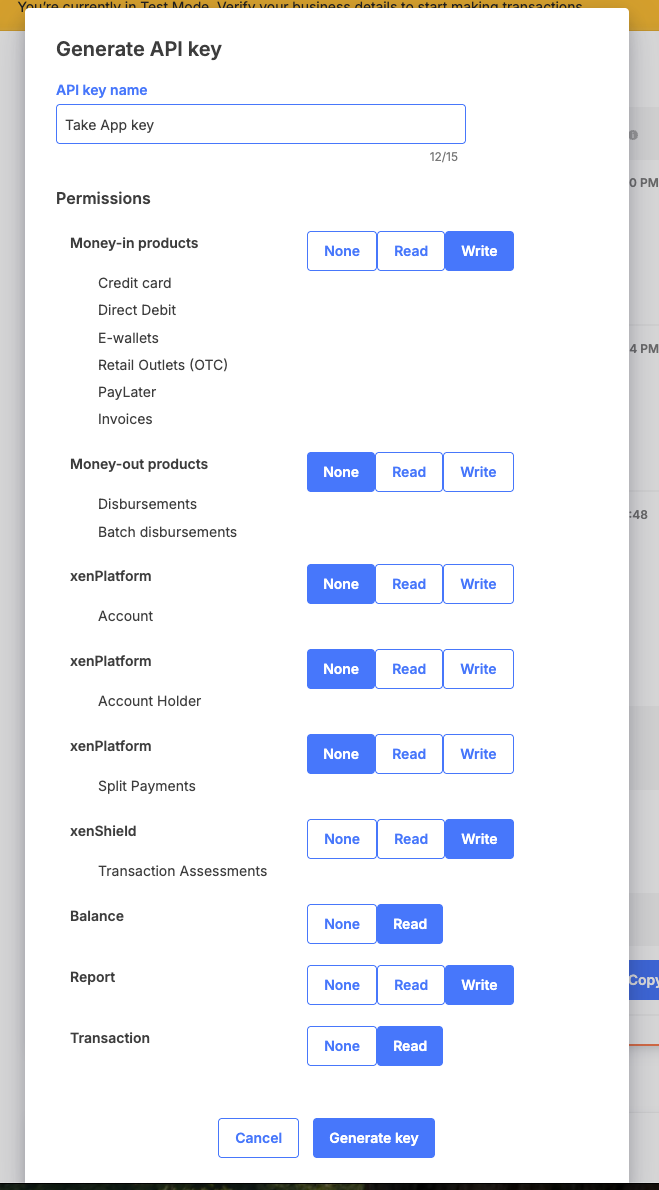
-
Verify your email or phone number.
-
Copy your Take App key to the Take App API keys section, and close the popup.