
Wholesale pricing now supports assigning catalogs to multiple individual customers and customer tags. This allows you to automatically apply wholesale prices to groups of customers without managing them one by one.
Customers included through a tag will automatically receive the wholesale prices from the catalog.
How to set it up
-
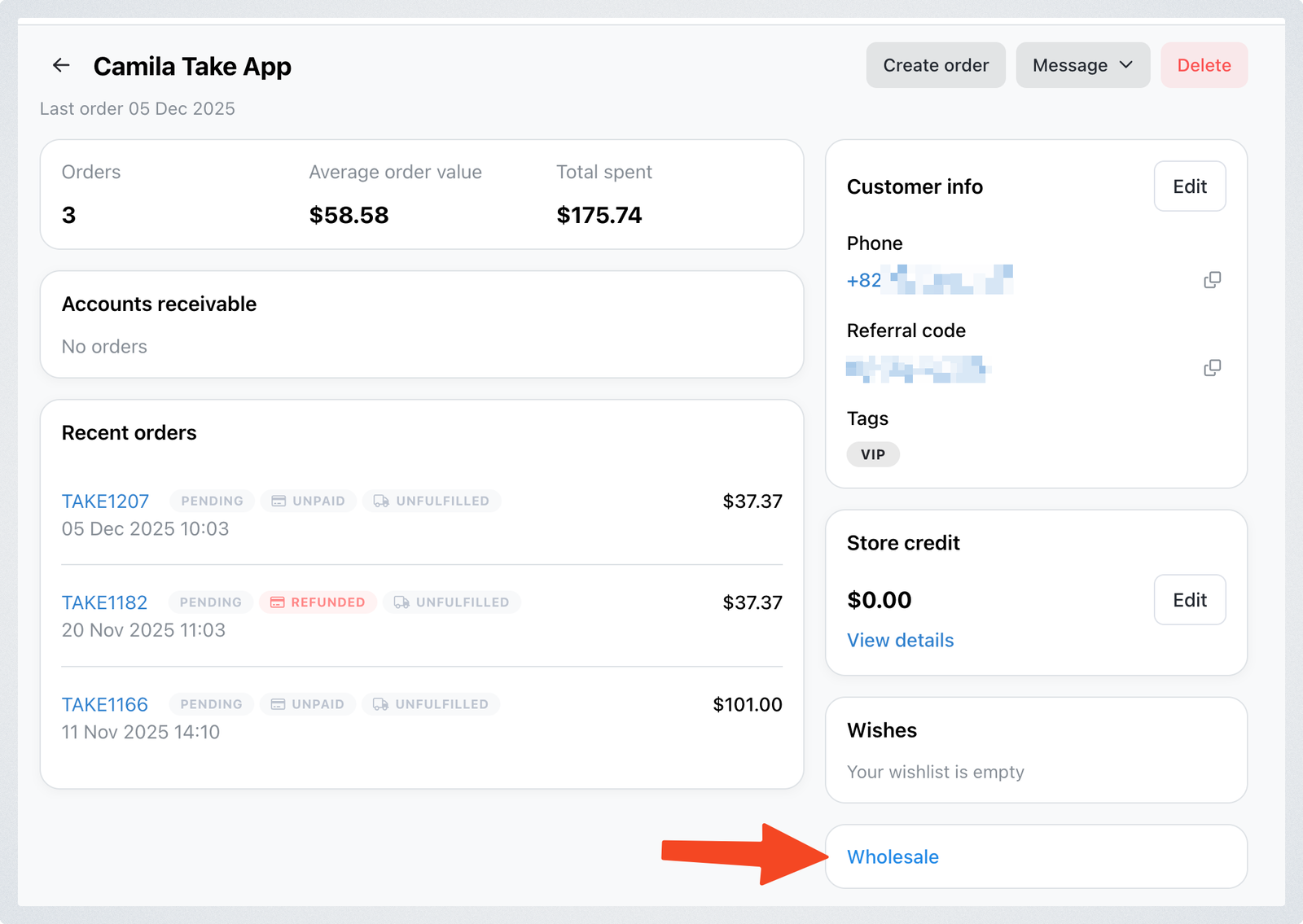
Go to Customers > All.
-
Select the customer you want to associate with a wholesale catalog.
-
Open the Wholesale section.
-
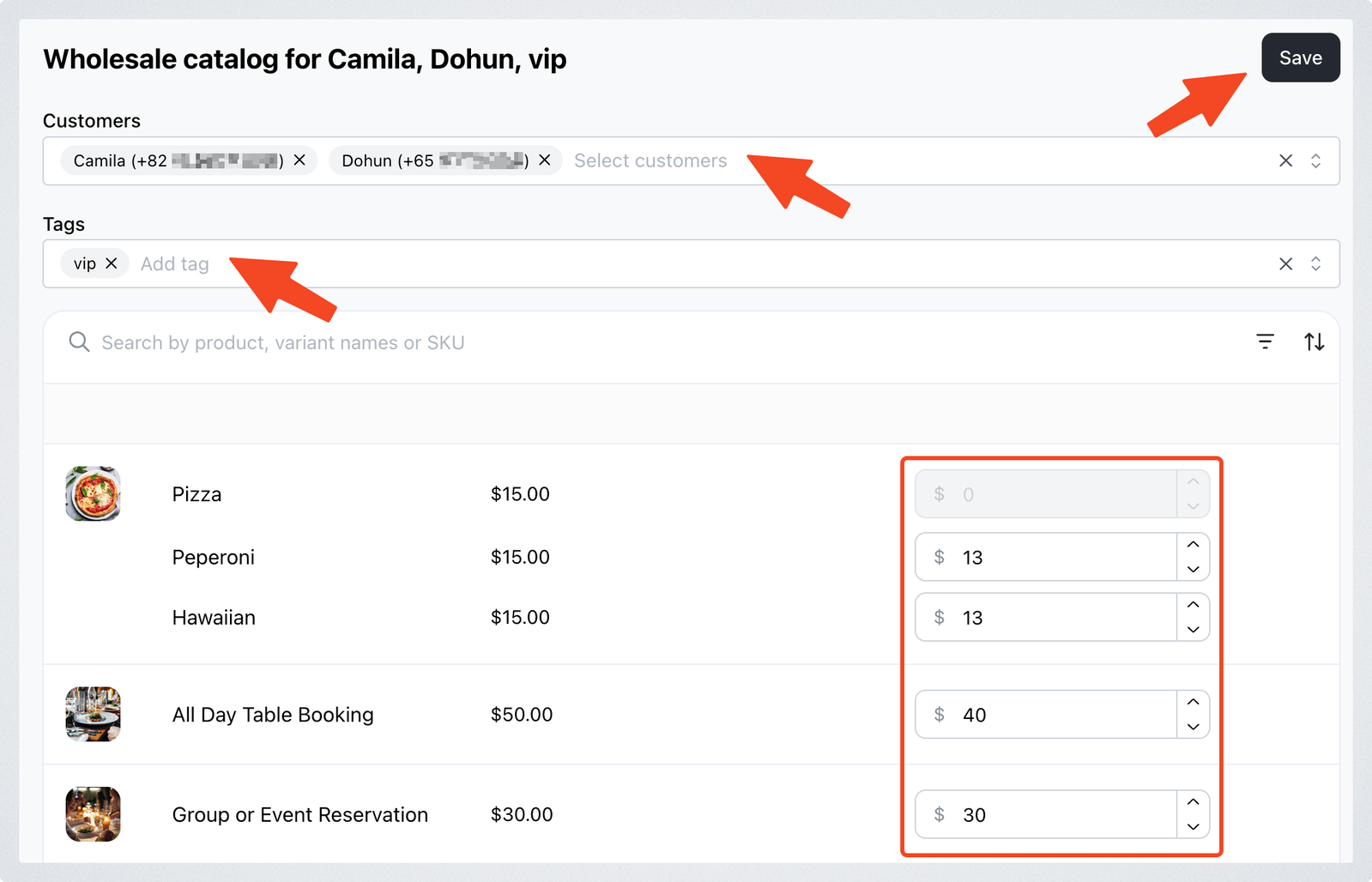
Assign customers using the dropdown list. You can search for customers by name.
-
Assign customer tags if you want all customers within a specific tag to receive the wholesale pricing.
- Make sure the customer tag is created beforehand. See the guide on how to create customer tags if needed.
-
Update the prices for the catalog as required.
-
Click Save.
Once saved, all selected customers and all customers included in the assigned tags will automatically see the wholesale prices applied to their account.