
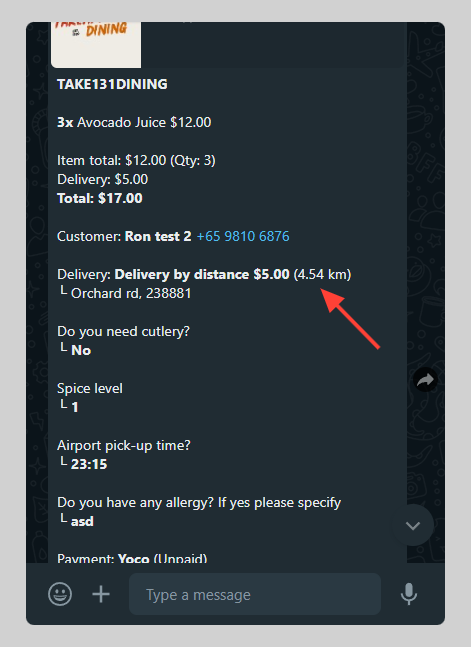
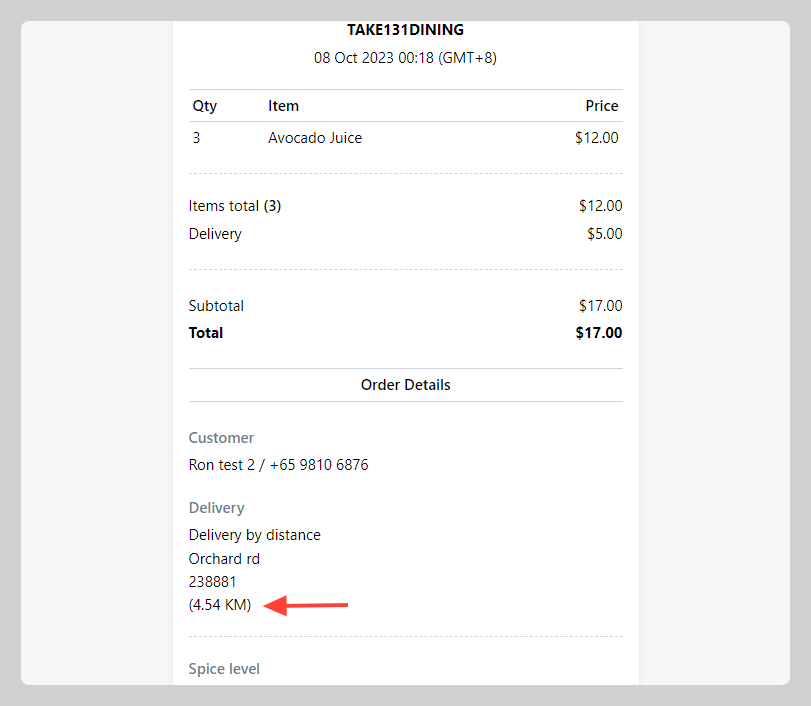
You can show buyers the total of delivery distance between the store location and the delivery address. Distance will be shown in the order message and invoice.
How to set delivery fee by distance
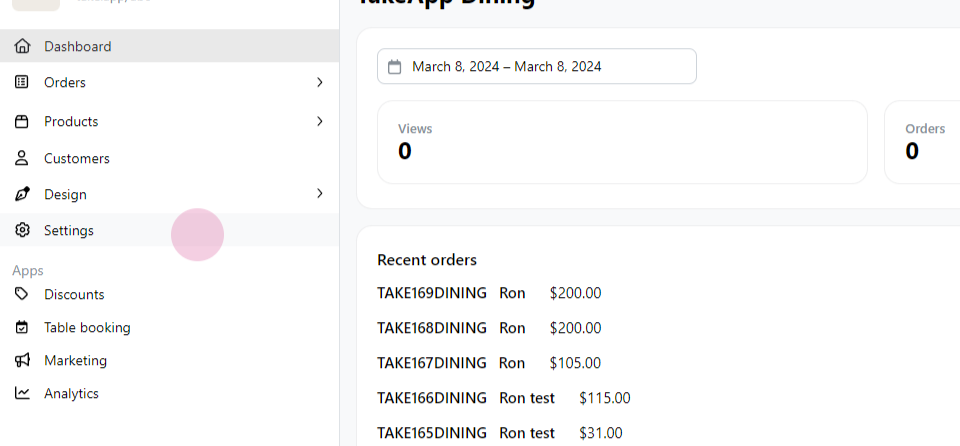
Step 1: Start by clicking on 'Settings'.
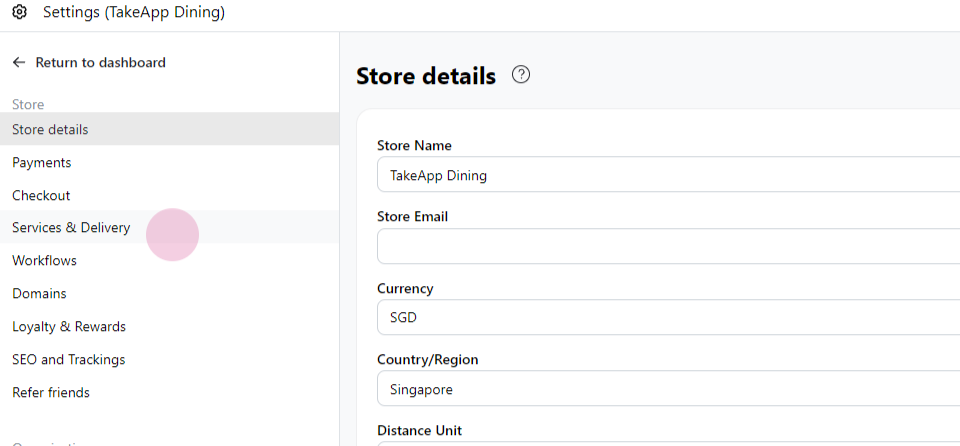
Step 2: Next, navigate to 'Service and Delivery'.
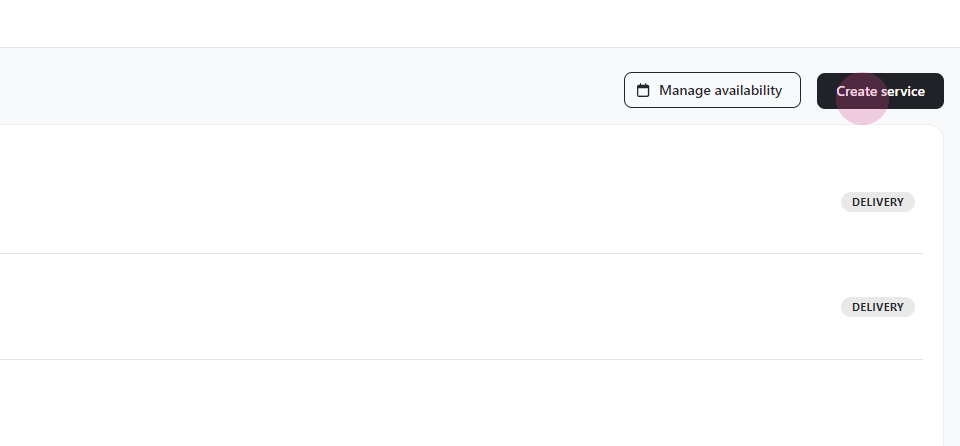
Step 3: Click on 'Create Service'.
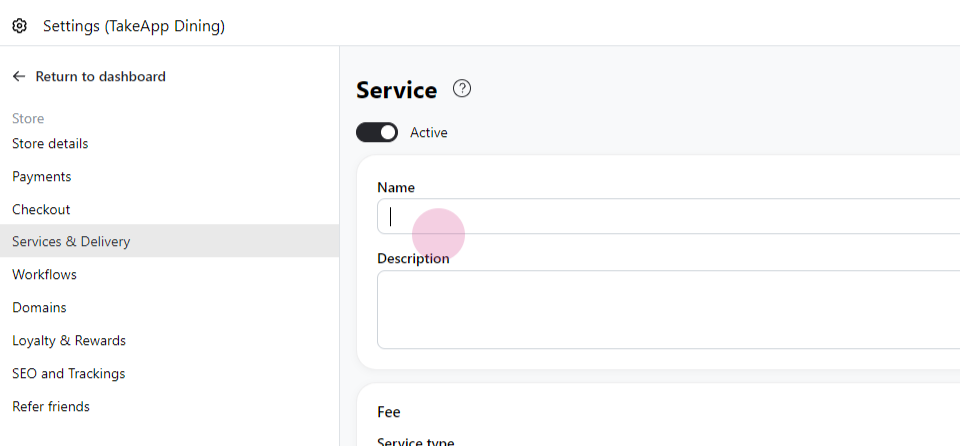
Step 4: Enter the name of the service.
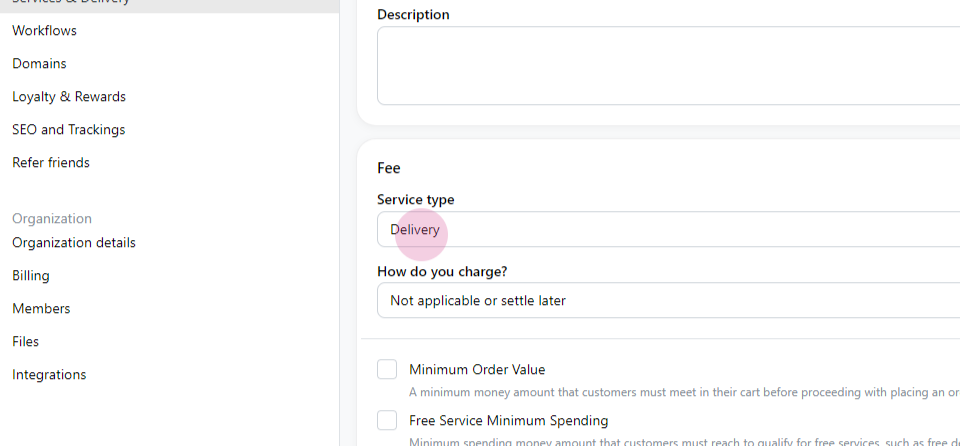
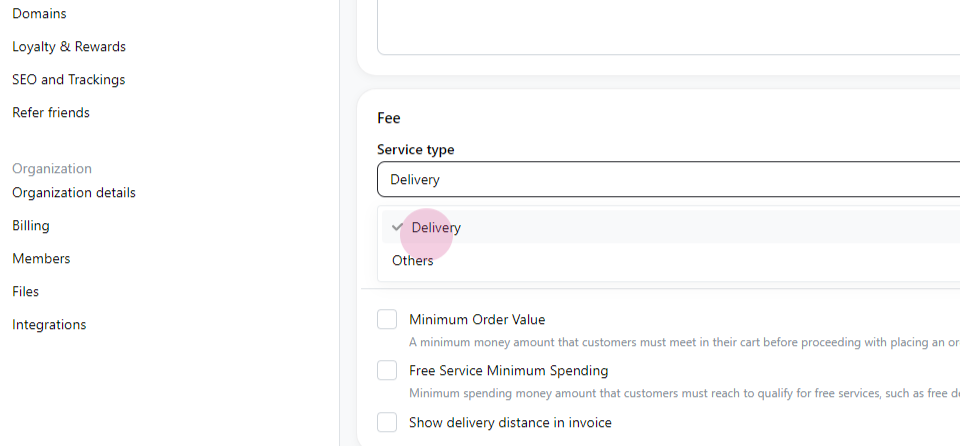
Step 5: Select 'Delivery' as the service type.
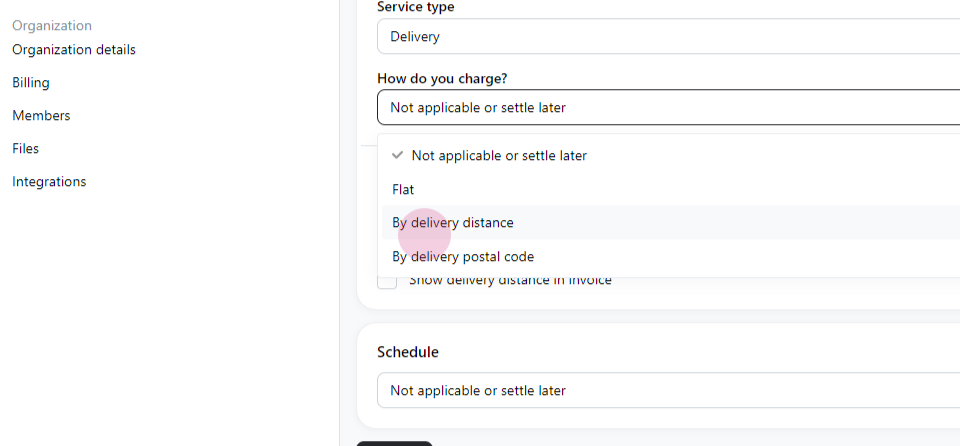
Step 6: Change the charge method to 'By Delivery Distance', set your base location, and then click 'Add Zone'.
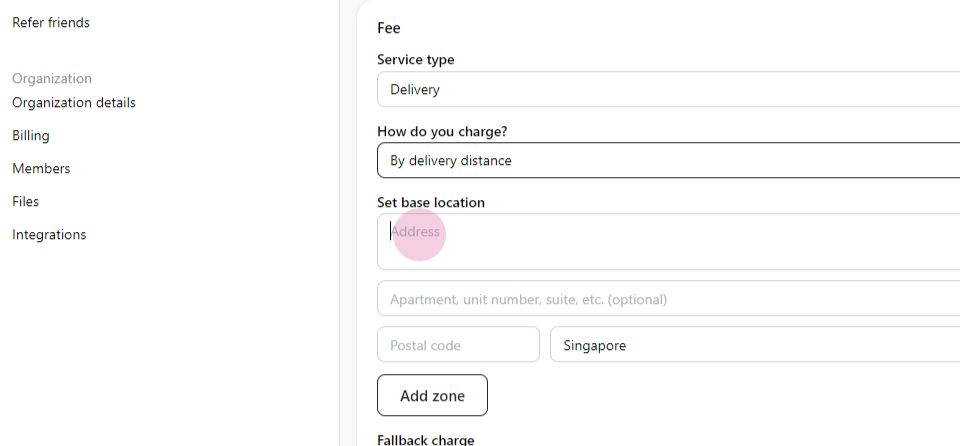
Step 7: Set your store base location address
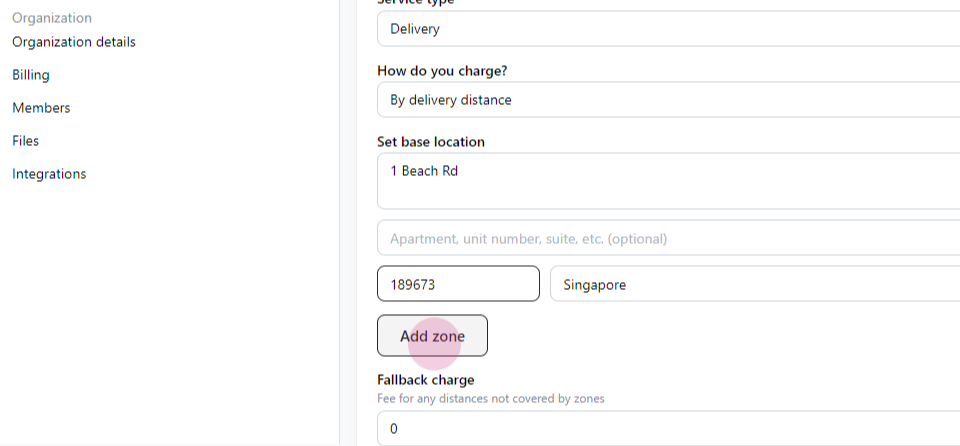
Step 8: Click on `Add zone`
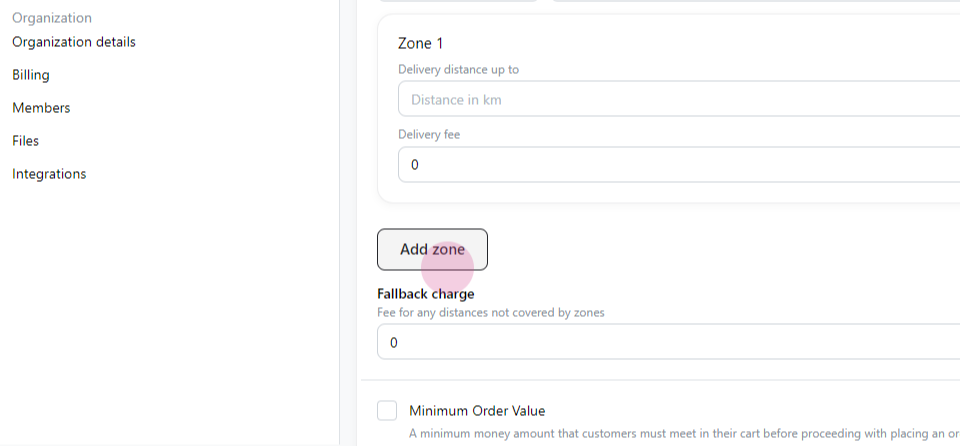
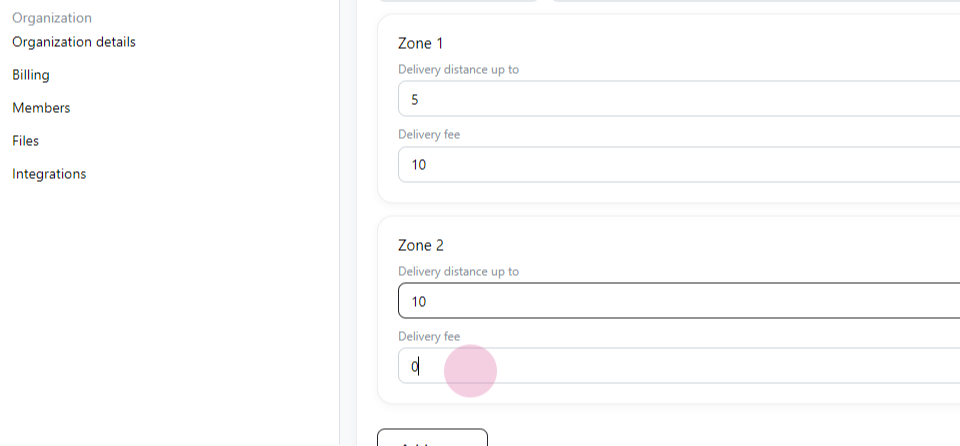
Step 9: Enter each zone radius (up to a certain km) and the fee for this
Step 10: Then click `save`
Set additional rules (optional)
- `Minimum order value` is to set minimum purchase amount that customer must meet to proceed with placing an order
- `Free service minimum spending` is to set qualification to get free services, such as free delivery