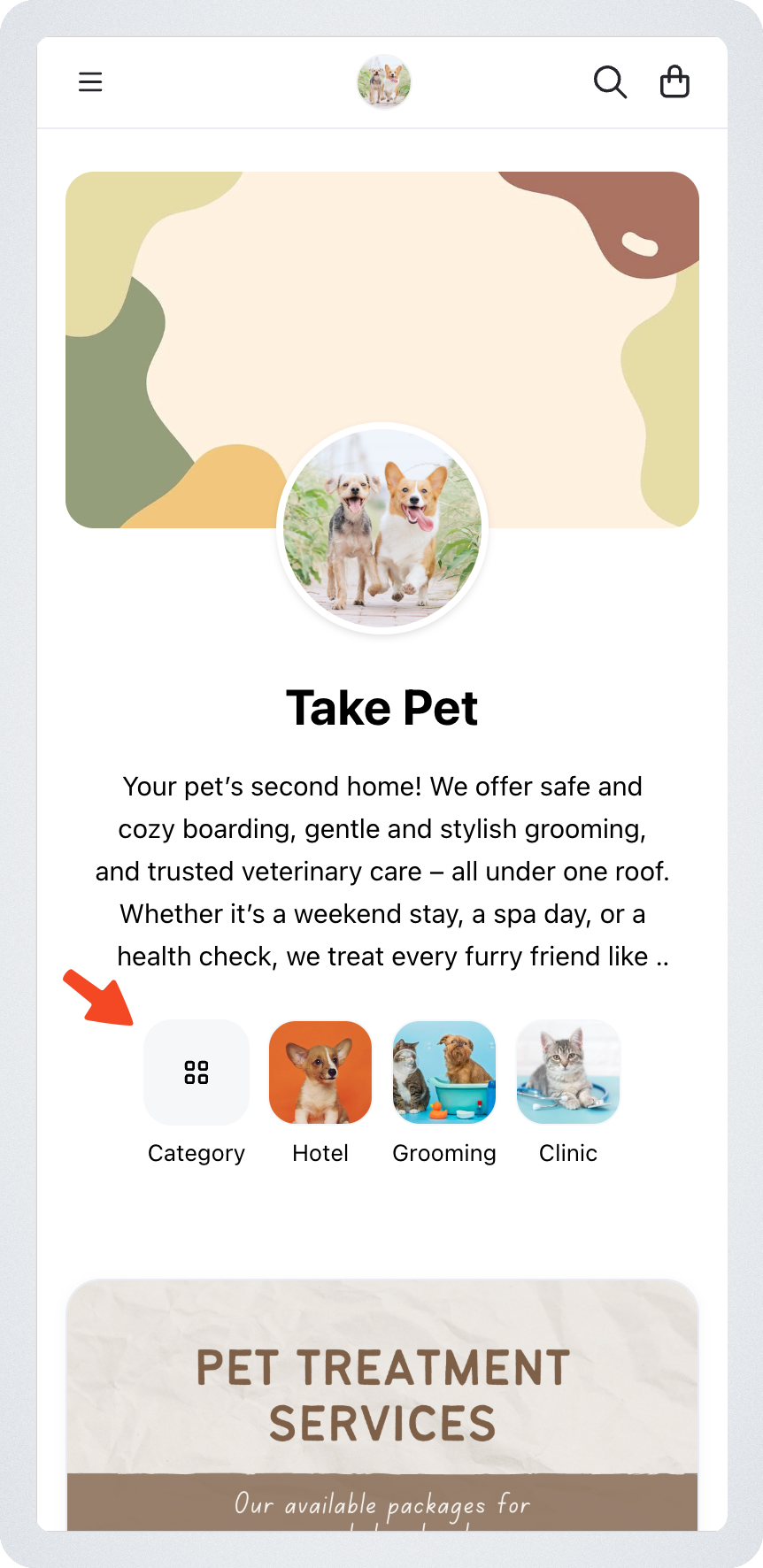
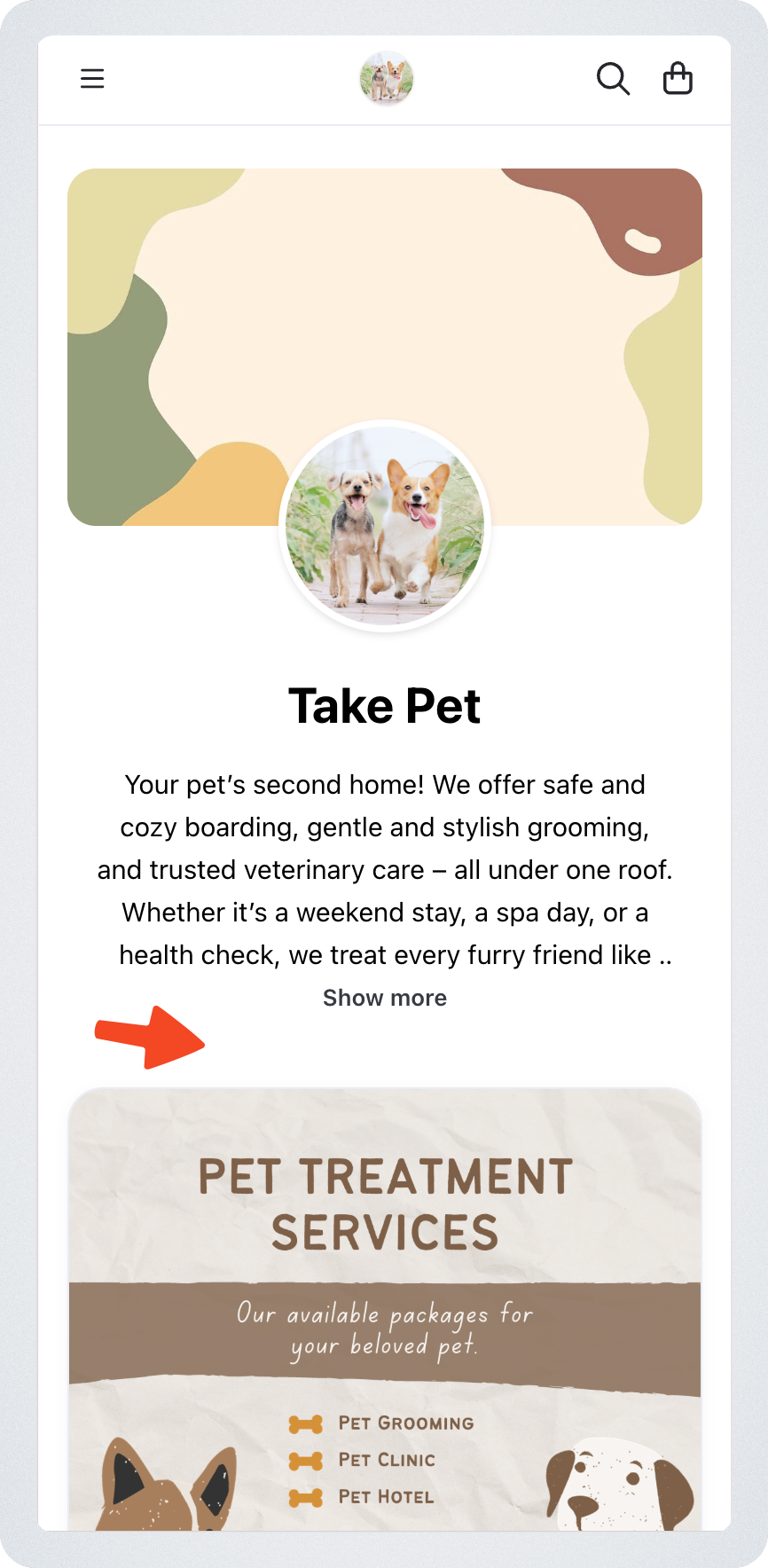
The Category Shortcut helps customers quickly find products by showing your categories at the top of the storefront.
 |  |
|---|
How it works
- The “All” icon opens the Category Drawer, where customers can view every category.
- Clicking a category icon redirects customers to the Category Page.
- Up to 9 categories are displayed. The order follows your category sequence.
- Each shortcut shows a category image. If a category has no image, the system will show the first product image inside that category.
Settings
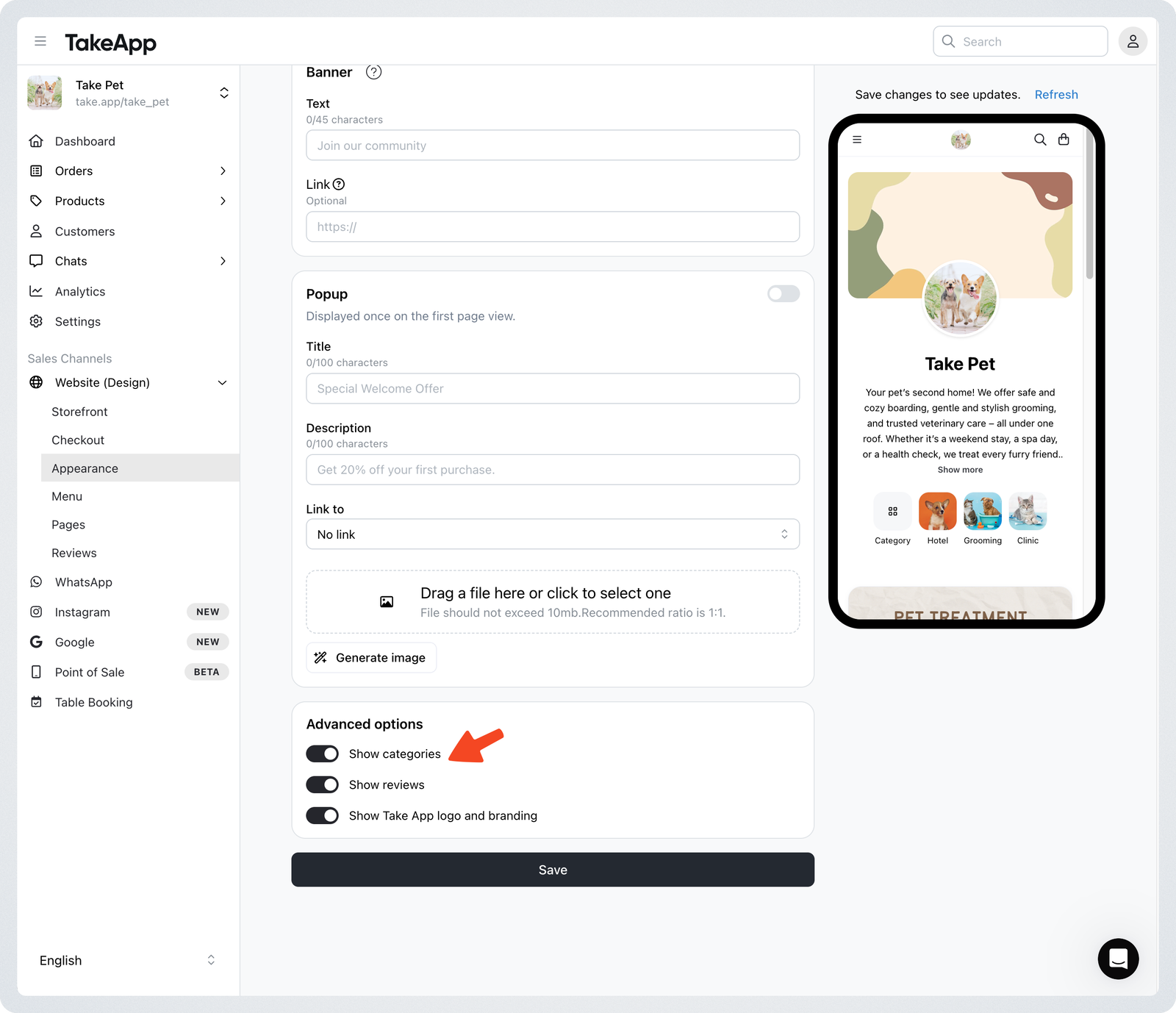
You can turn this feature on or off at any time:
Website (Design) → Appearance → Advanced options → Toggle on or off "Show Categories"