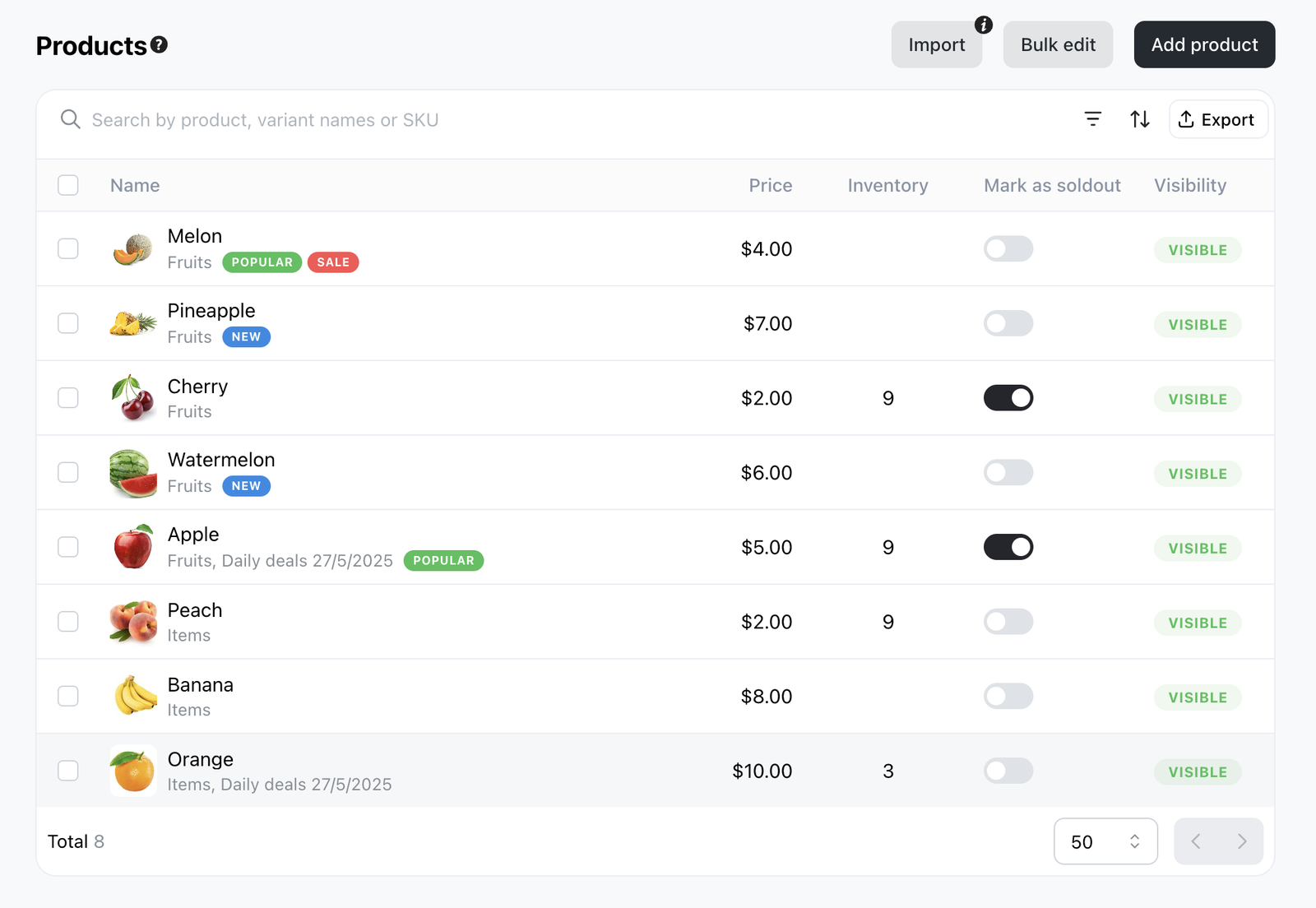
The Products page shows price, inventory, sold-out status, and visibility directly in the list view, so you can scan your whole catalogue without opening each product. The full list view is best seen on a larger screen.
You can mark products as sold out to hide them from customer checkout in a click. This works even if inventory still exists. Staff can still add sold-out or out-of-stock products when creating orders in Admin or POS. To mark sold out, go to Products > All and toggle the option in the Mark as sold out column.