
If there are products you no longer plan to sell, you can permanently remove them from your store instead of just hiding them. This helps keep your product list organized and up to date.
How to delete products
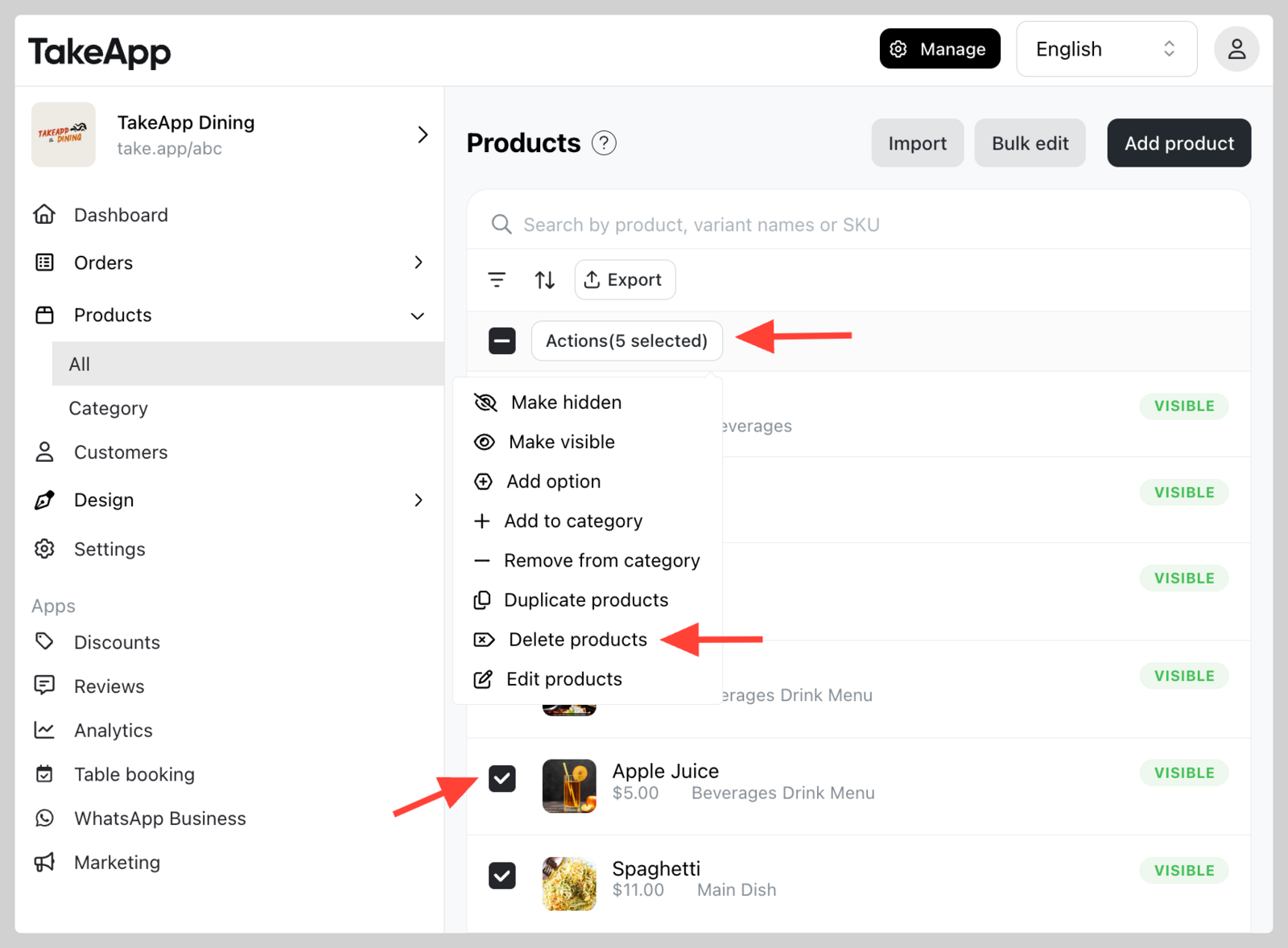
- Go to Admin > Products > All and tick all the products that you wish to delete.
- Click
Actionsand chooseDelete products
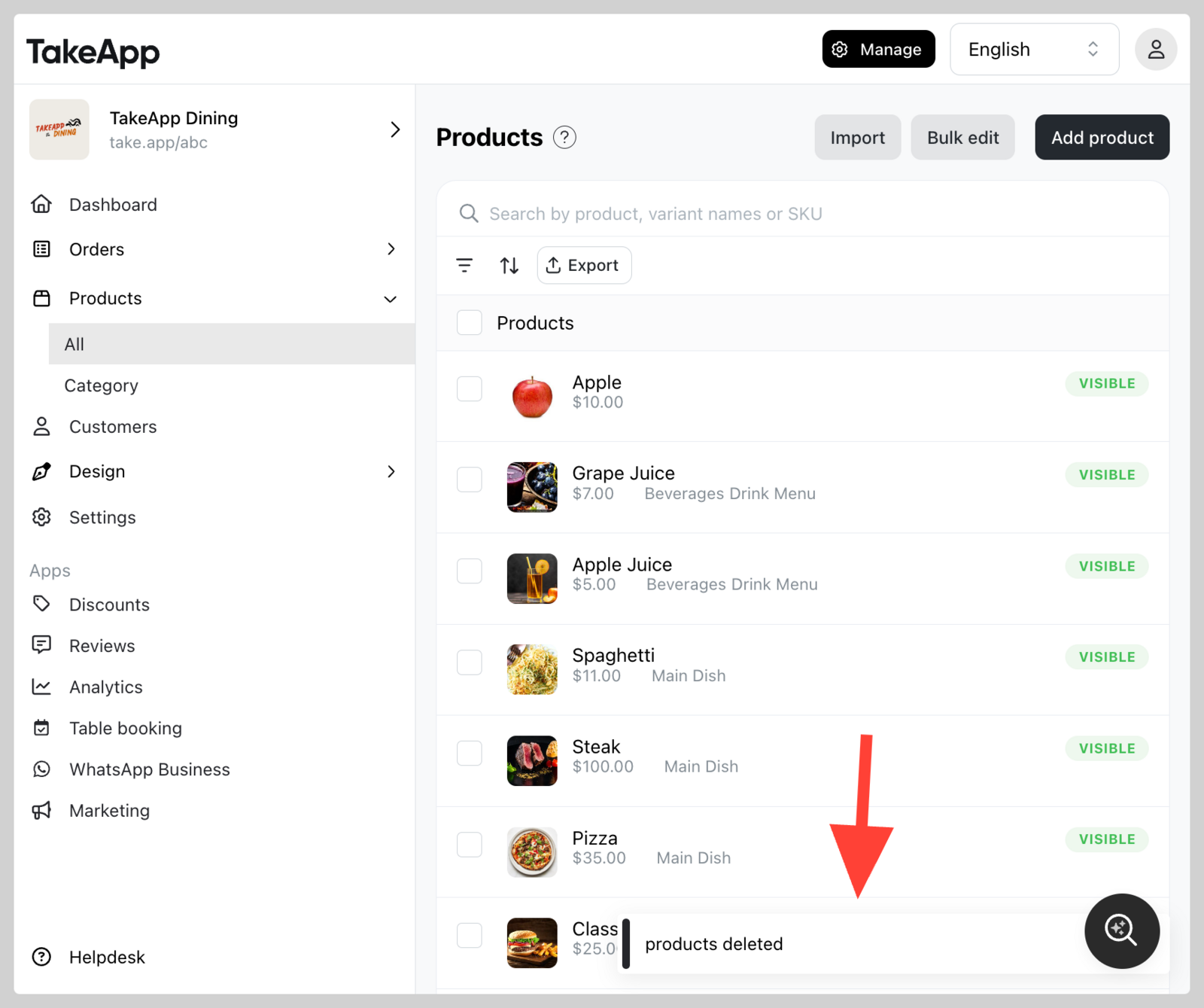
⚠️ Note: Deleting a product is permanent and cannot be undone. Please double-check before deleting.