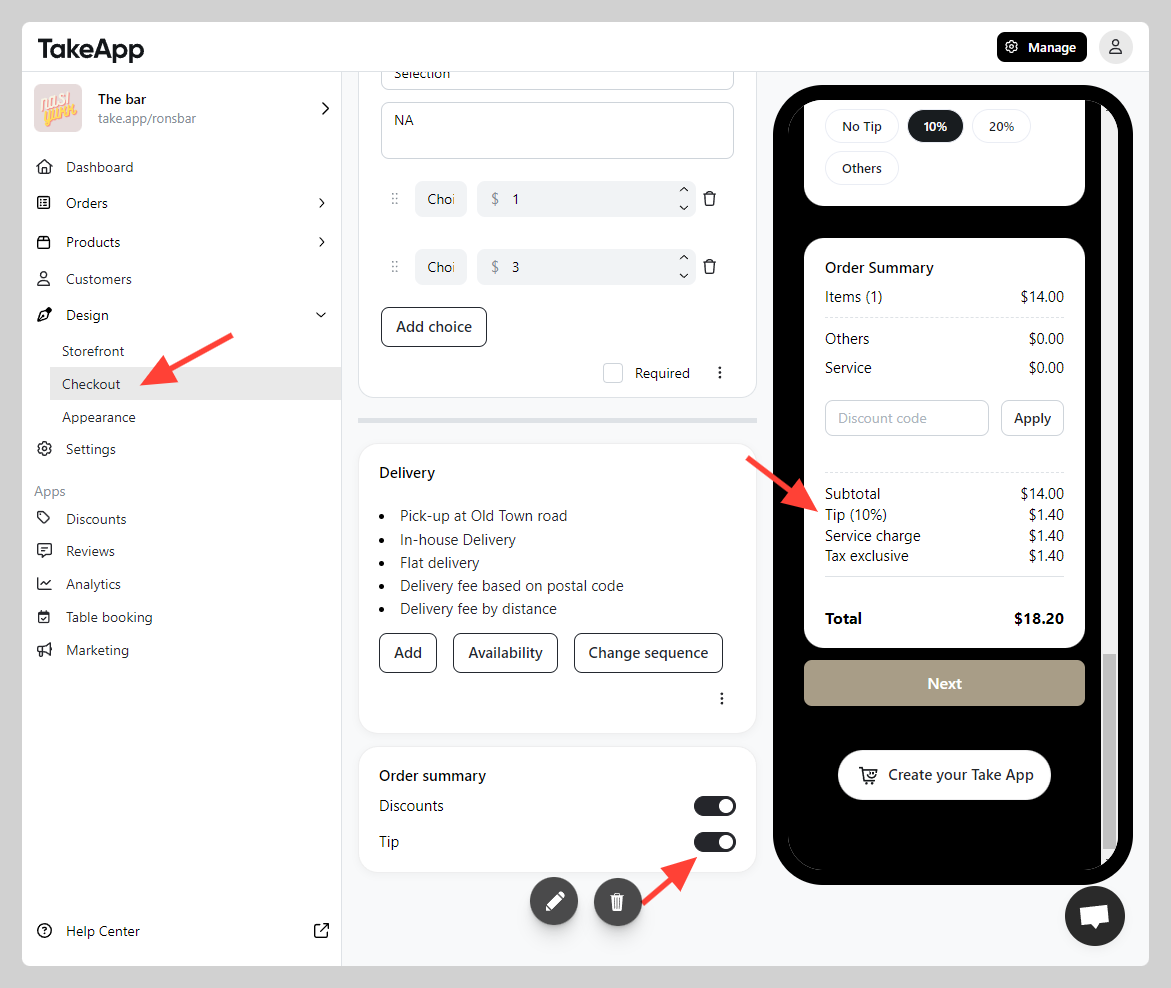
You can enable the Tip function to let your buyer give additional compensation to your store (e.g. driver or waiters)
How to enable tip on checkout page
-
Go to Admin > Design > Checkout
-
Navigate to the "Order summary" area and Toggle on
Tip. ClickSave