
You can modify your store name in that you will show in Storefront
How to add or modify store name
-
Go to Website > Appearance and navigate to the "Profile" section. Add or modify your store name, then click
Save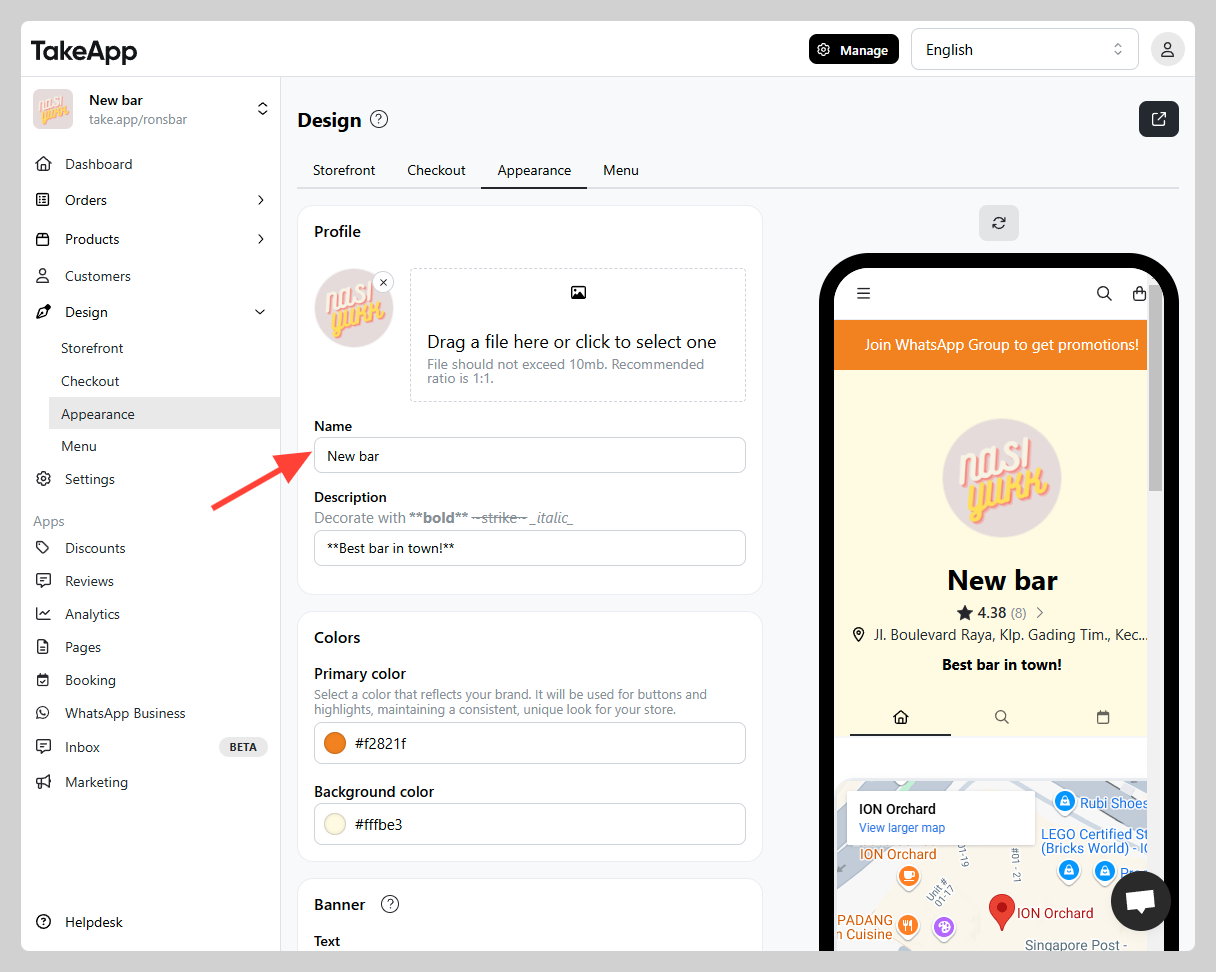
You can modify your store name in that you will show in Storefront
Go to Website > Appearance and navigate to the "Profile" section. Add or modify your store name, then click Save
Ajukan pertanyaan dan dapatkan jawabannya seketika, atau chat dengan tim kami.