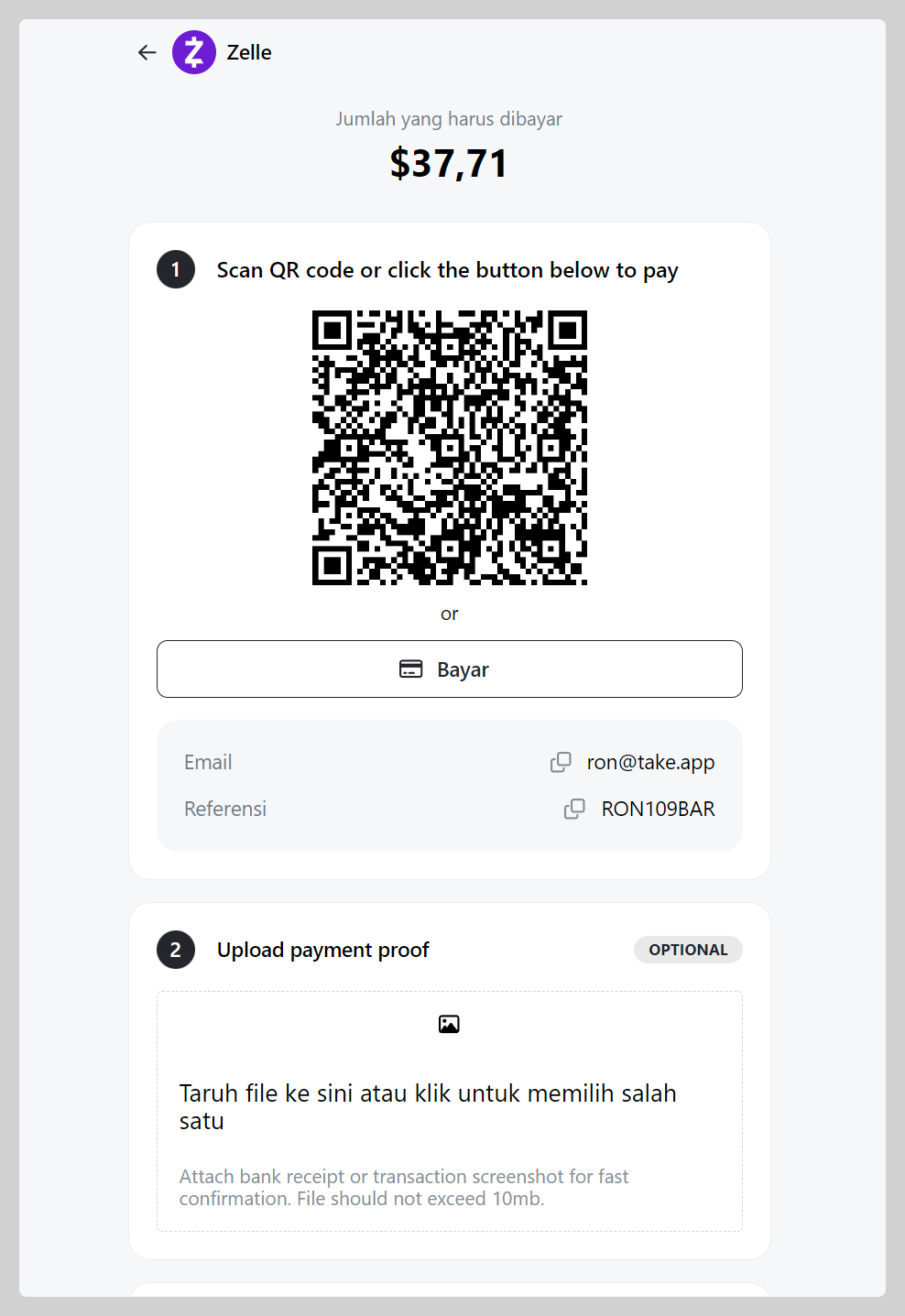
Zelle payment is available for merchant in the U.S. Add your Zelle account to Take App to let customer pay.
How to add Zelle as a payment method
-
Go to Admin > Settings > Payments and click
Add payment method -
Choose payment with "Zelle", Register your Zelle email account, then click
Save.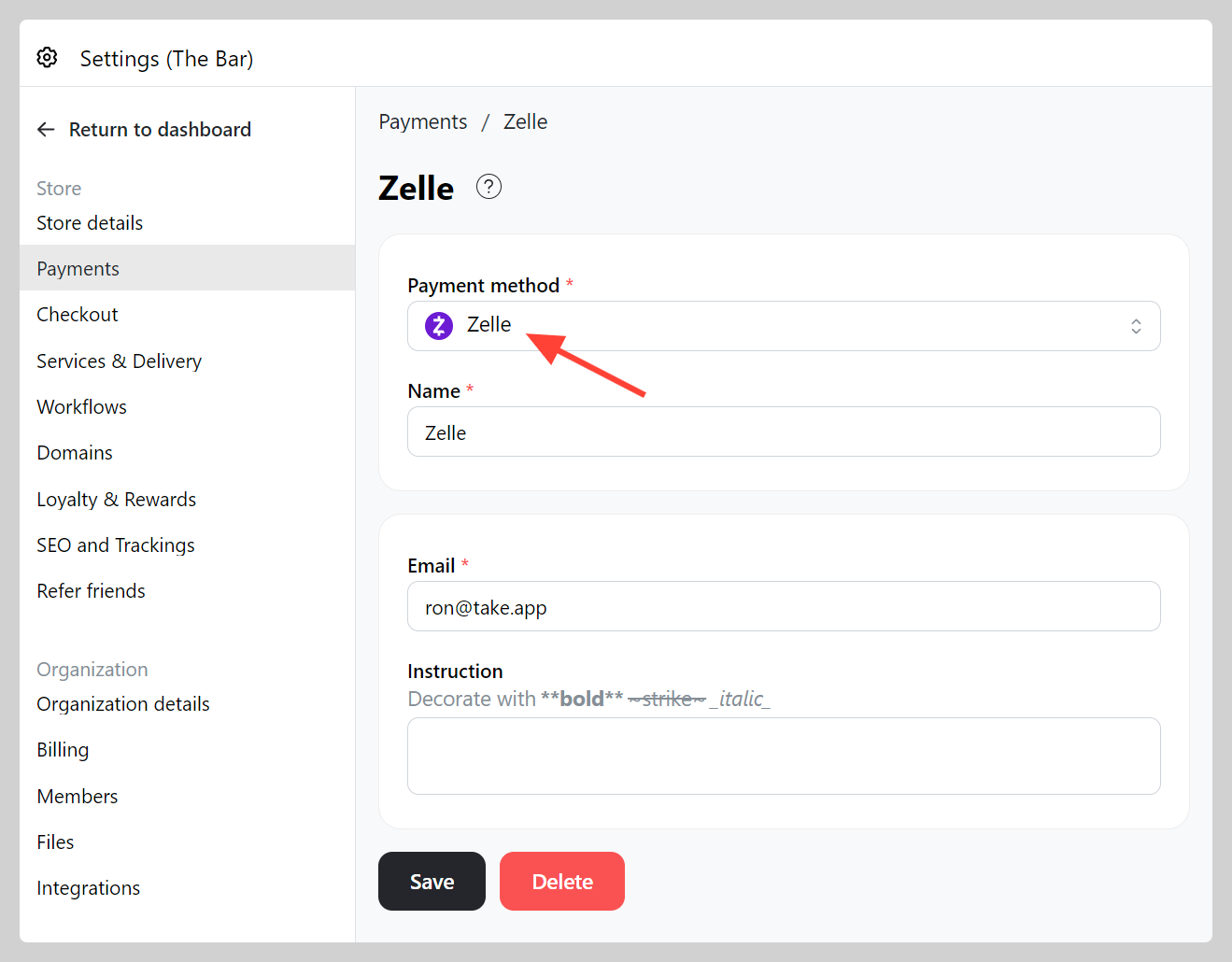
-
Make a test order and check if your Zelle QR working well.