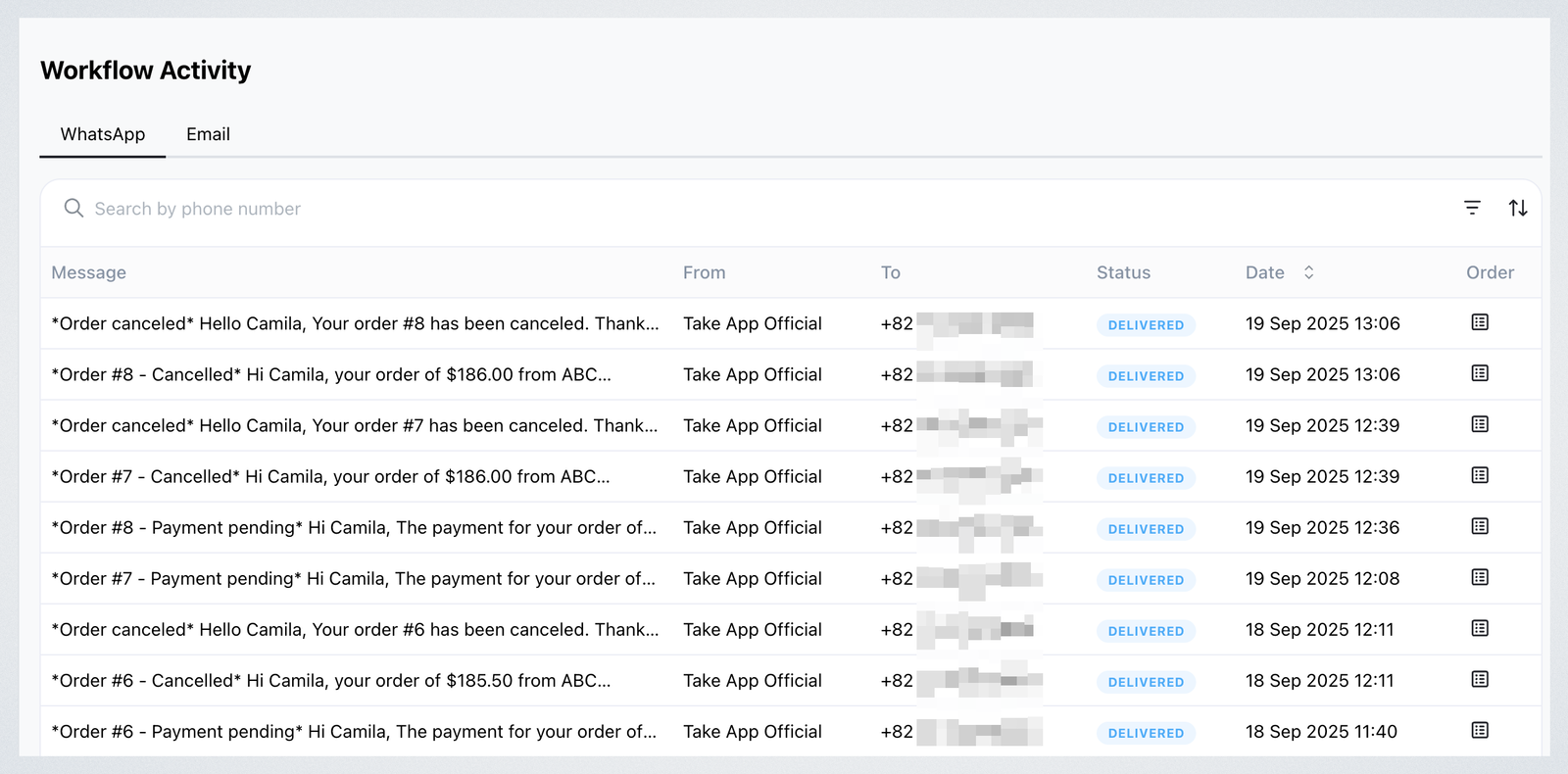
See the full history of your Workflow messages, including WhatsApp and email all in one place.
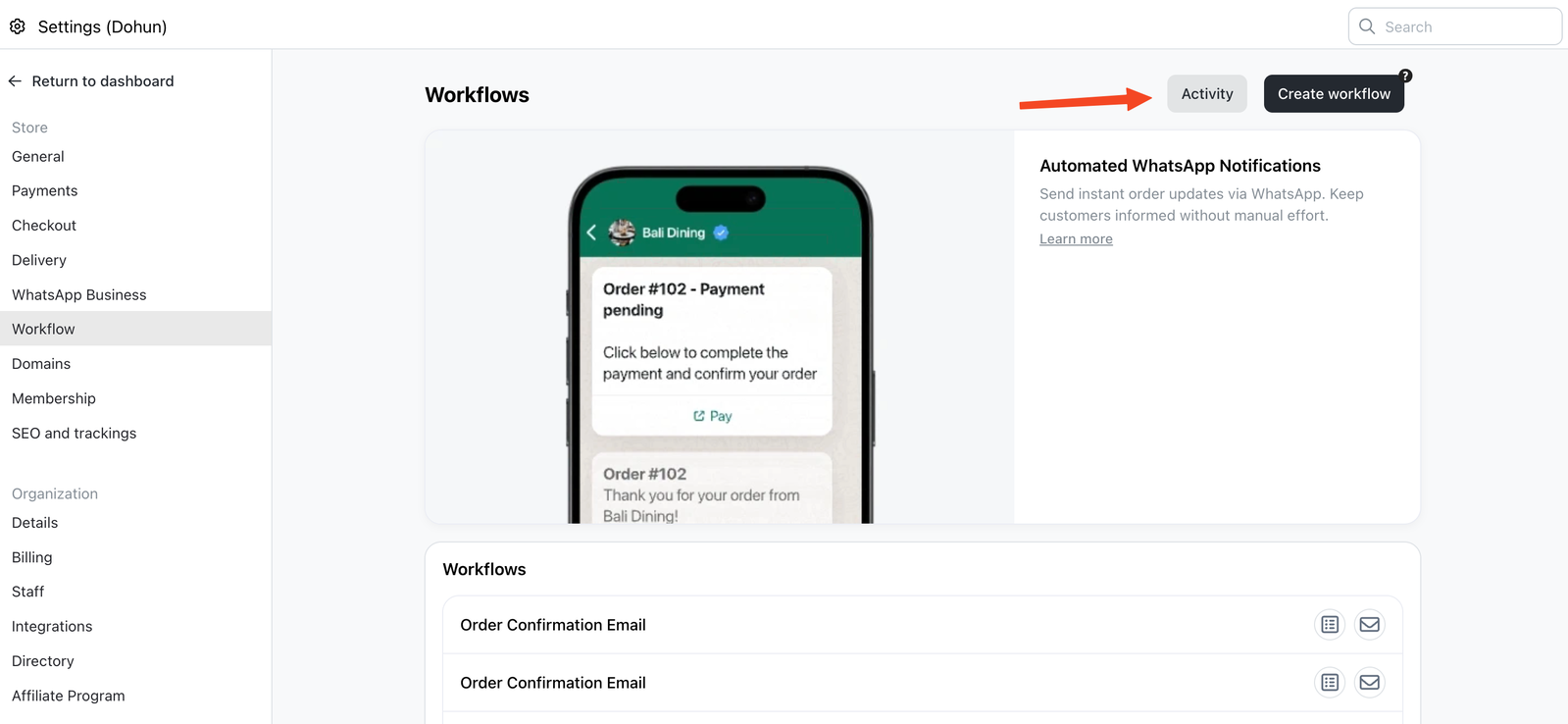
Go to Settings > Workflows > Activity to view them.
What You Can See
Each entry includes:
- Message:Preview of the workflow message sent
- From: Sender name (e.g., Take App Official or your WhatsApp Business number)
- To: Customer’s contact or your staff contact
- Status: Whether the message was delivered
- Date: When the message was sent
- Order:Link to the related order. Click the order icon to open the related order details.
You can also filter messages by status or date to find specific messages more easily.
This page helps you confirm if a workflow message was sent and delivered successfully.