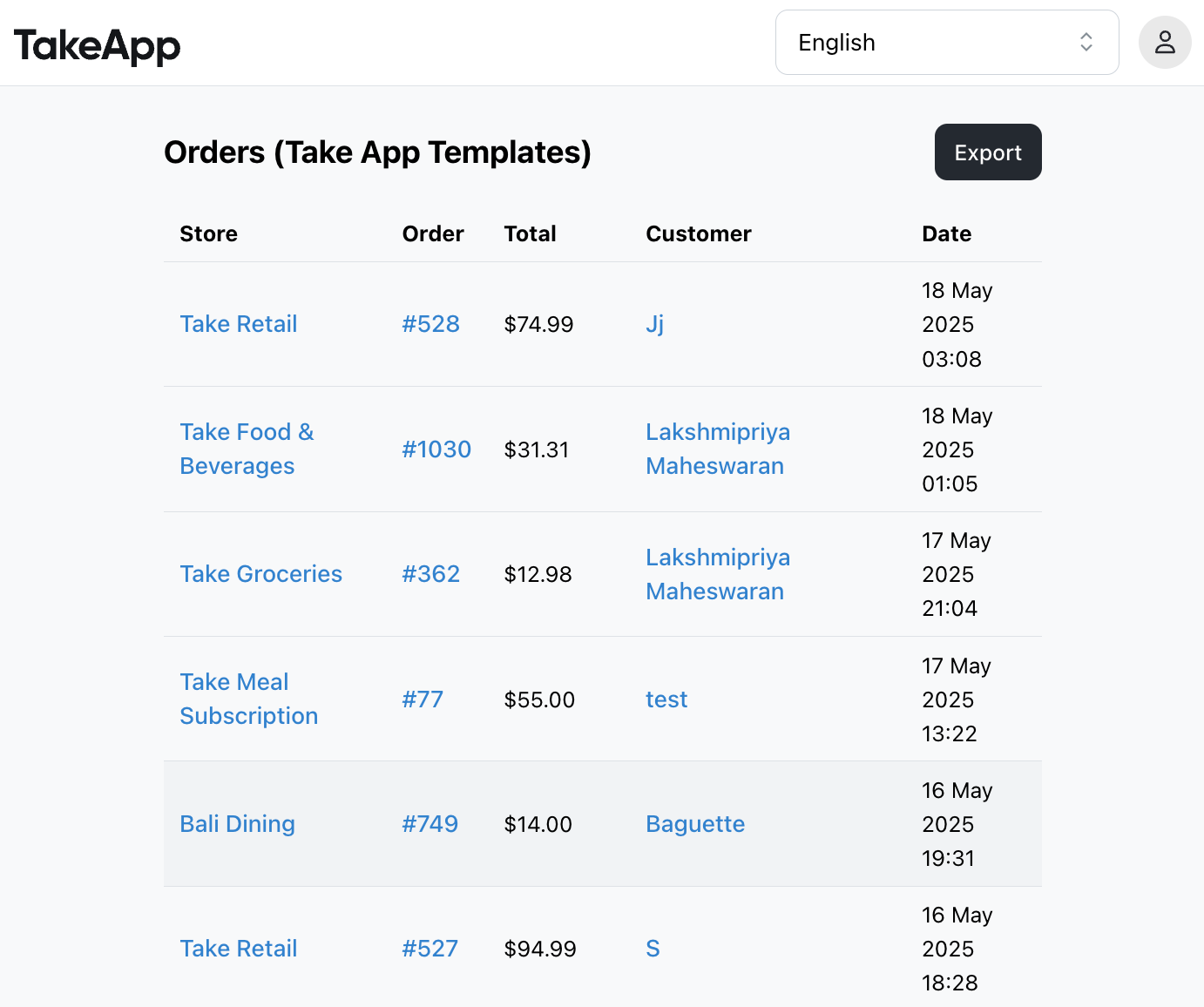
If you manage multiple stores under one organization on Take App, you can now view all your orders in one place. This feature makes it easier to track and manage orders without switching between individual stores.
How to Access
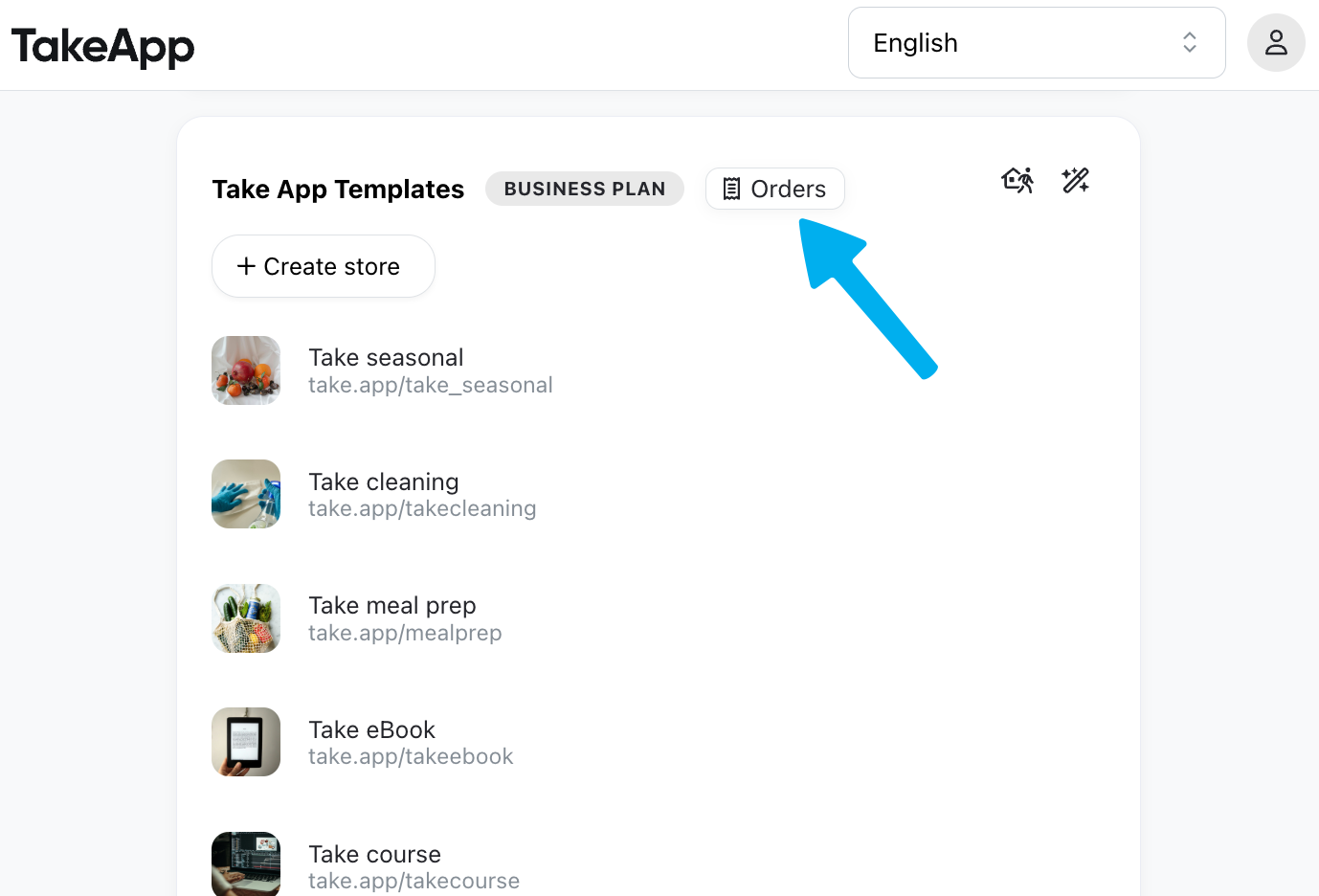
- Go to take.app/admin.
- Look for your organization name at the top.
- Click the “Orders” button next to it.
Export Orders
You can also download the full list of orders in CSV format for reporting or record-keeping. Just click the "Export" button.