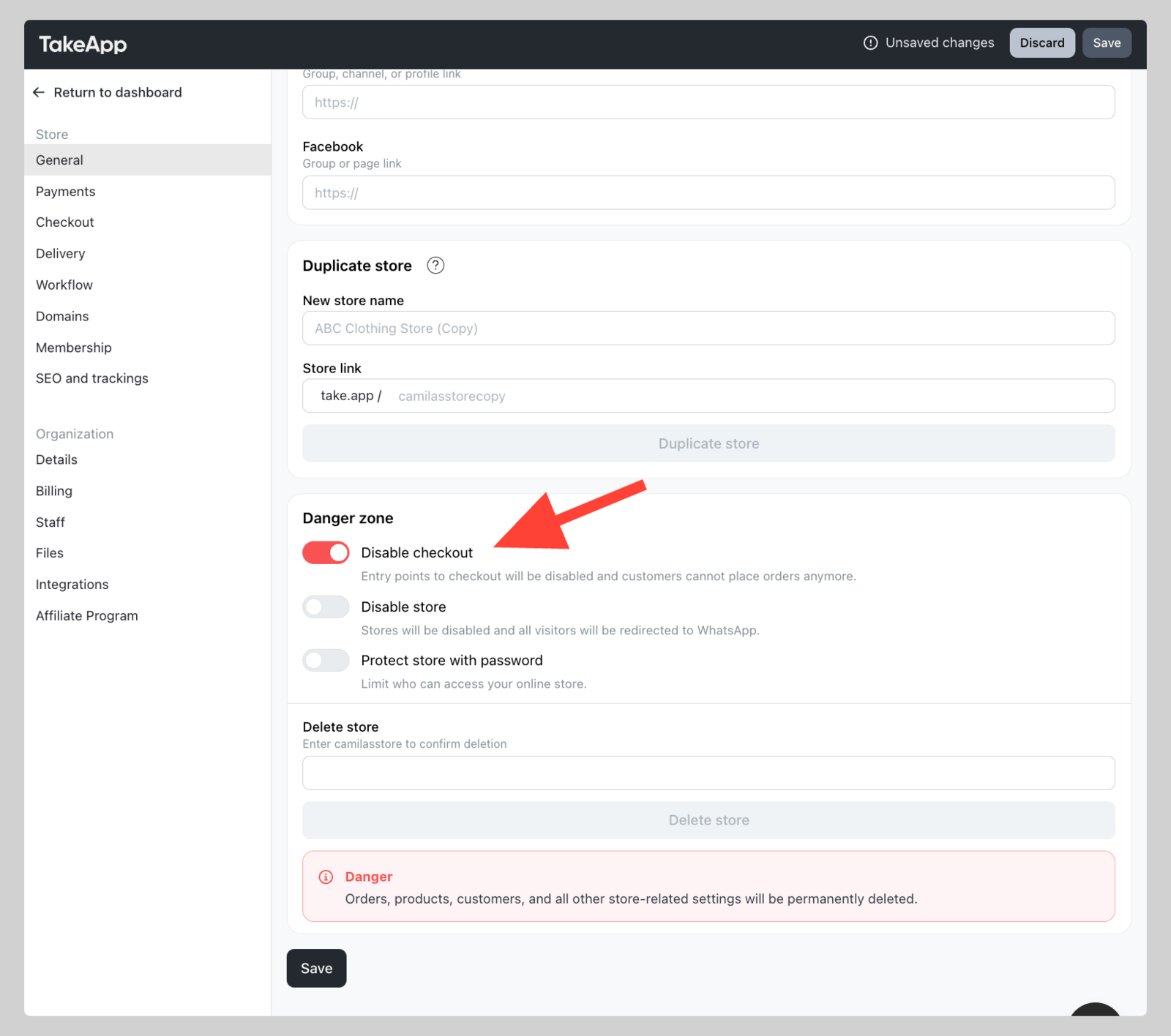
You can close your store temporarily. Your customers will not be able to add to cart or checkout once this setting is enabled.
How to set up temporary close store
- Go to Admin > Settings > Store detail and navigate to "Danger zone" section.
- Toggle on
Disable checkout. ClickSave.