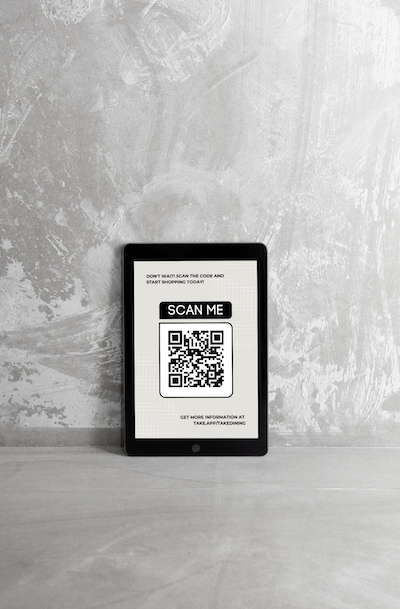
You can share discount code or link to your chosen customer.
How to share discount via link
-
Go to Products > Discounts
-
Create or choose existing discount > Click
Share.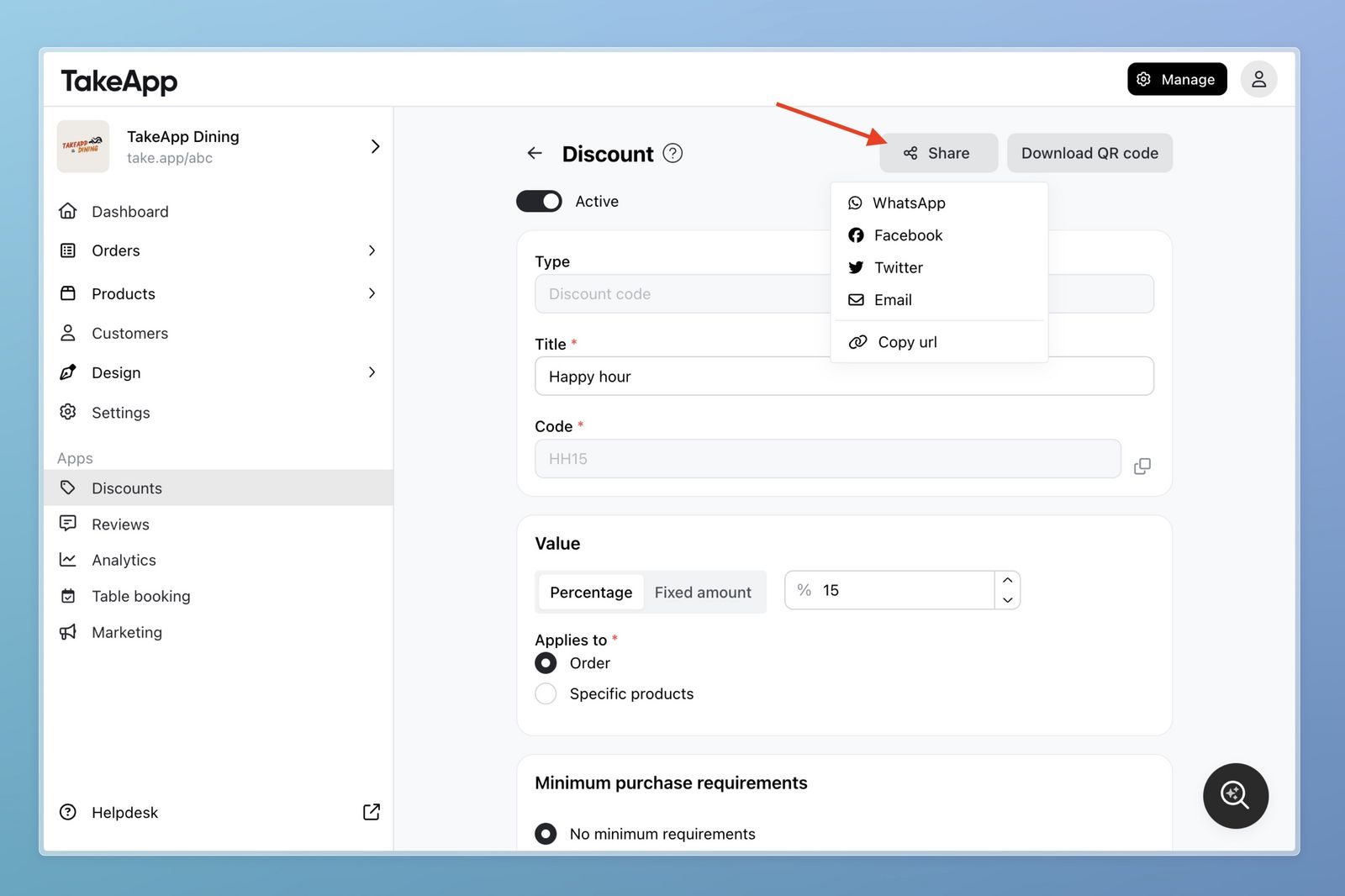
-
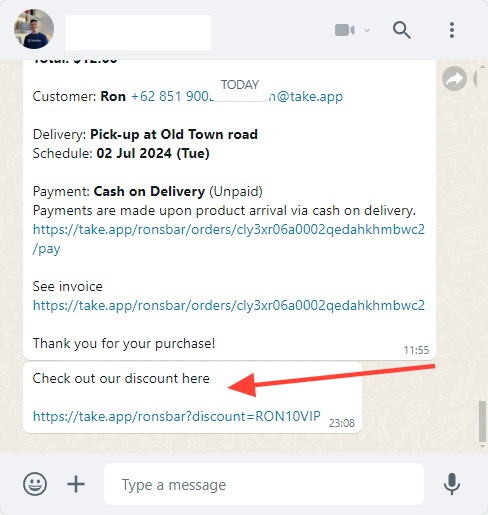
As an example, you can choose to share the discount to your customer in WhatsApp.
How to share discount via QR code
-
Go to Products > Discounts
-
Create or choose existing discount > Click
Download QR code.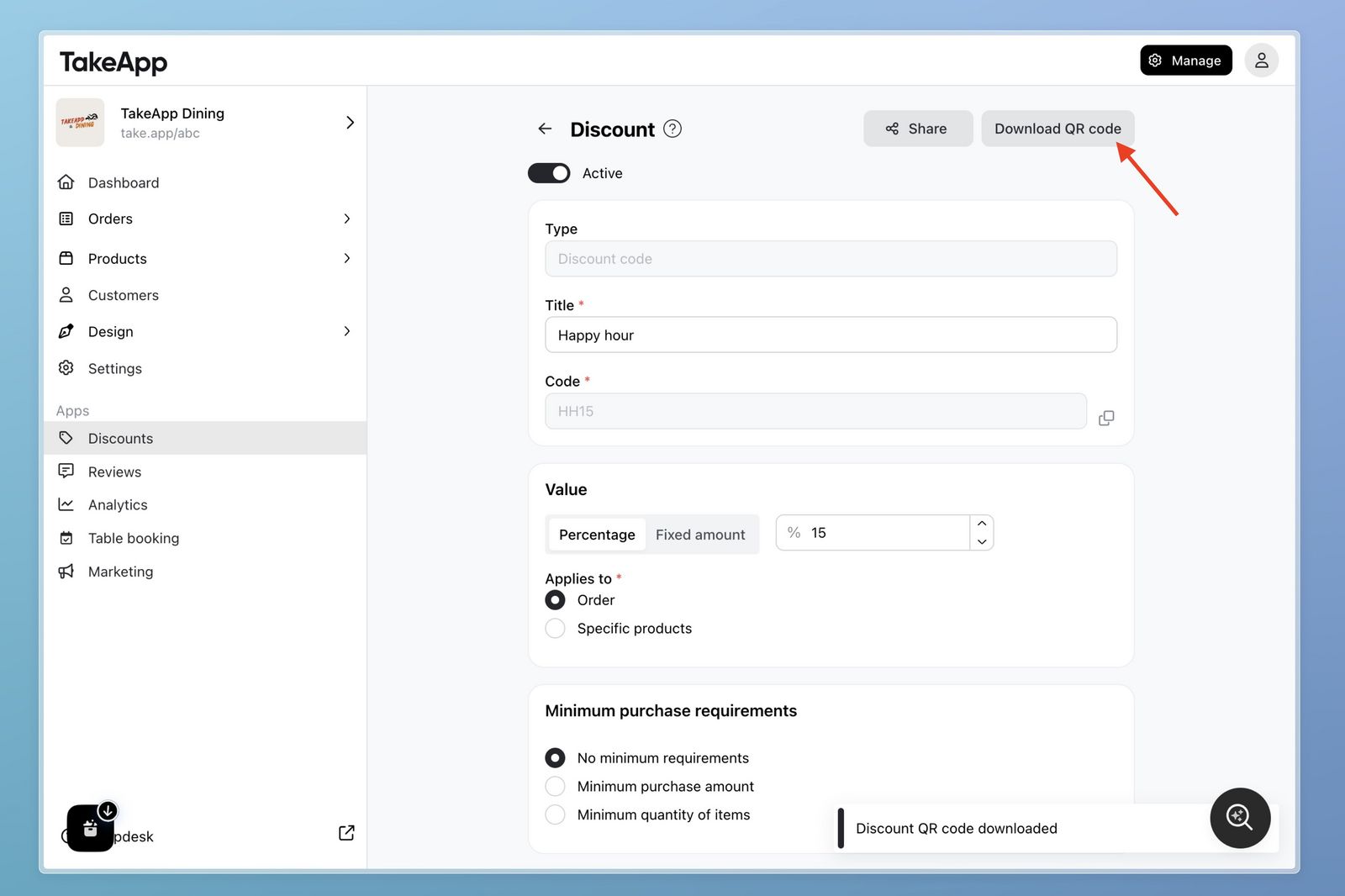
-
As an example, you can printout and display on your store