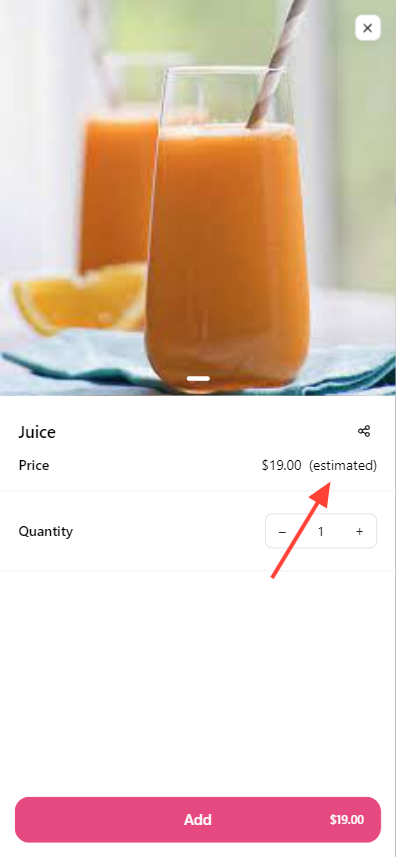
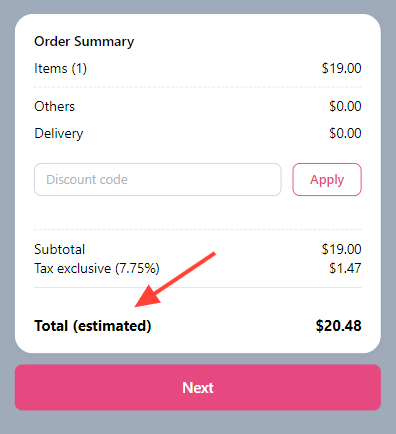
This function will automatically bypass payment page and you will need to send payment link separately. You can show price estimate instead of a fixed price for your product listing.
How to set up price estimate
-
Go to Admin > Products > click on
Create product. -
Toggle on
Display as estimated price. ClickSave.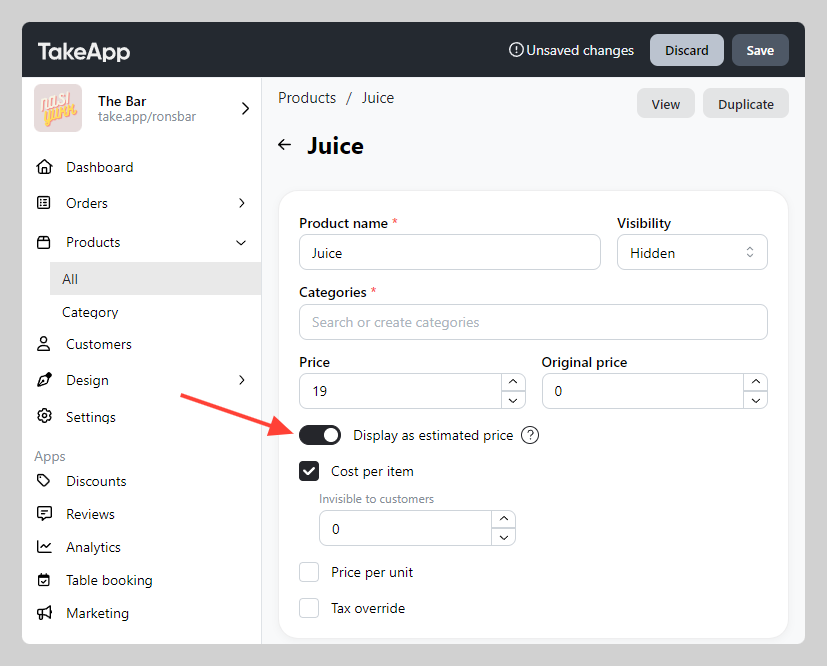
-
You can check the price estimate showcase on product detail and checkout page.