
You can duplicate a product to avoid creating similar product details from scratch.
How to duplicate product
-
Go to Admin > Products and tick the products that you wish to duplicate.
-
Click
Actionsand chooseDuplicate. Further, you can modify the duplicated item as you wish.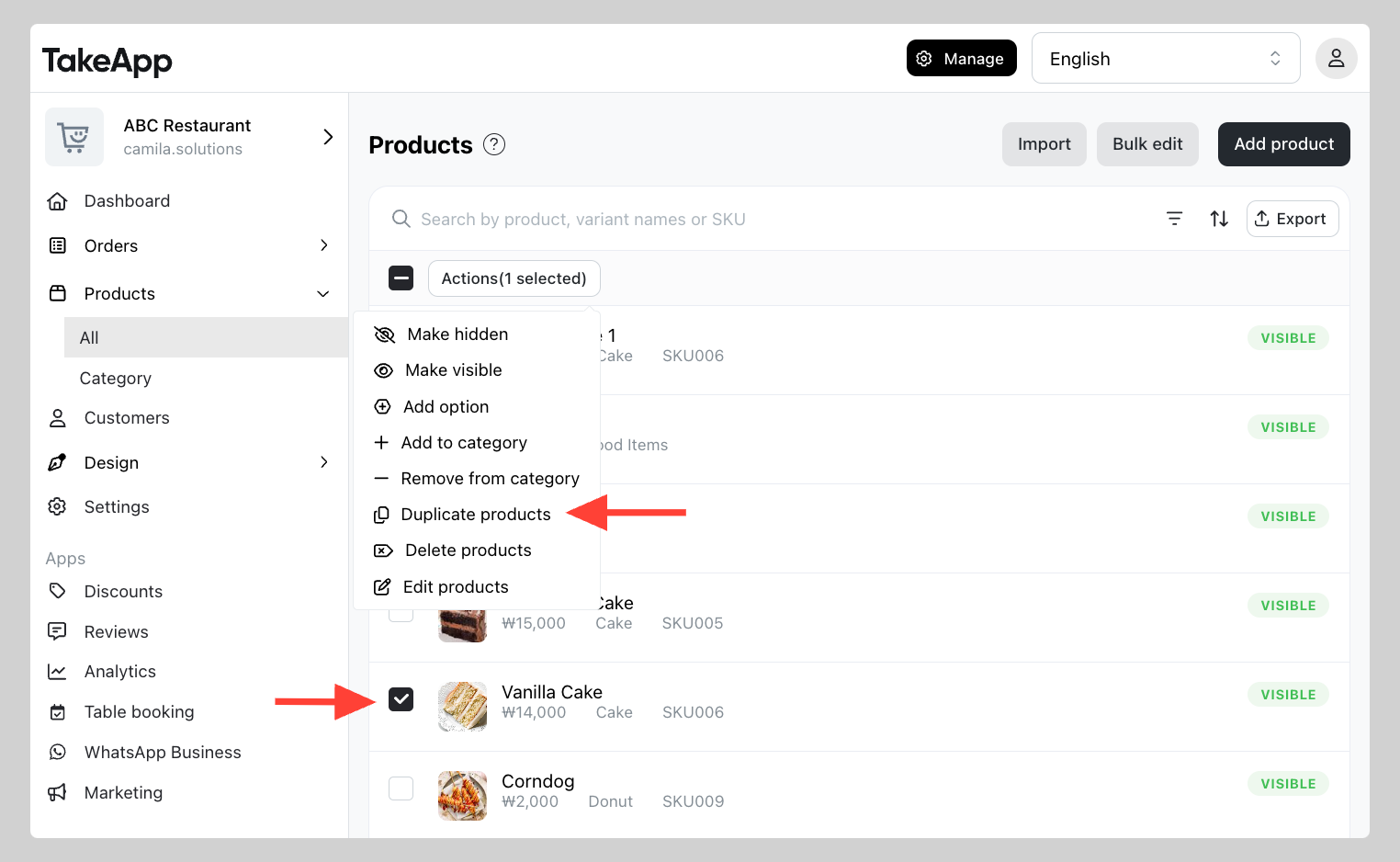
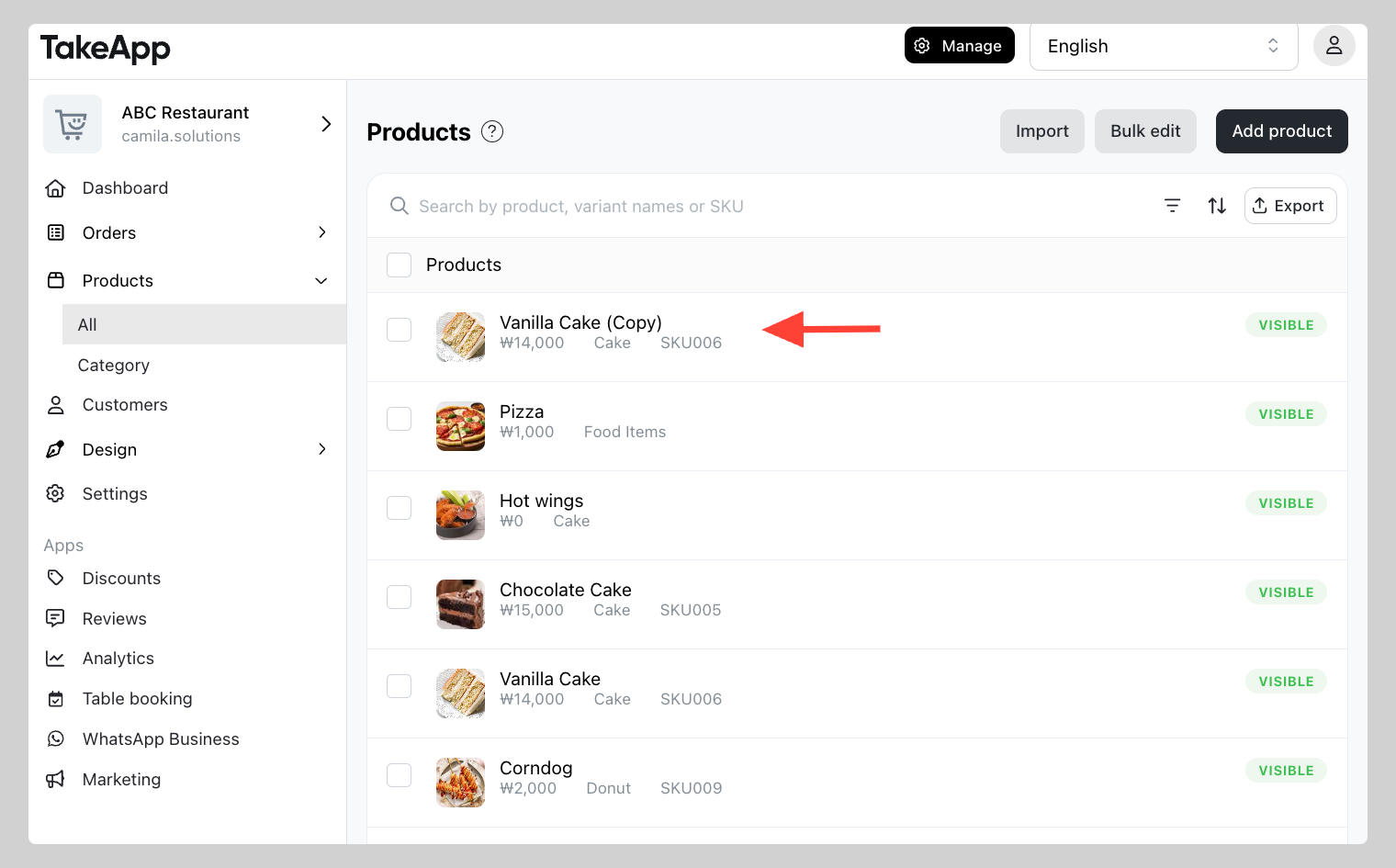
Note: Duplicated items are not automatically assigned to any category.