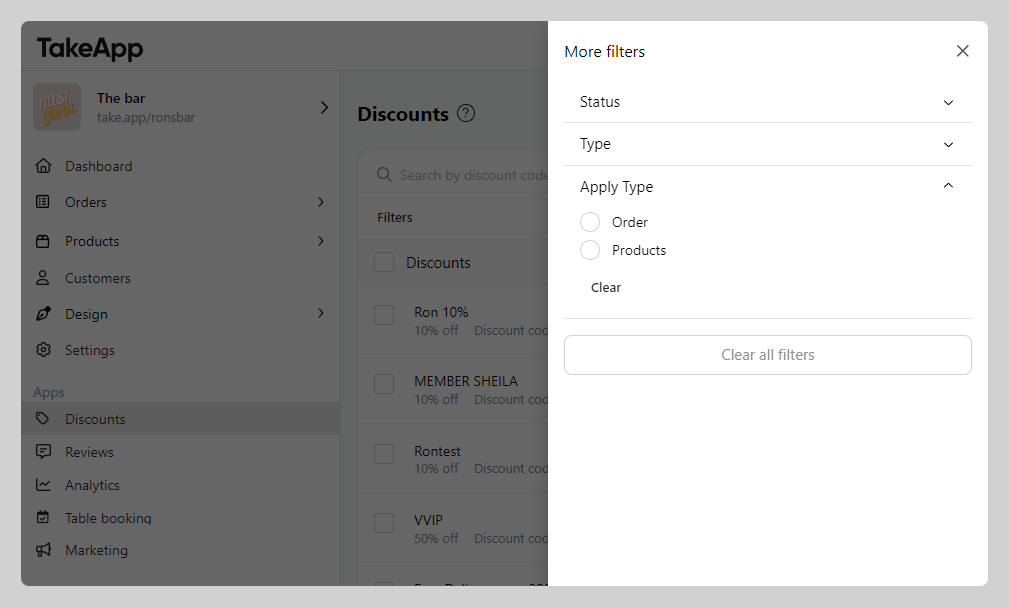
You can easily filter your discount code from the discount menu.
How to filter discount code
-
Go to Products > Discounts > Click on Filter
-
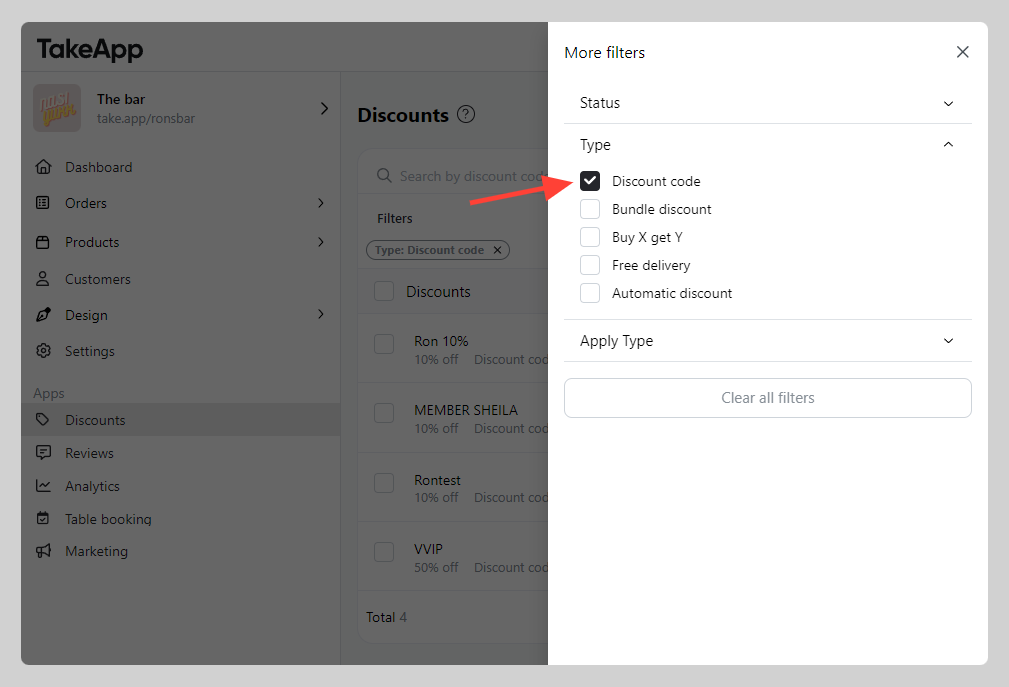
Choose the filter type > and apply
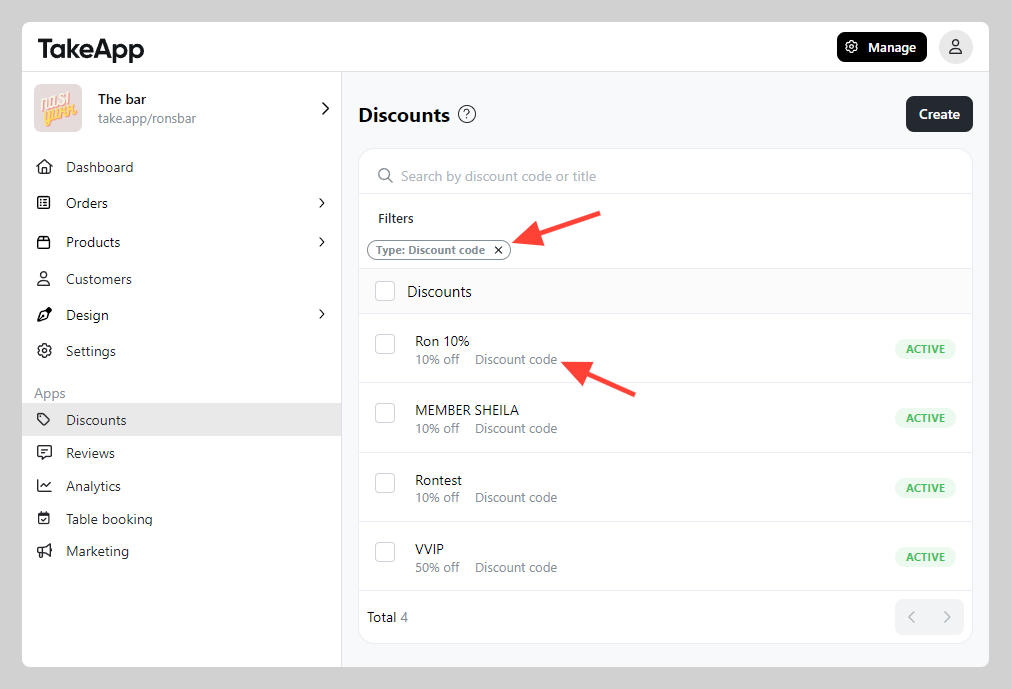
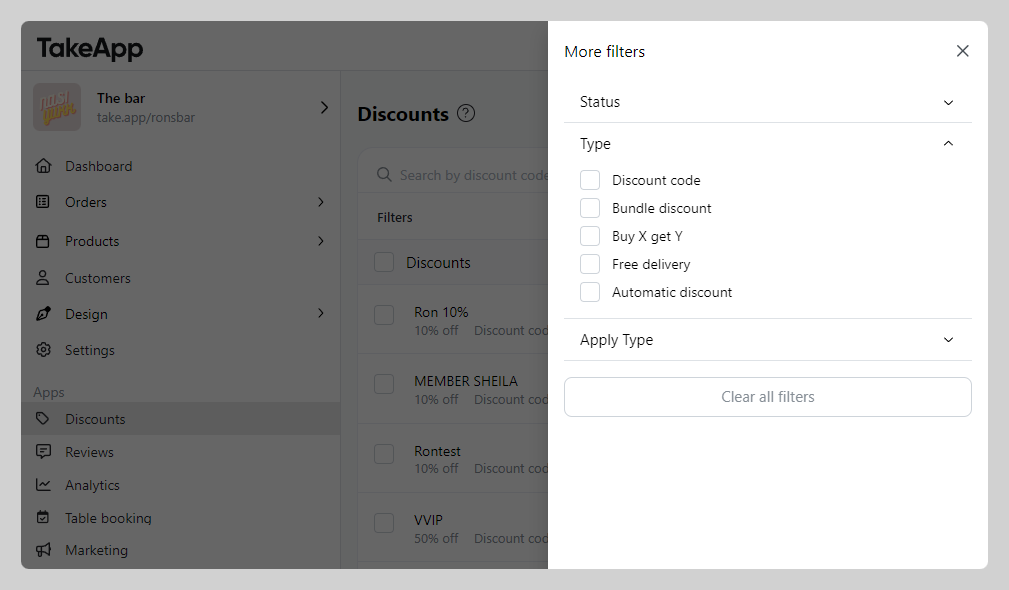
Available filters:
- Type: filter by discount type
- Apply type: filter by order or specific product