
Clip is a widely used payment platform in Mexico that simplifies payment acceptance for businesses. It enables your business to easily accept debit and credit card transactions, as well as other popular local payment methods.
How to connect Clip to your Take App store
-
Navigate to Settings > Payments.
-
Under Automated Payment Methods, click Add.
-
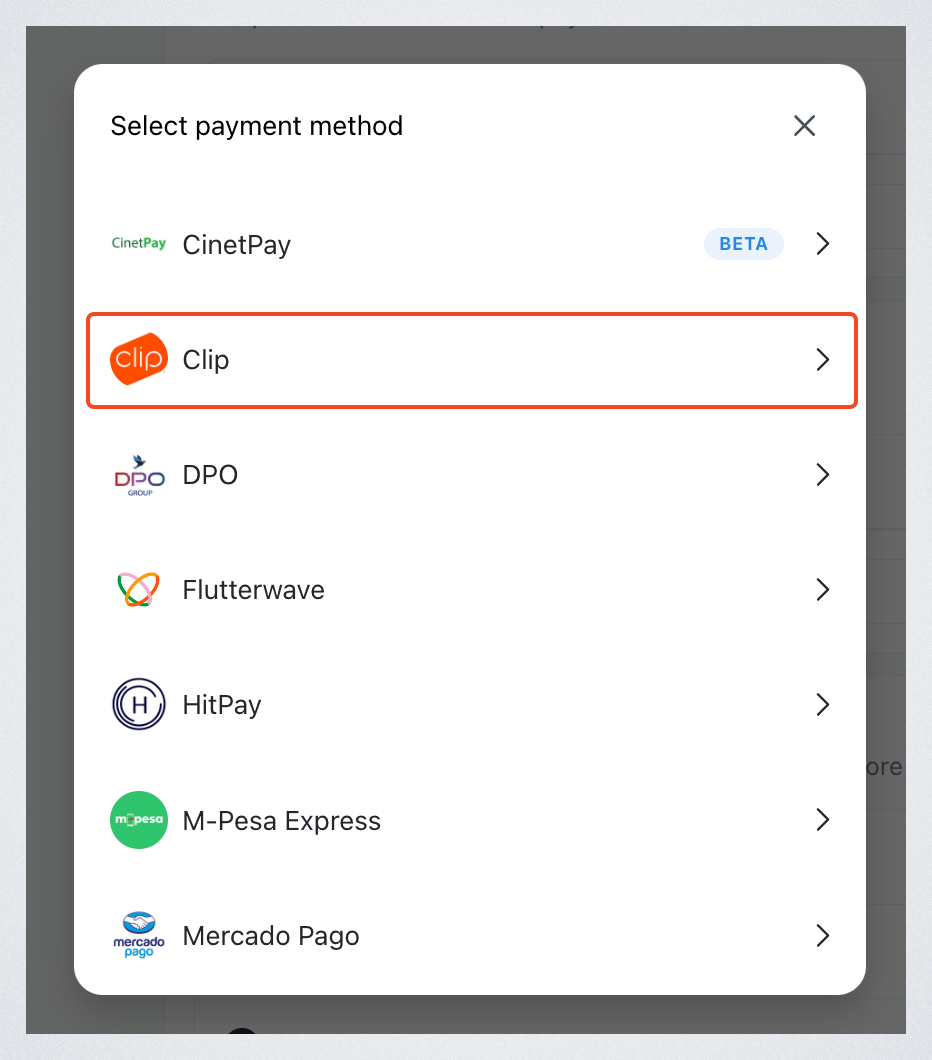
Select Clip from the available options.
-
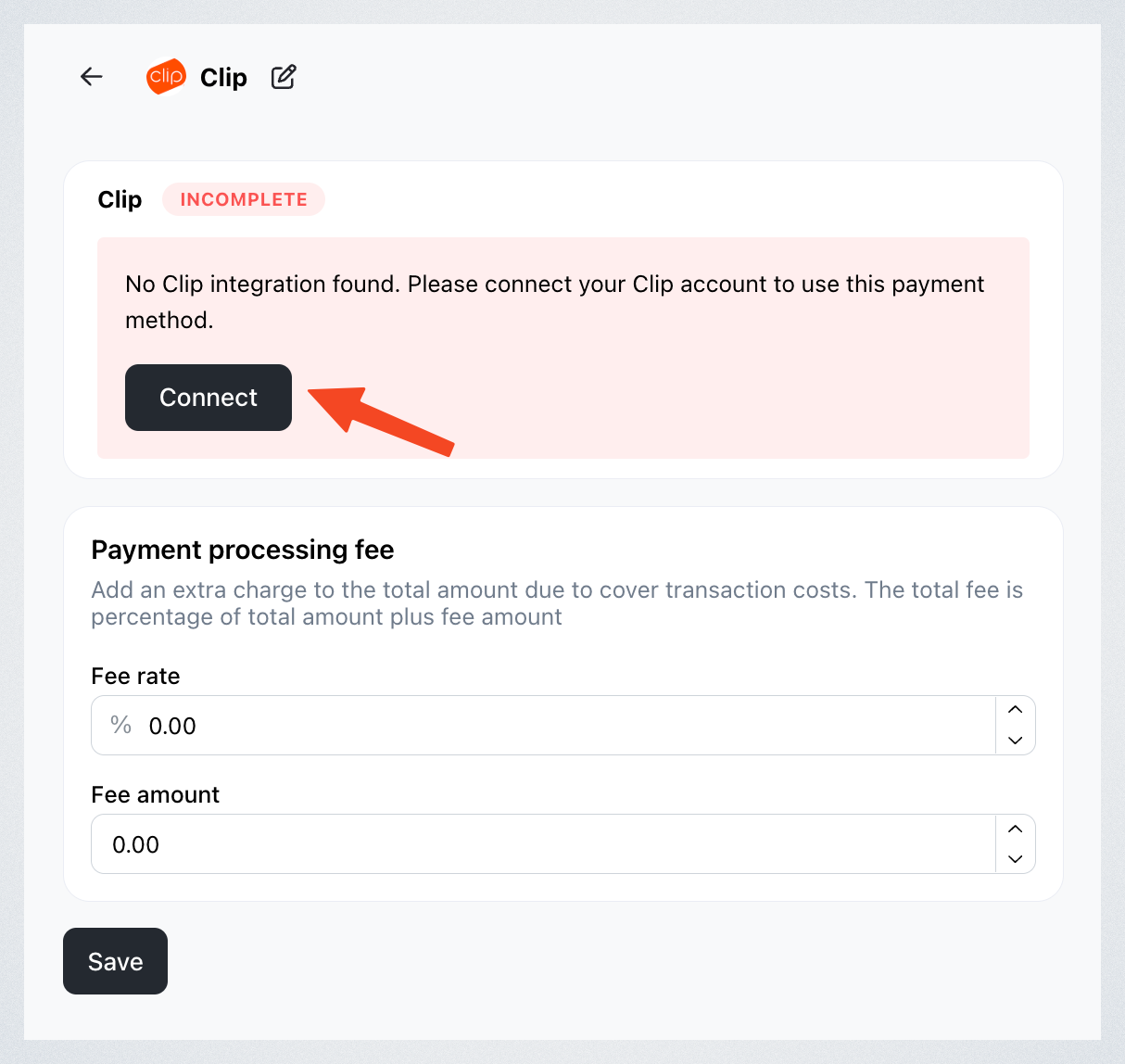
Click Connect.
-
Enter your API key and Secret key, then click Add.
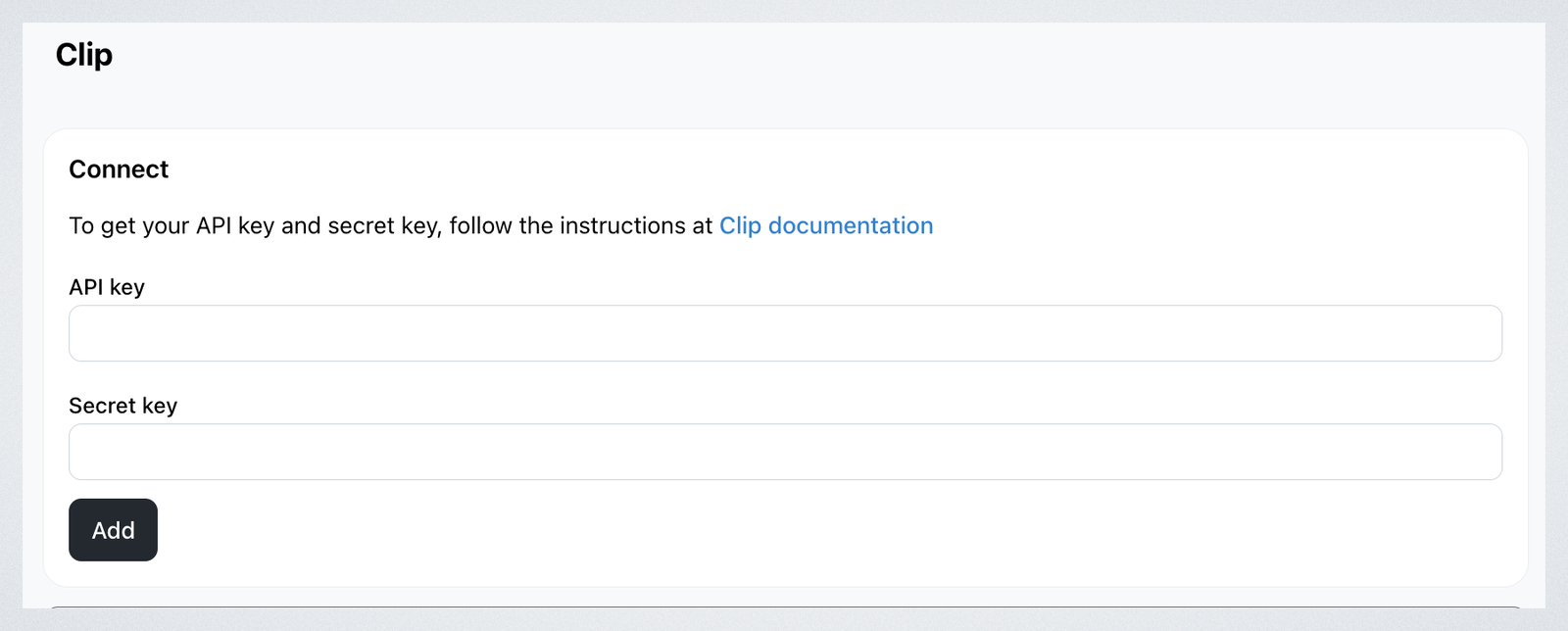
Finding your API and Secret keys
To locate your API and Secret keys, follow the detailed instructions provided in the Clip documentation.