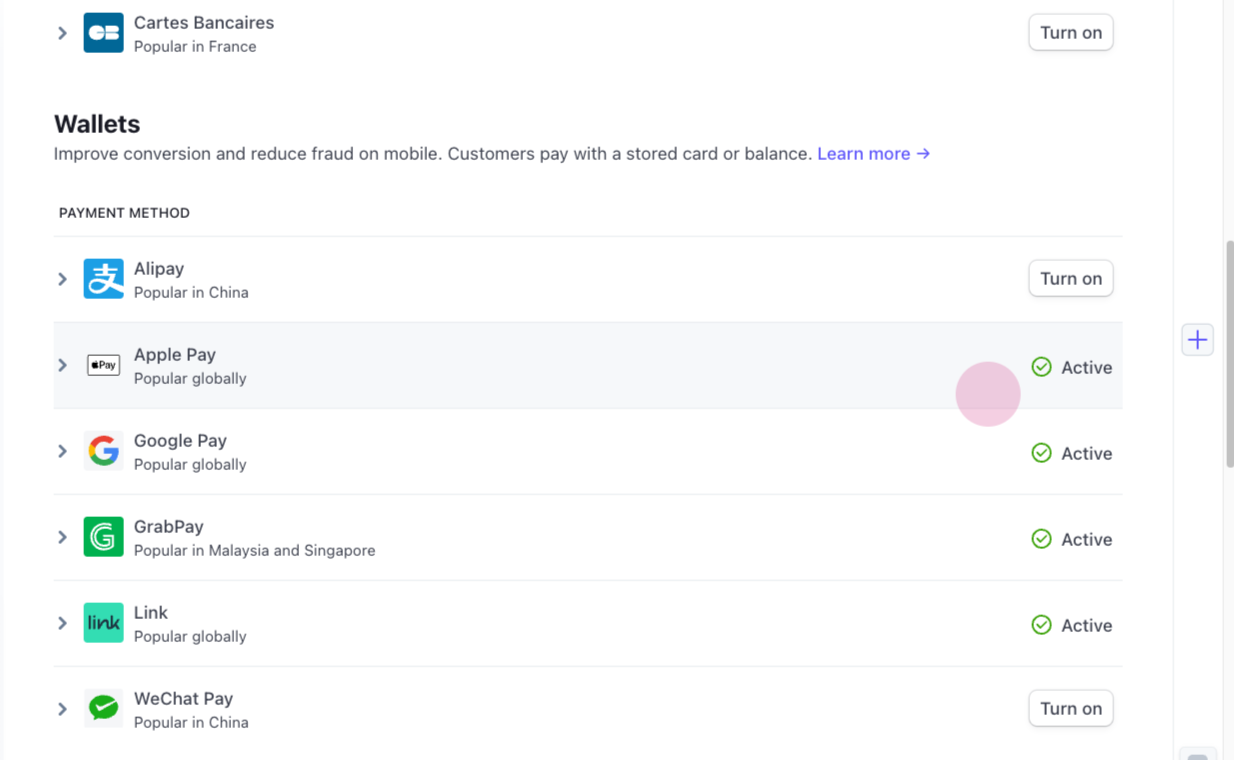
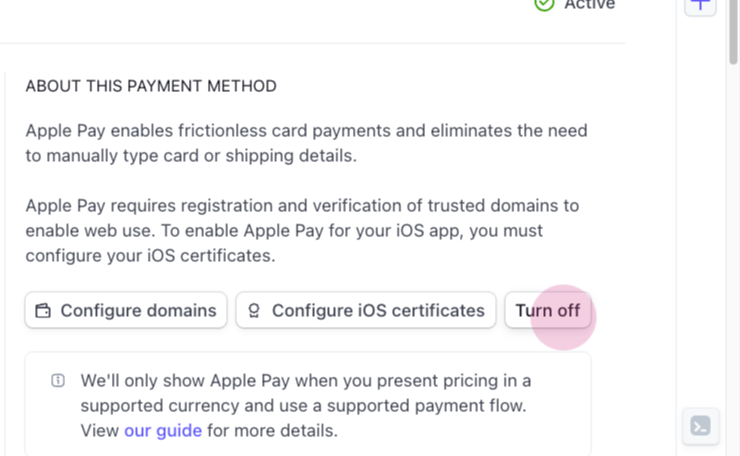
In this article, we will guide you through the process of changing the available payment method in Stripe using TakeApp. This will be useful if you want to enable or disable certain payment options for your customers.
Step 1:
Navigate to the Stripe dashboard and its settings. Locate the payment method section where you can manage your available payment methods. Note that you can select a different Stripe account if needed, located at the top left corner.
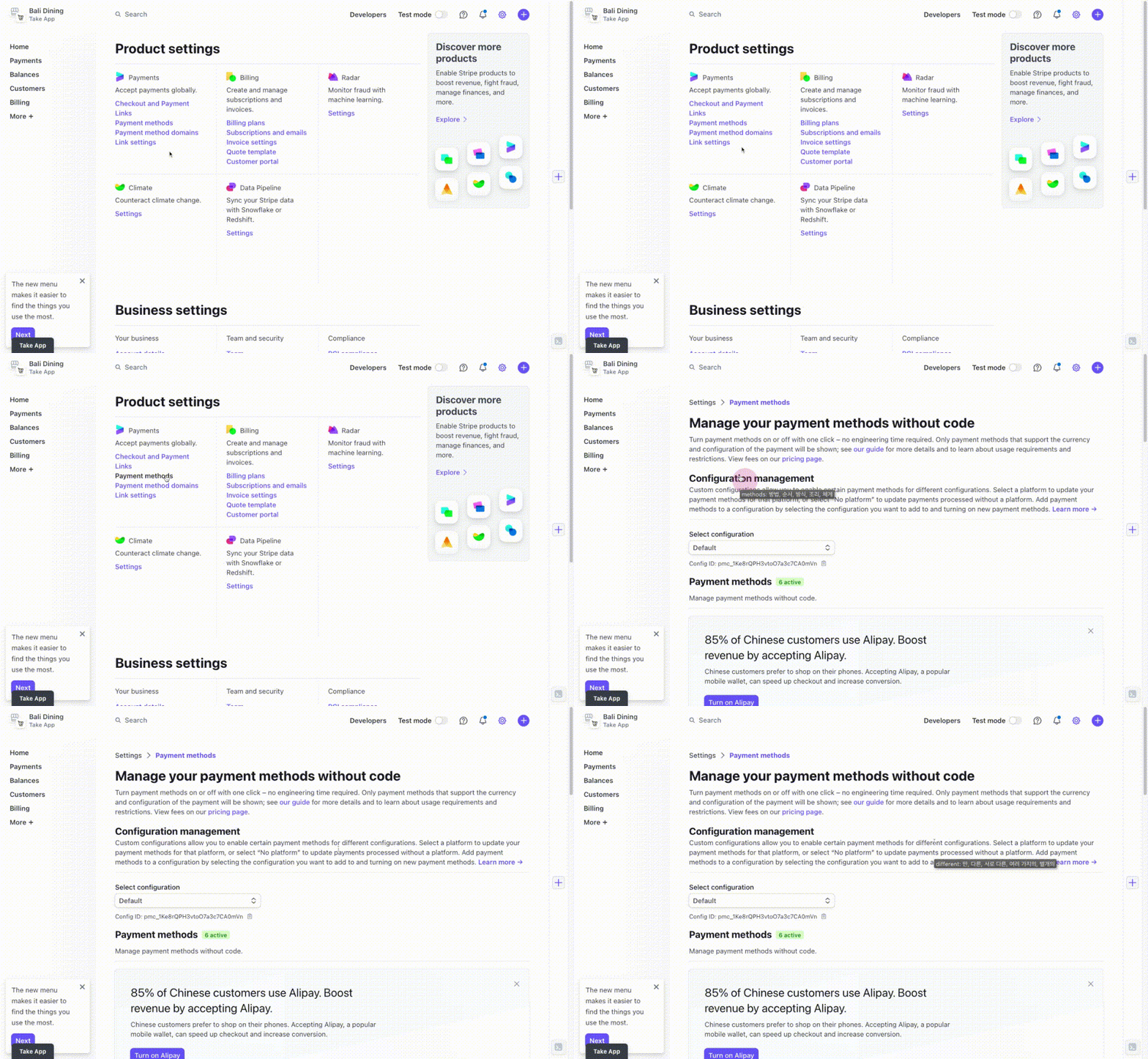
Step 2:
In the payment methods section, you'll find a list of currently available and enabled payment methods. If you wish to disable a specific payment method, such as Apple Pay, simply click on the corresponding option.