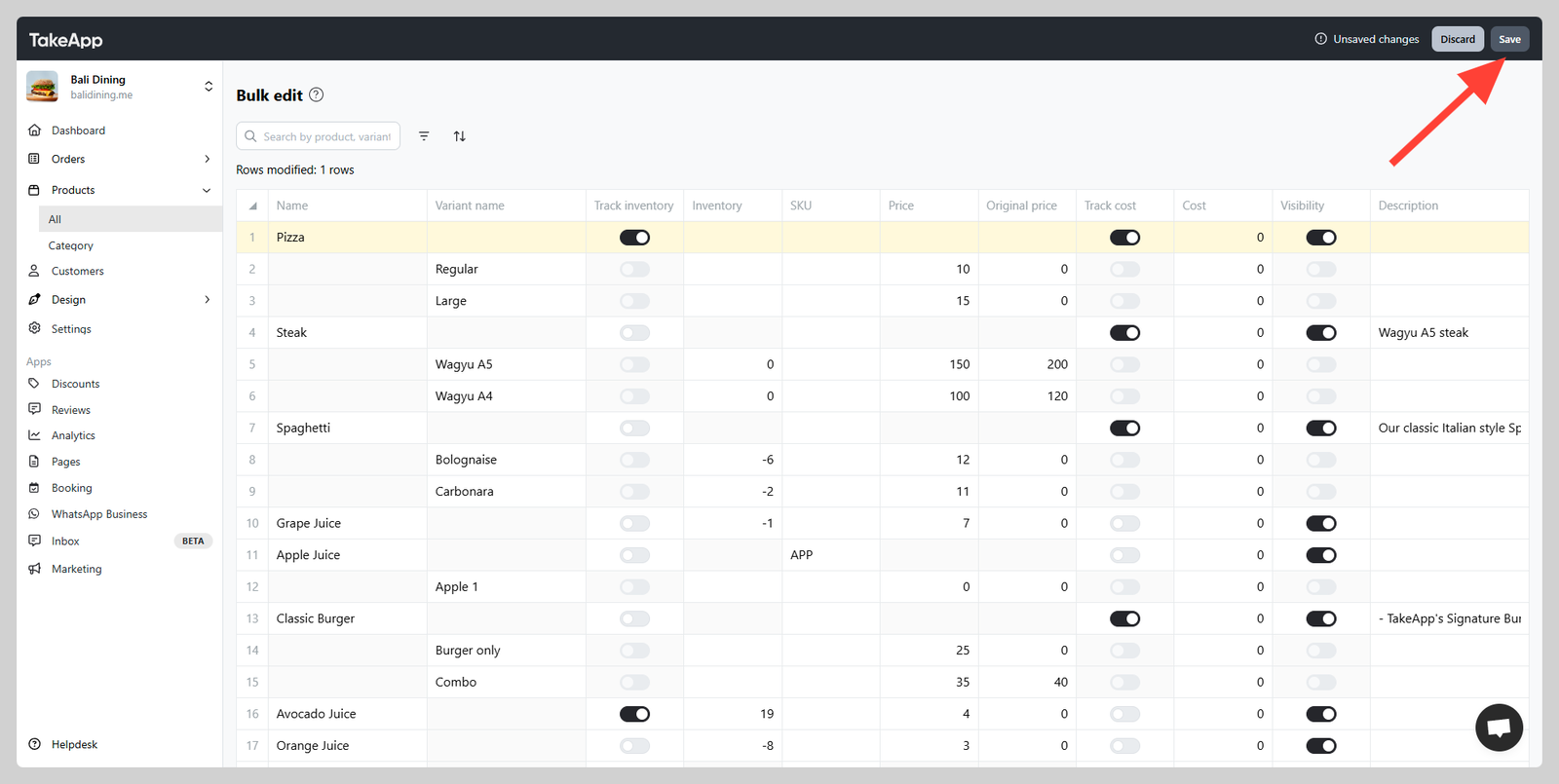
Bulk product updates are to modify product inventory in bulk. You can modify product inventory, visibility, or other product details in a single view.
How to bulk product updates
-
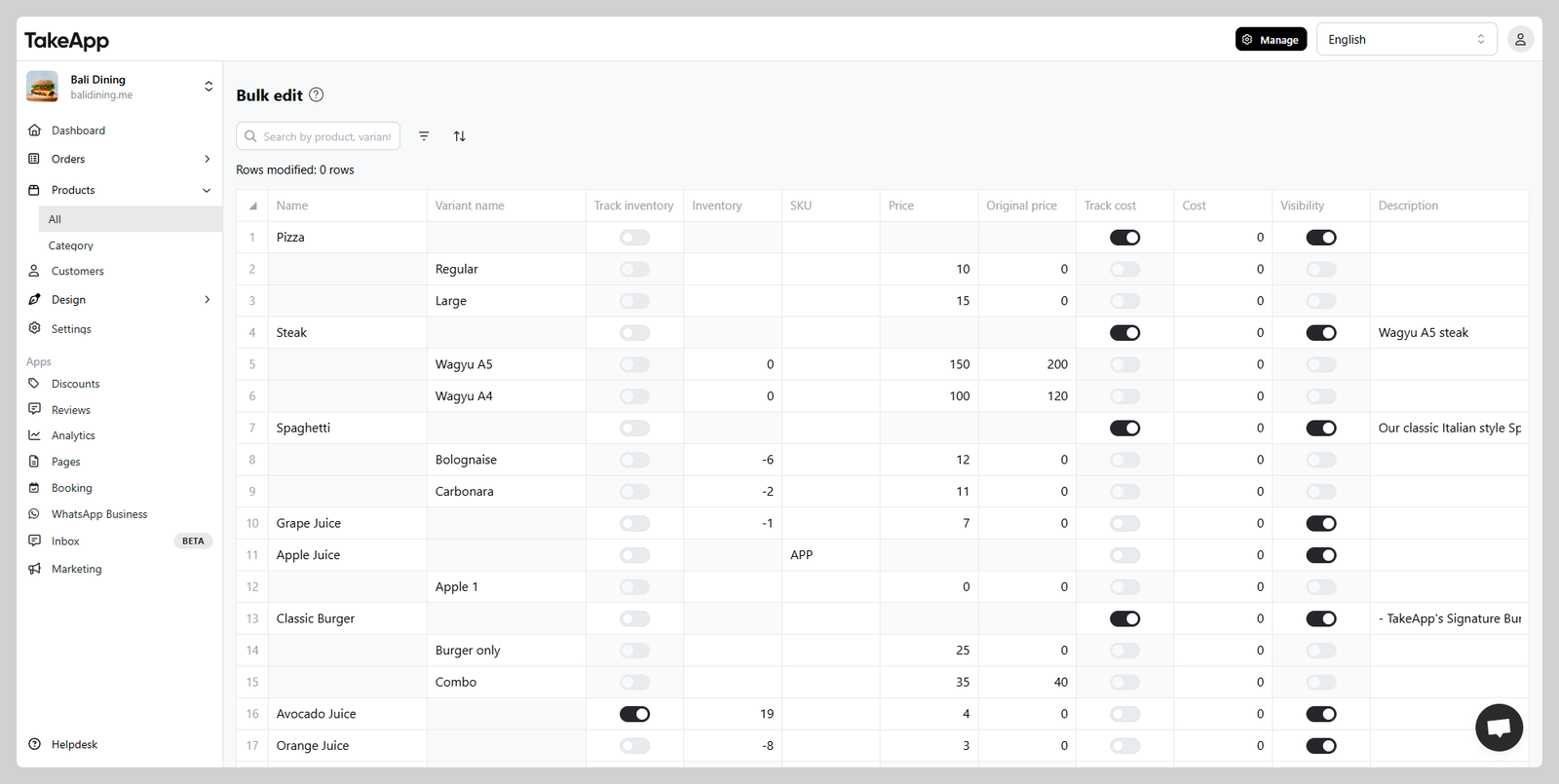
Go to Admin > Products and click on
Bulk Edit -
Modify any product detail as you need. Start tracking inventory or make your products hidden. You can also change product prices easily from this menu
-
Don't forget to click
saveto make sure all changes are reflected.