
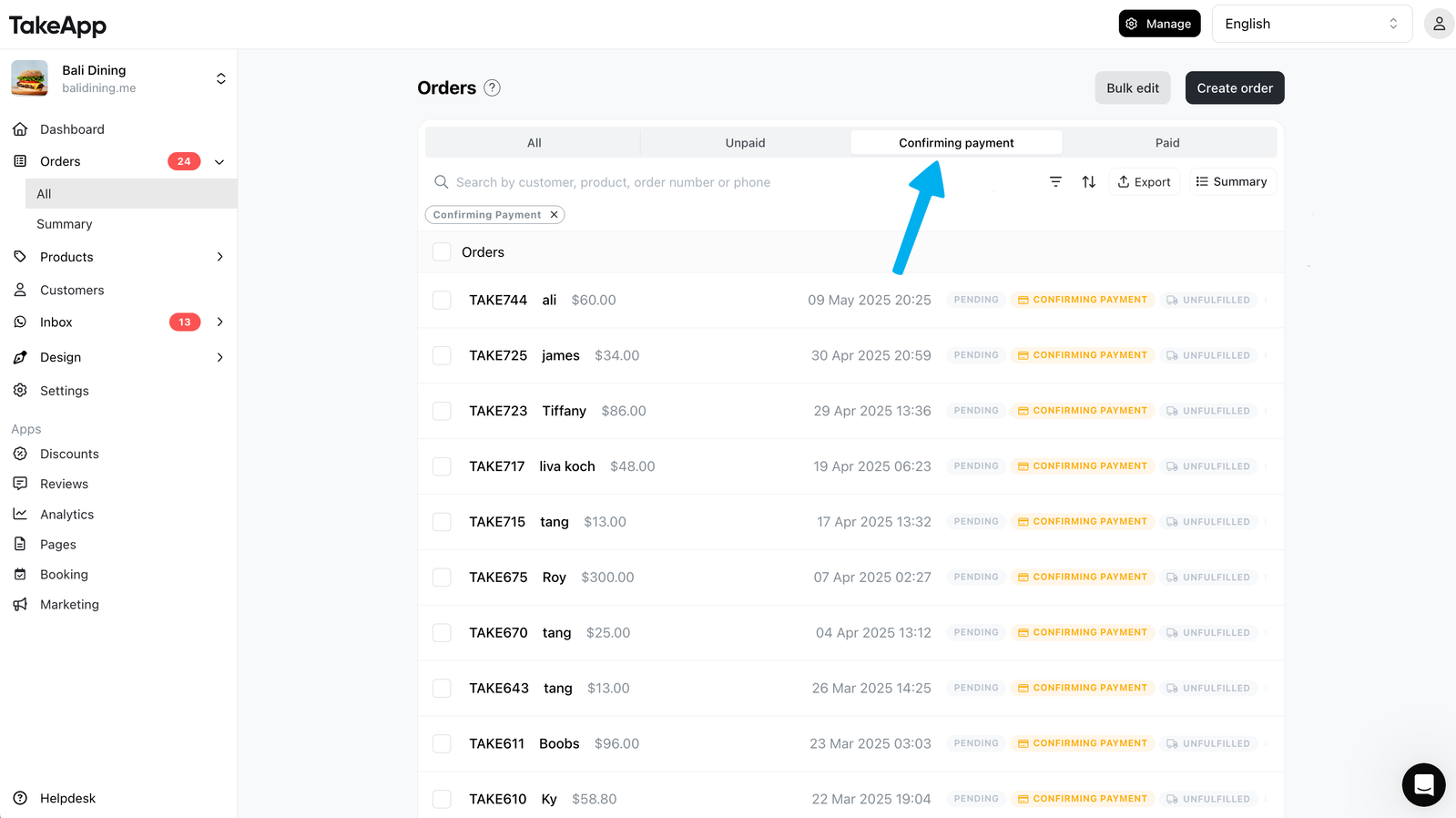
Payment status filters in Orders
You can now quickly filter your orders by payment status: All, Unpaid, Confirming Payments, or Paid. This makes it easier to sort and fulfill orders based on payment progress in Admin Orders dashboard. Learn more
QR code in shipping labels
Each shipping label now includes a QR code that opens the order invoice. This is especially useful for cash-on-delivery orders—customers can scan and view the amount to pay. To print, go to Admin > Orders > Order Detail > Print > Shipping Label. Learn more
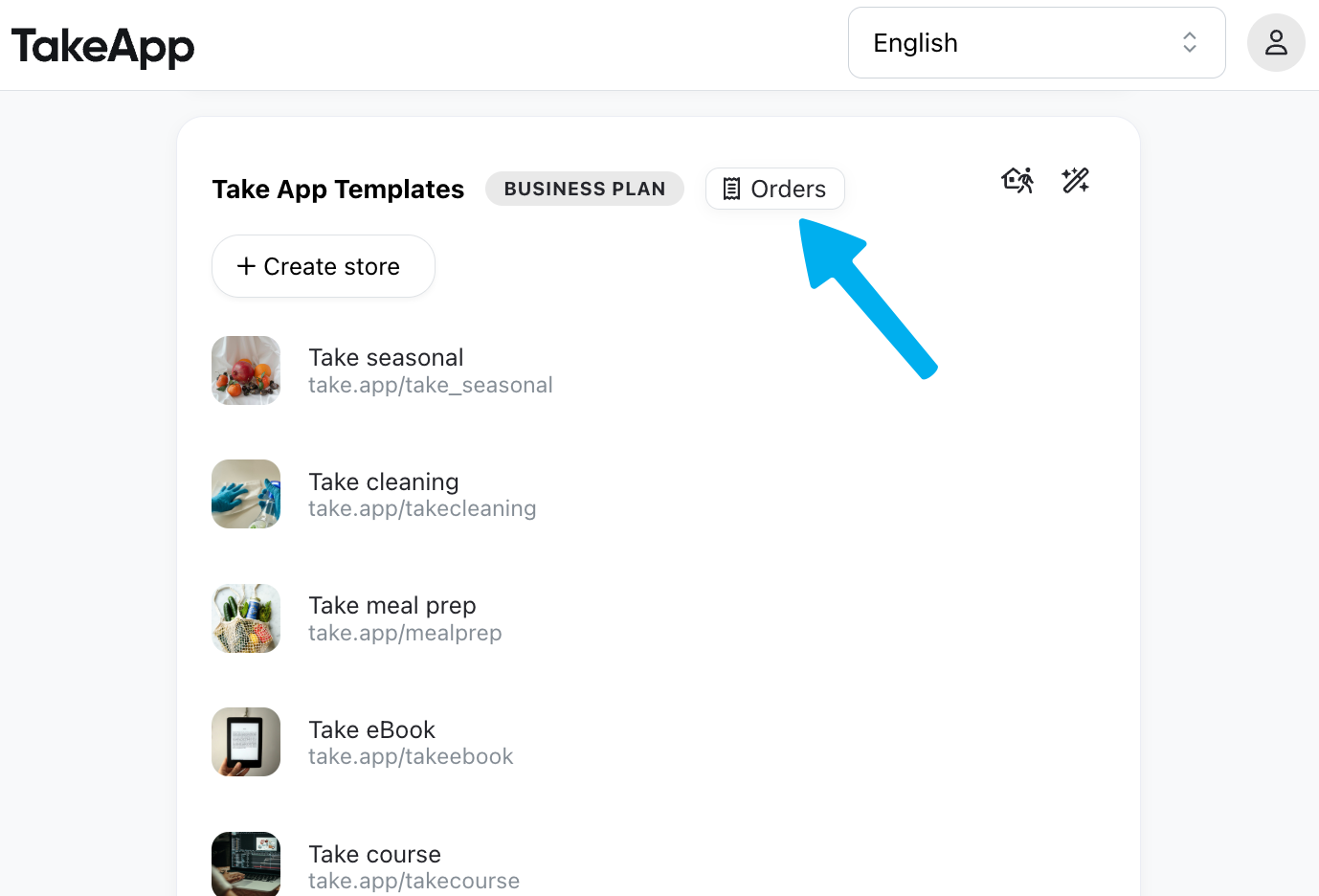
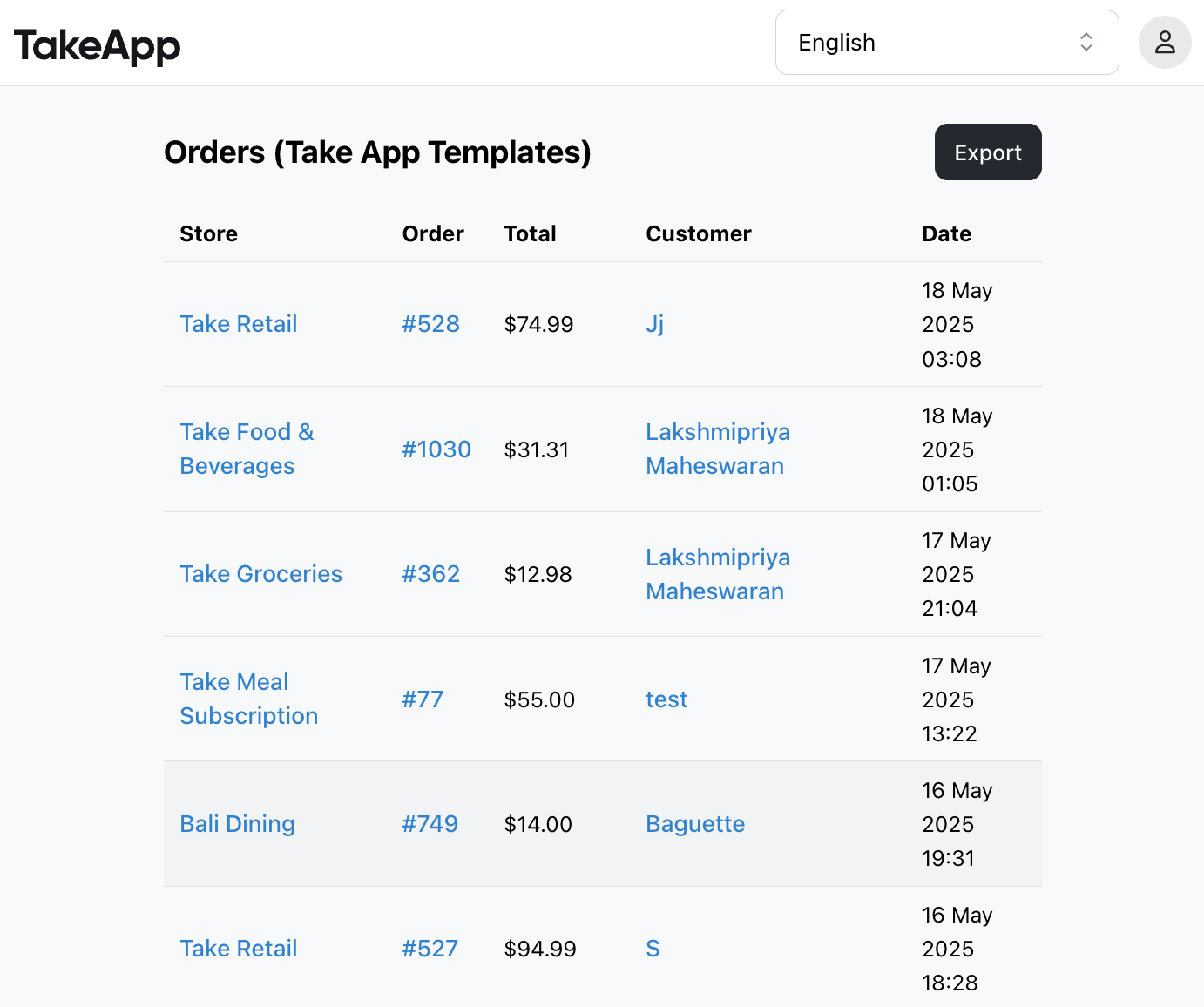
View orders across all your stores
If you manage multiple stores under one organisation, you can now view all orders in one place. You can also export them in CSV format. Go to take.app/admin and look for the “Orders” button near your organisation name.
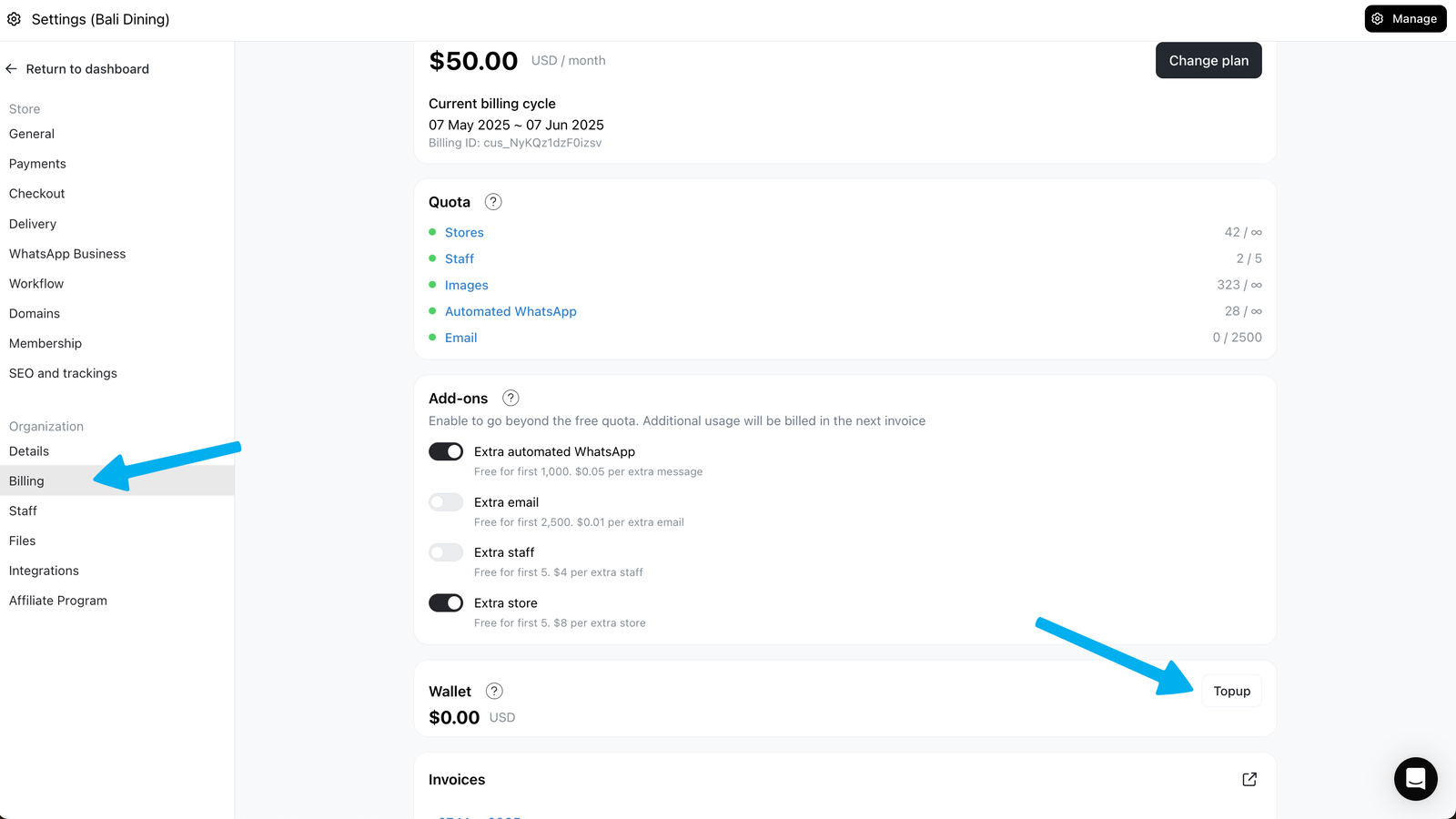
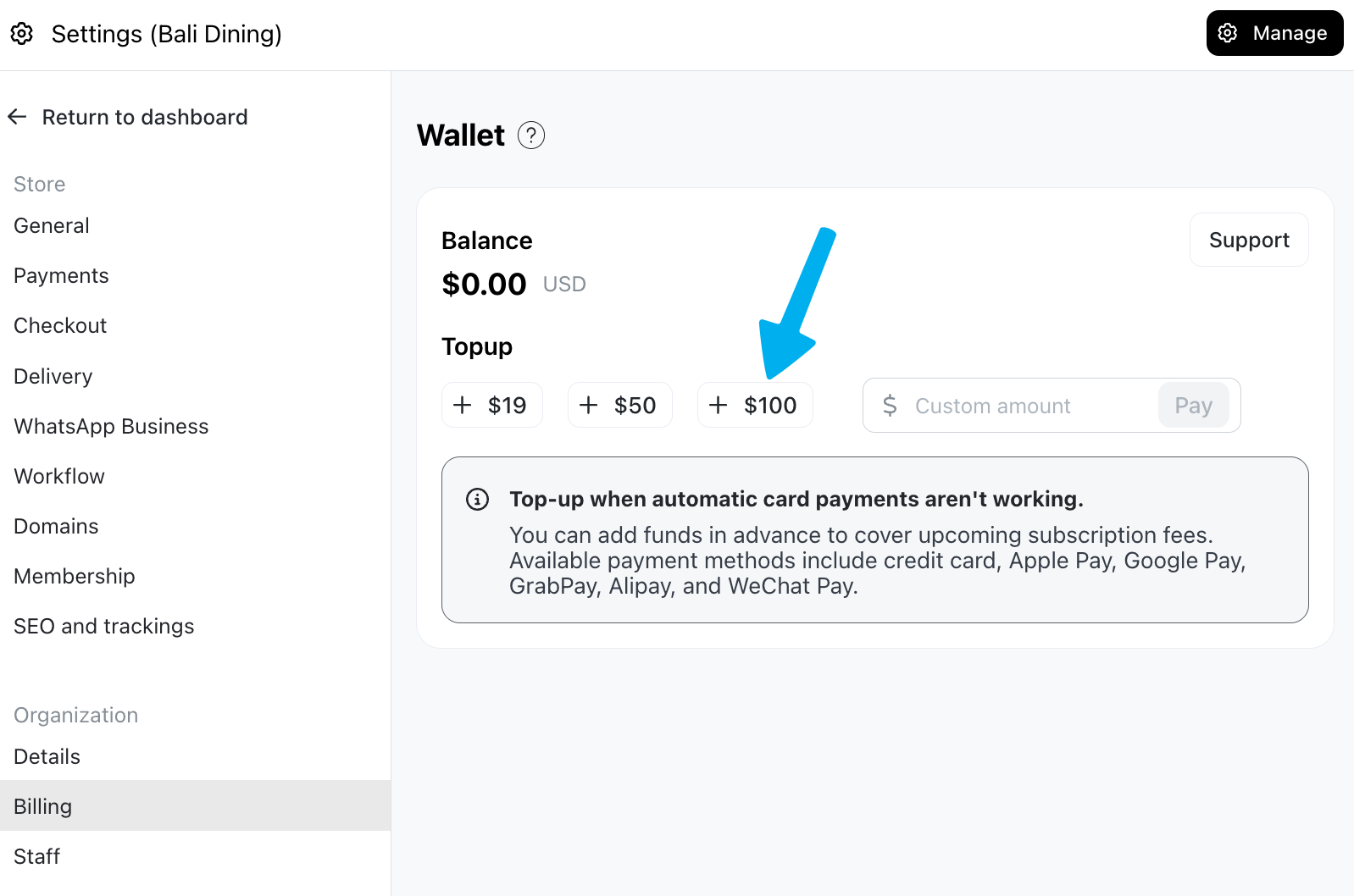
Wallet for subscription fees
Recurring payments can be tricky in some countries. That’s why we’re introducing a wallet you can top up in advance and use for your subscription fees. Go to Admin > Settings > Billing > Wallet. We support card payments, Apple/Google Pay, WeChat, PayNow, and more. Learn more
Others
- Analytics reports are now grouped by category for easier access
- Google Sheets integration is deprecated (existing users can still use it). Instead, use Zapier integration.
- Customers can no longer pay for cancelled orders