Product bulk upload
Create hundreds of products by uploading CSV file. We provide a template CSV file you can edit the spreadsheet using Excel. You can set product name, price, SKU, variants, etc. Uploading images are not supported yet. Find "Bulk Upload" button in Store Admin > Products
Expandable product collection
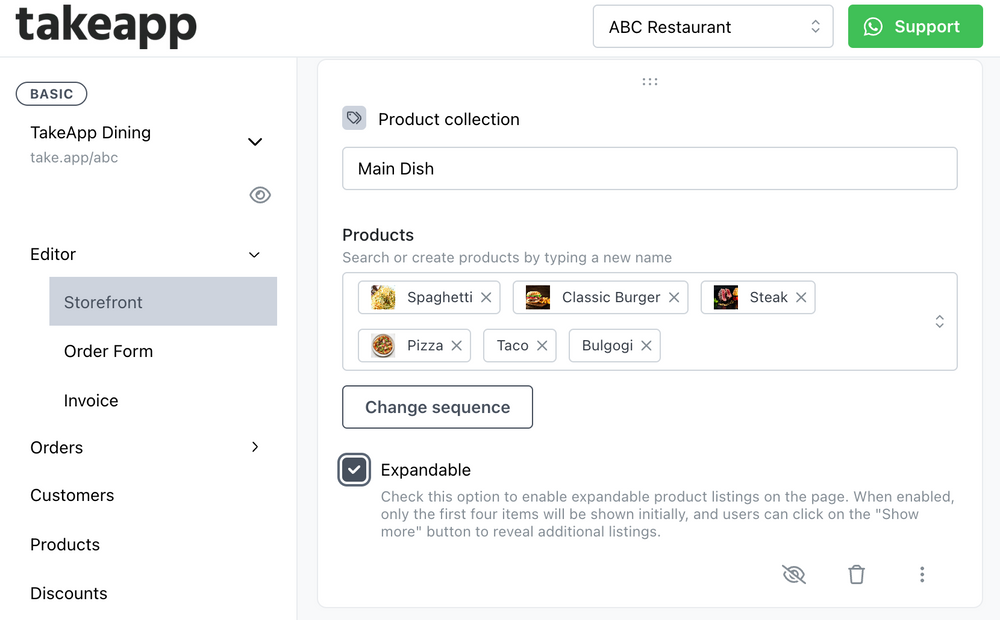
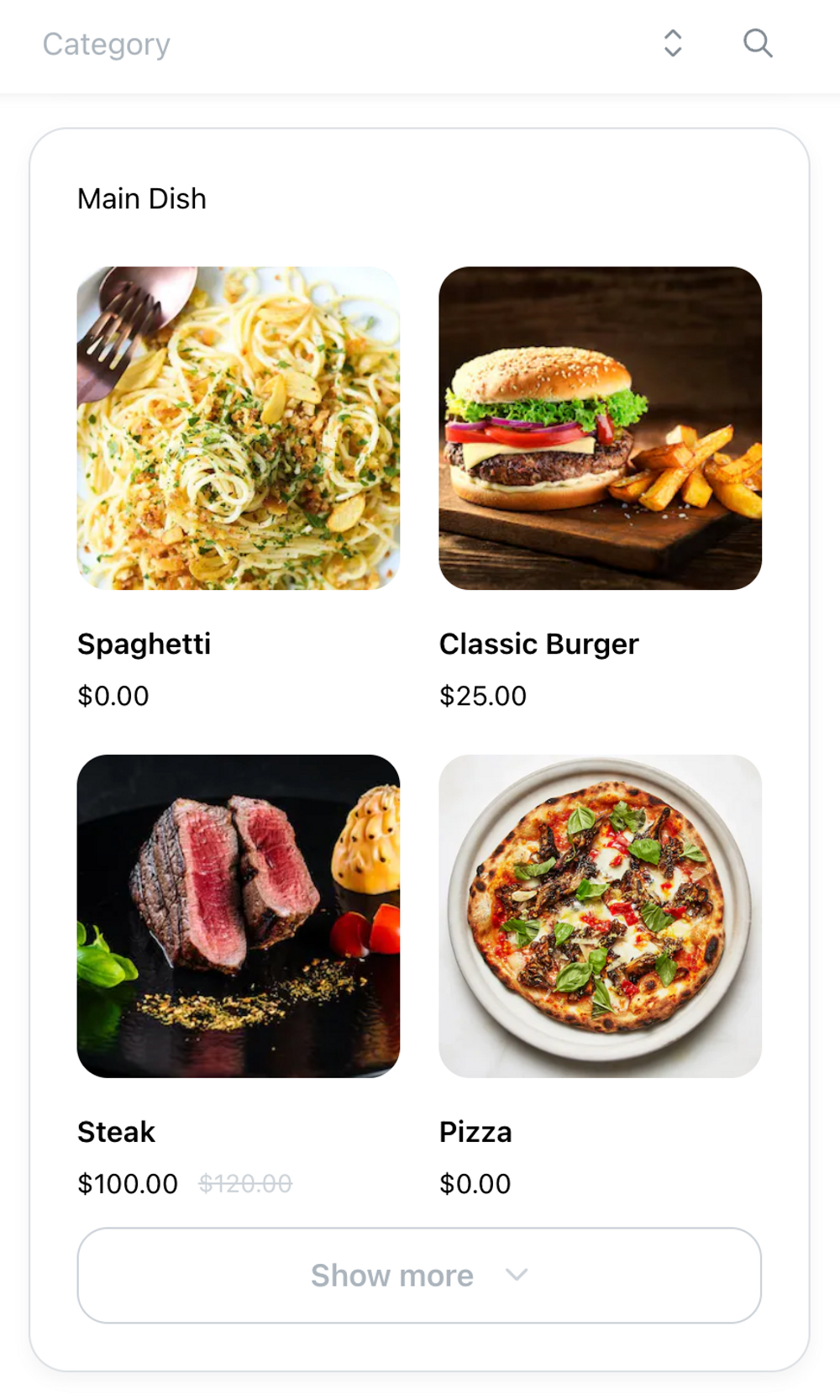
Your website can be very long if you have many products. You can show first 4 products only for each product collections and let customers click to expand. Go to Store admin > Editor > Storefront and enable "Expandable" option in your product collections card.
Products collection permalink
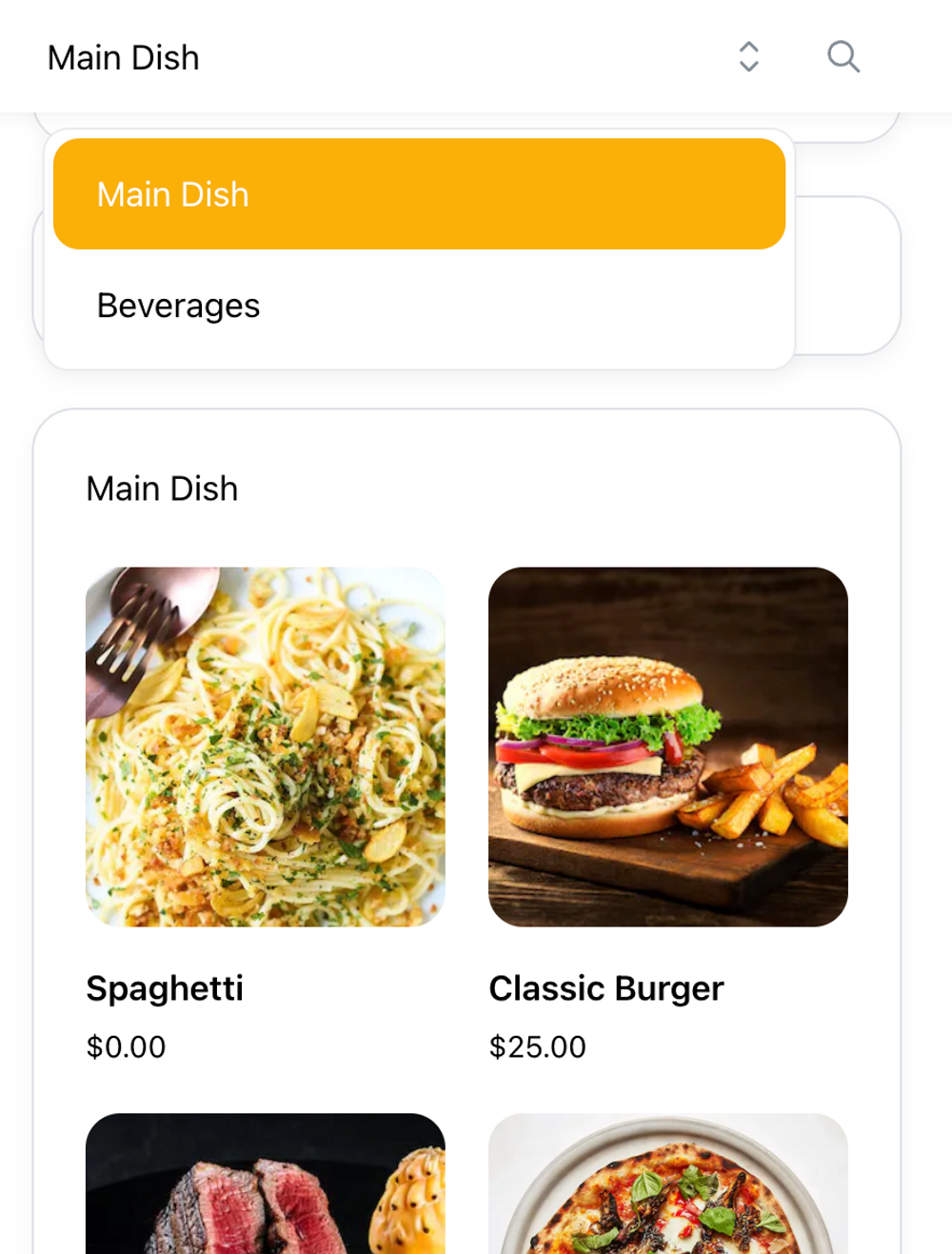
Share a link for specific product collection to your customers. To get the link, select category on the top of your storefront and copy the browser's url.