
On the free Basic plan, you can upgrade to Essential for unlimited orders, your own domain and analytics, or to Business for card payments, WhatsApp automation and more stores and staff. Compare them on the pricing page.
How to upgrade your subscription
-
Go to Settings > Billing and click
Upgrade plan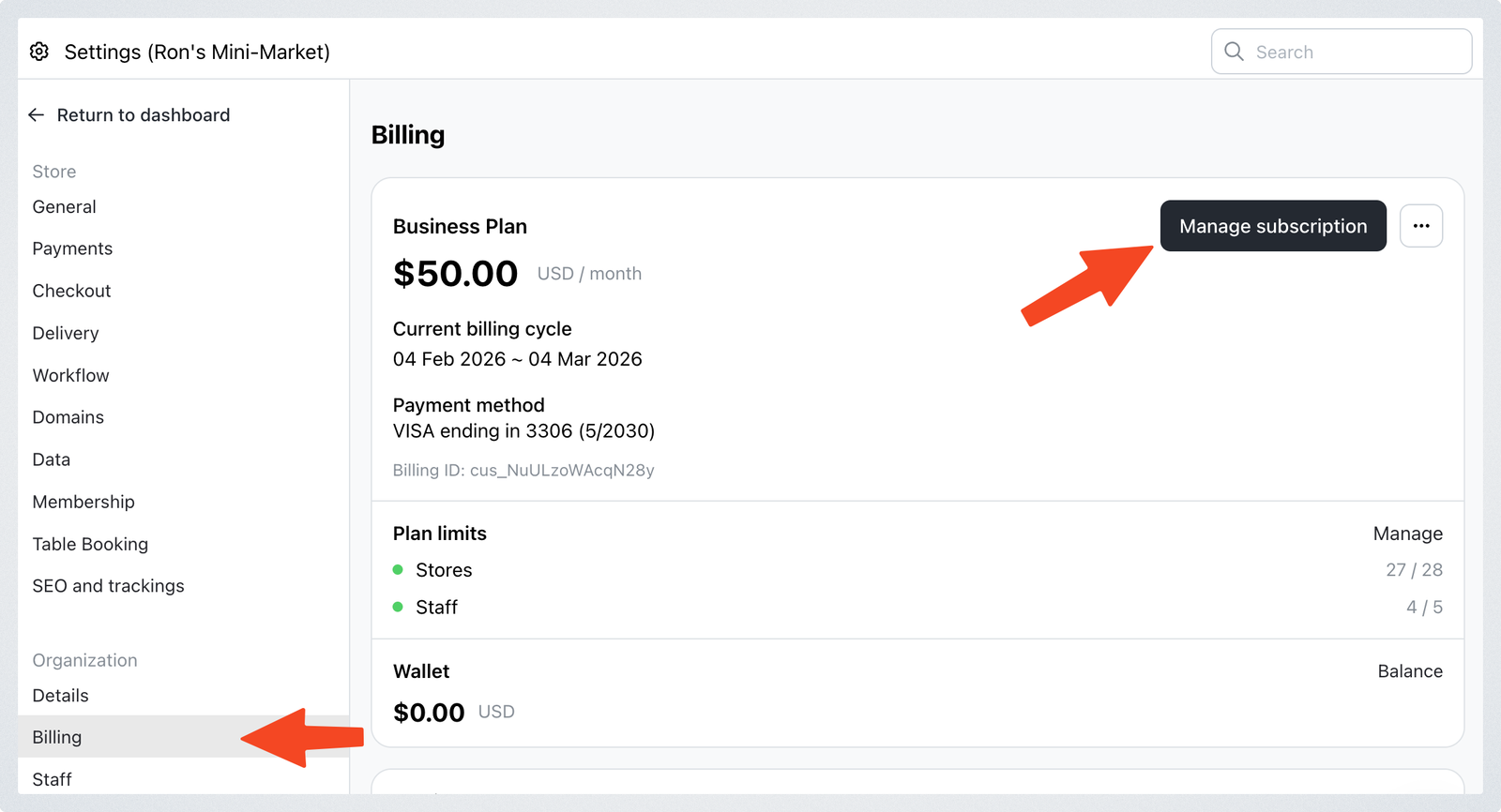
-
Choose the new plan (Essential or Business), then click the
Paybutton, which shows the monthly price, and pay by card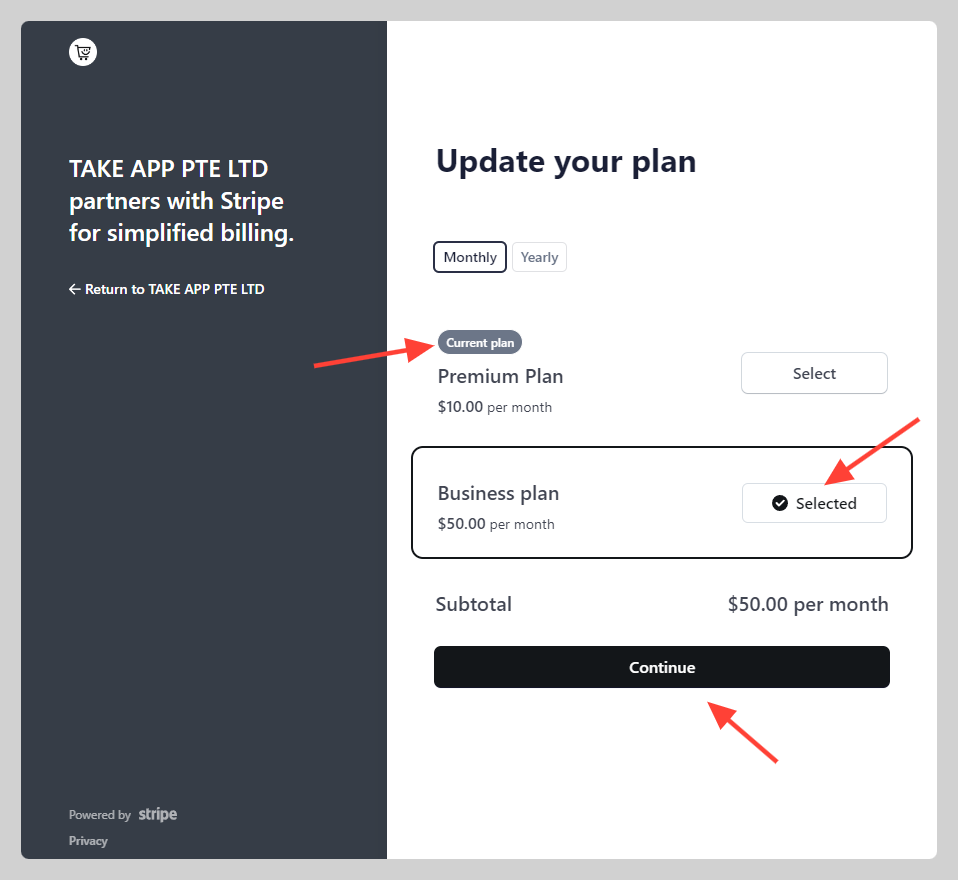
Starting Essential? Under the card button you can also pay the first month with your local QR, such as PayNow, DuitNow or QRPH, where it's offered. Your plan starts once paid. These QR buttons don't show if you have a prepaid balance or add a promotion code, and Business is paid by card here.
From Essential to Business
You can move from Essential to Business at any time, in either of these ways.
Upgrade now
- Go to Settings > Billing, click the
...(three dot) button next toManage, and chooseUpgrade to Business plan. - Click
Upgrade to Business, thenEnd plan and continue. - Pay for Business at checkout.
Essential ends as soon as you click End plan and continue, and the time left on it is credited to your prepaid balance in USD, which goes toward your Business payment. Finish checkout to keep your paid features; if you don't, the credit stays in your balance.
Pay for more months
In Settings > Billing, find the Pay for more months card, choose Business and how many months, then pay. You switch to Business once the payment goes through, and the unused time on Essential, including any months you paid ahead, goes to your prepaid balance. See Pay for more months.