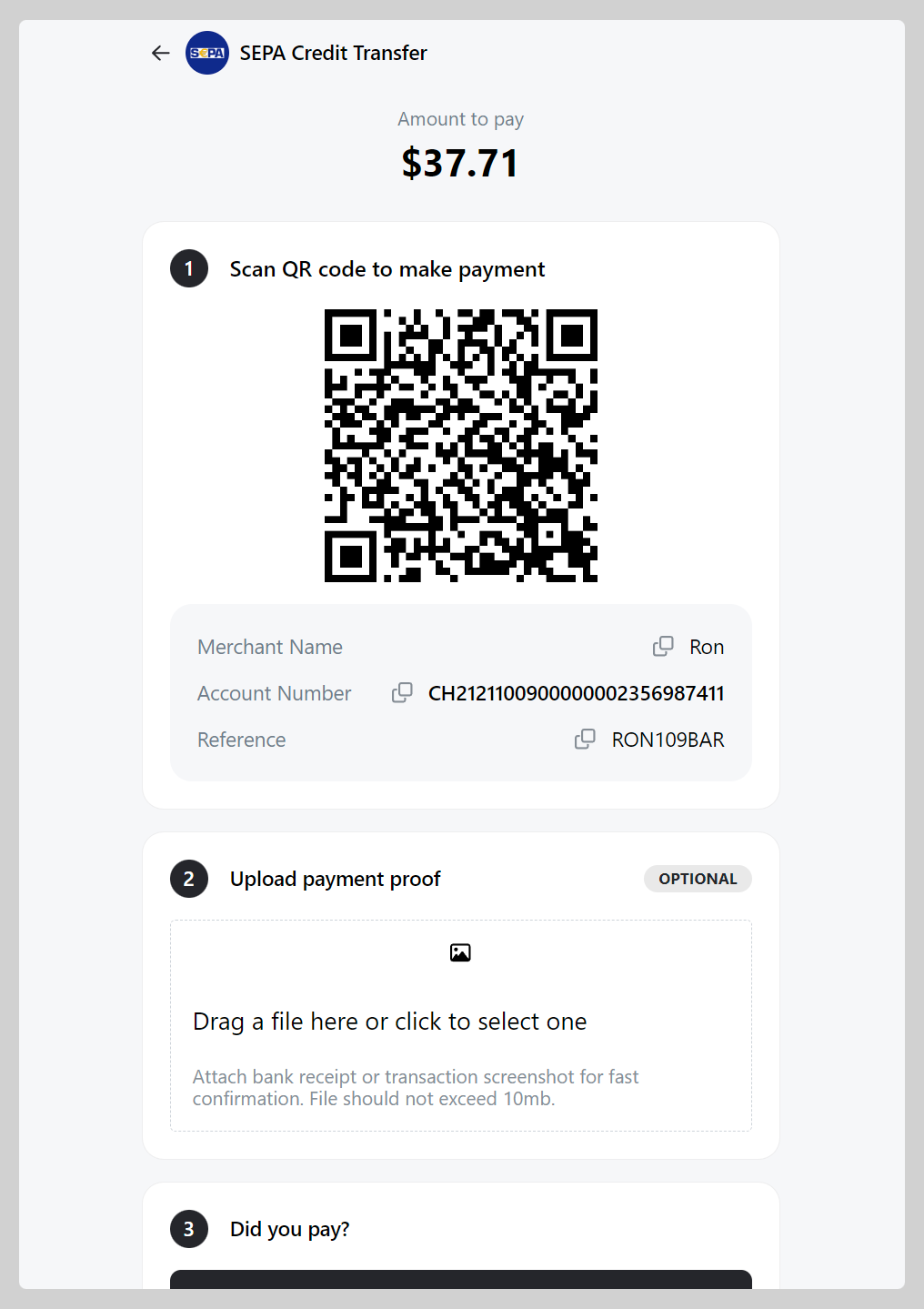
SEPA (Single Euro Payments Area) can be used for 36 countries in the SEPA zone (as of June 2023). Add your SEPA Credit Transfer to Take App to let customer pay.
How to add SEPA as a payment method
-
Go to Admin > Settings > Payments and click
Add payment method -
Choose payment with "SEPA Credit Transfer", Register your detail (Account holder name, IBAN, BIC), then click
Save.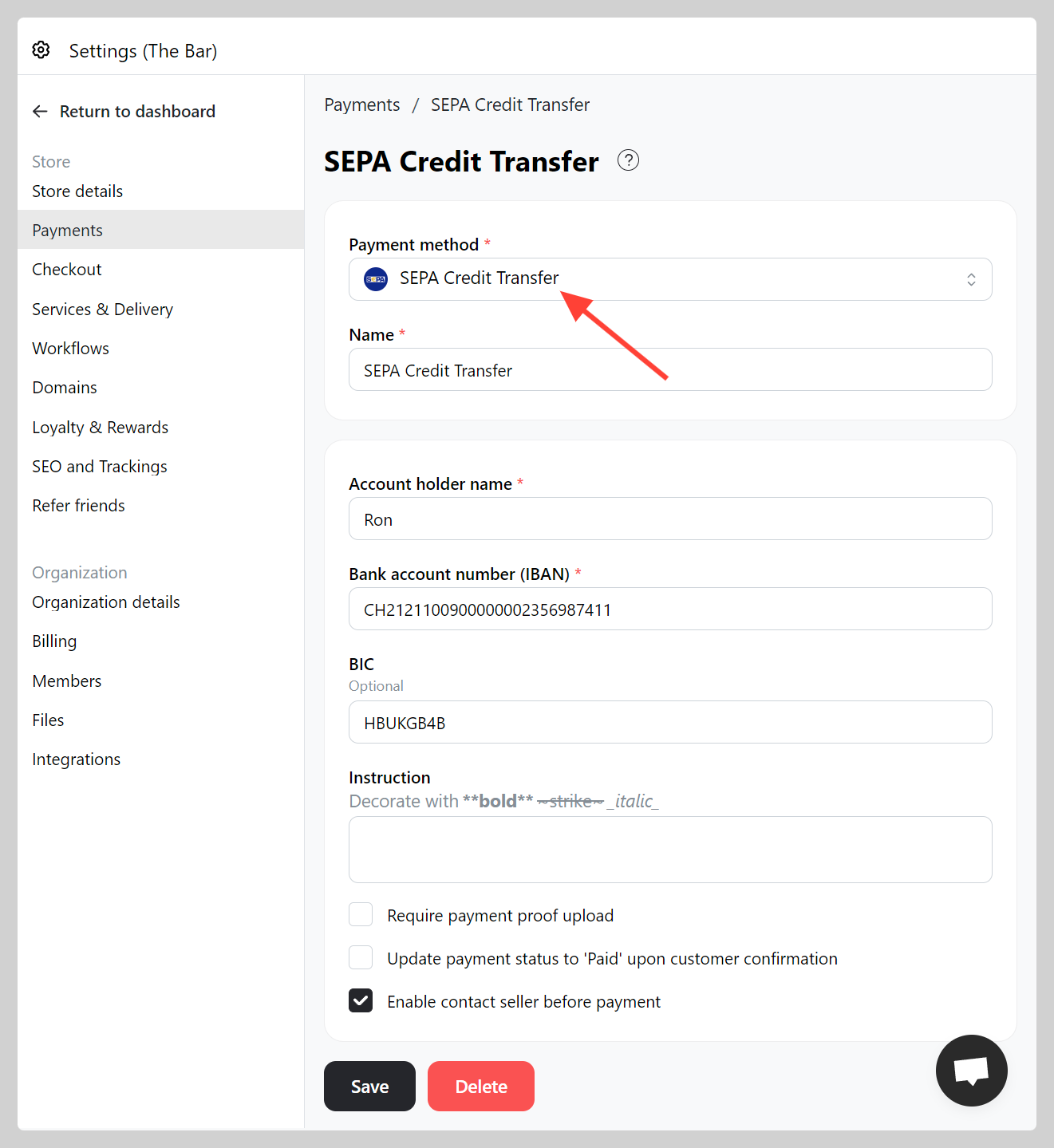
-
Make a test order and check if your SEPA's QR working well.