
Options let you ask the buyer a question on the product detail page, or offer add-ons such as extra toppings. Each choice can carry an additional price.
If your product simply comes in different versions — sizes or colours — use a variant instead.
How to add product options
-
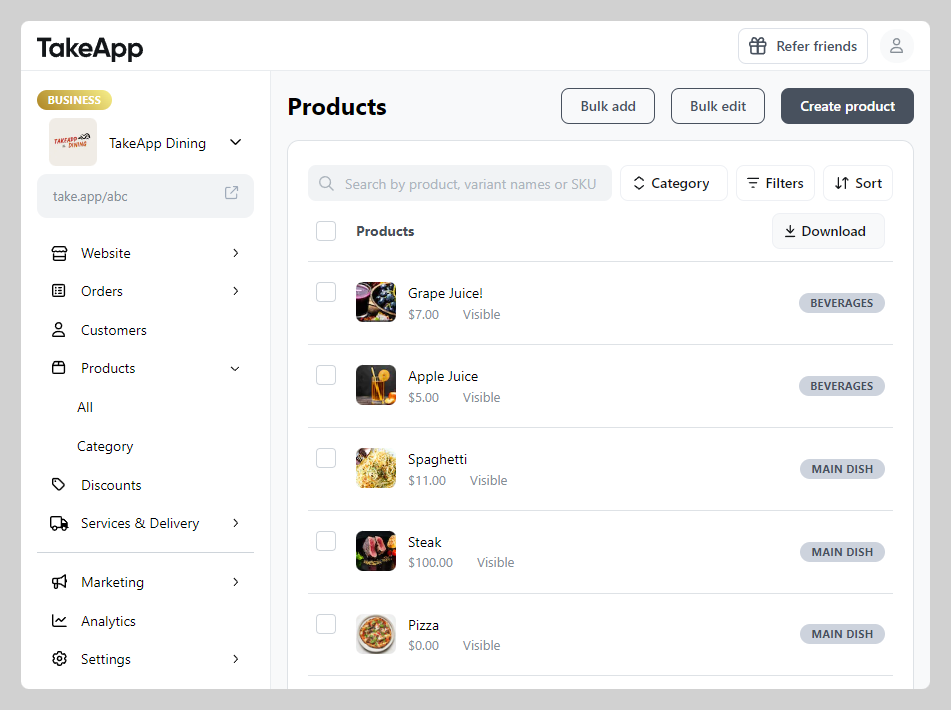
Find your product from Admin > Products and click on the specific product you wish to modify.
-
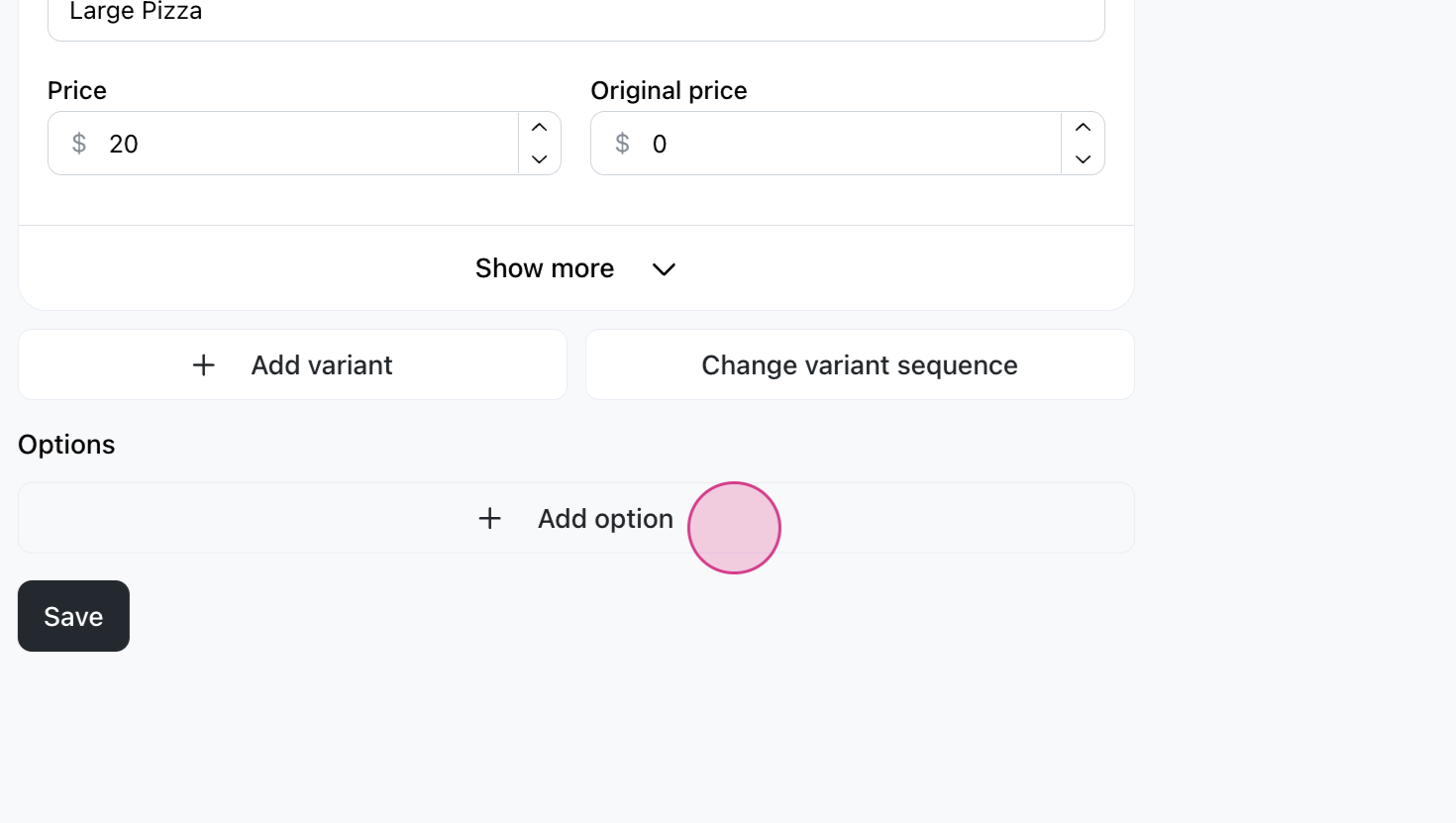
Scroll down to the variants and options section and click
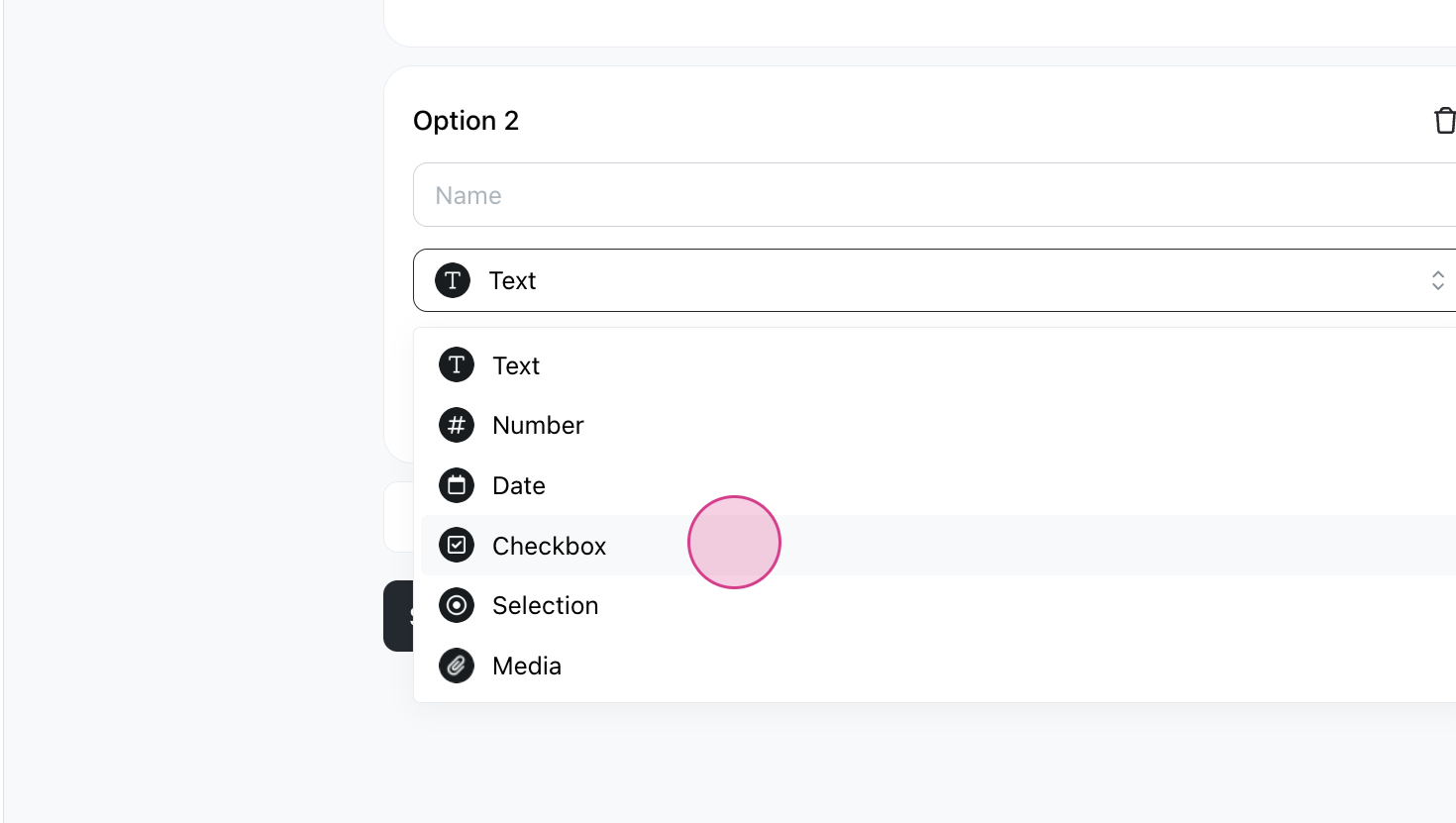
Add option. Select the questionType.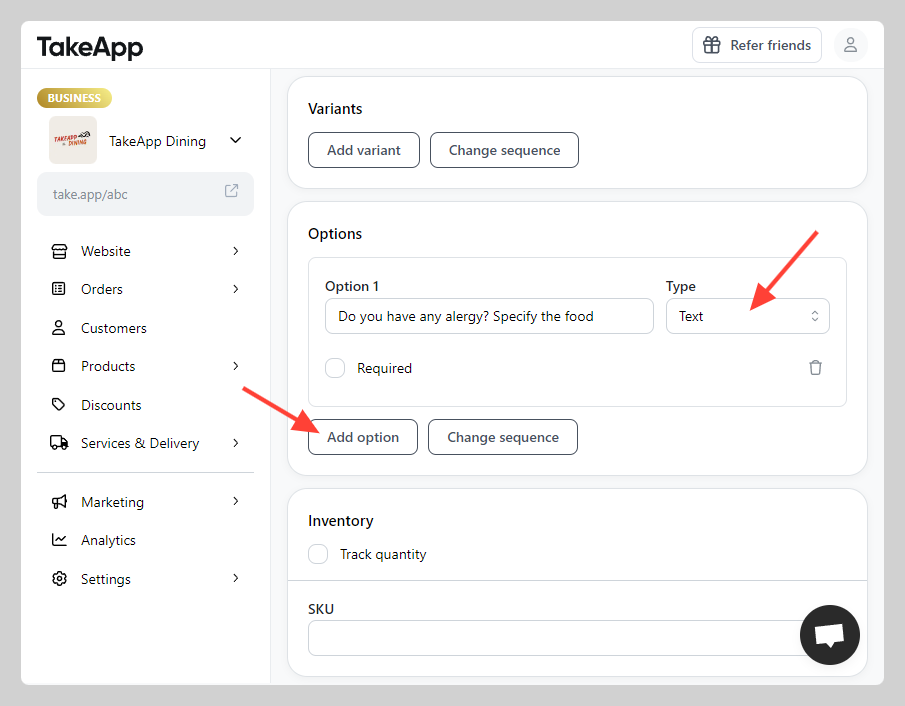
-
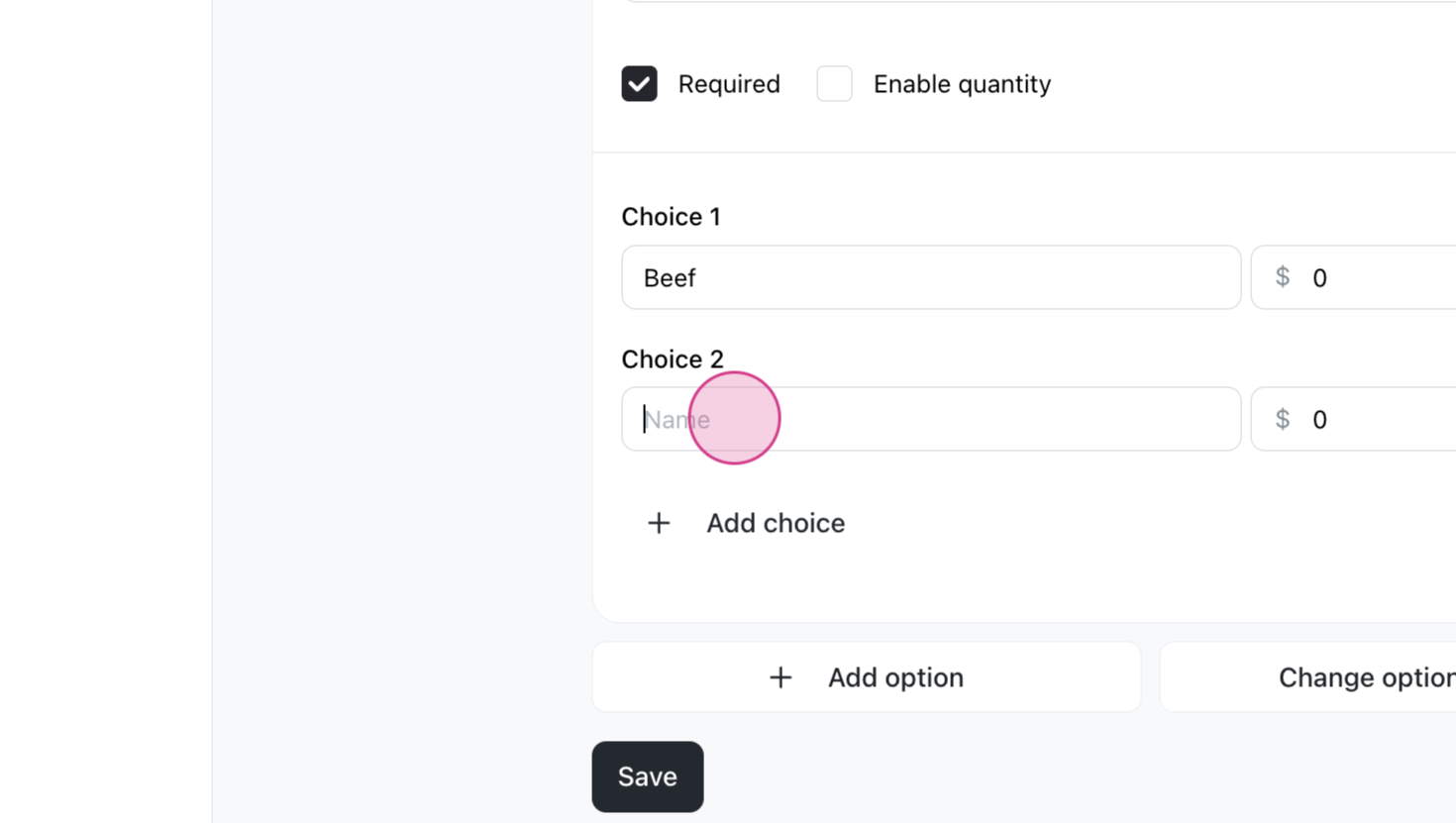
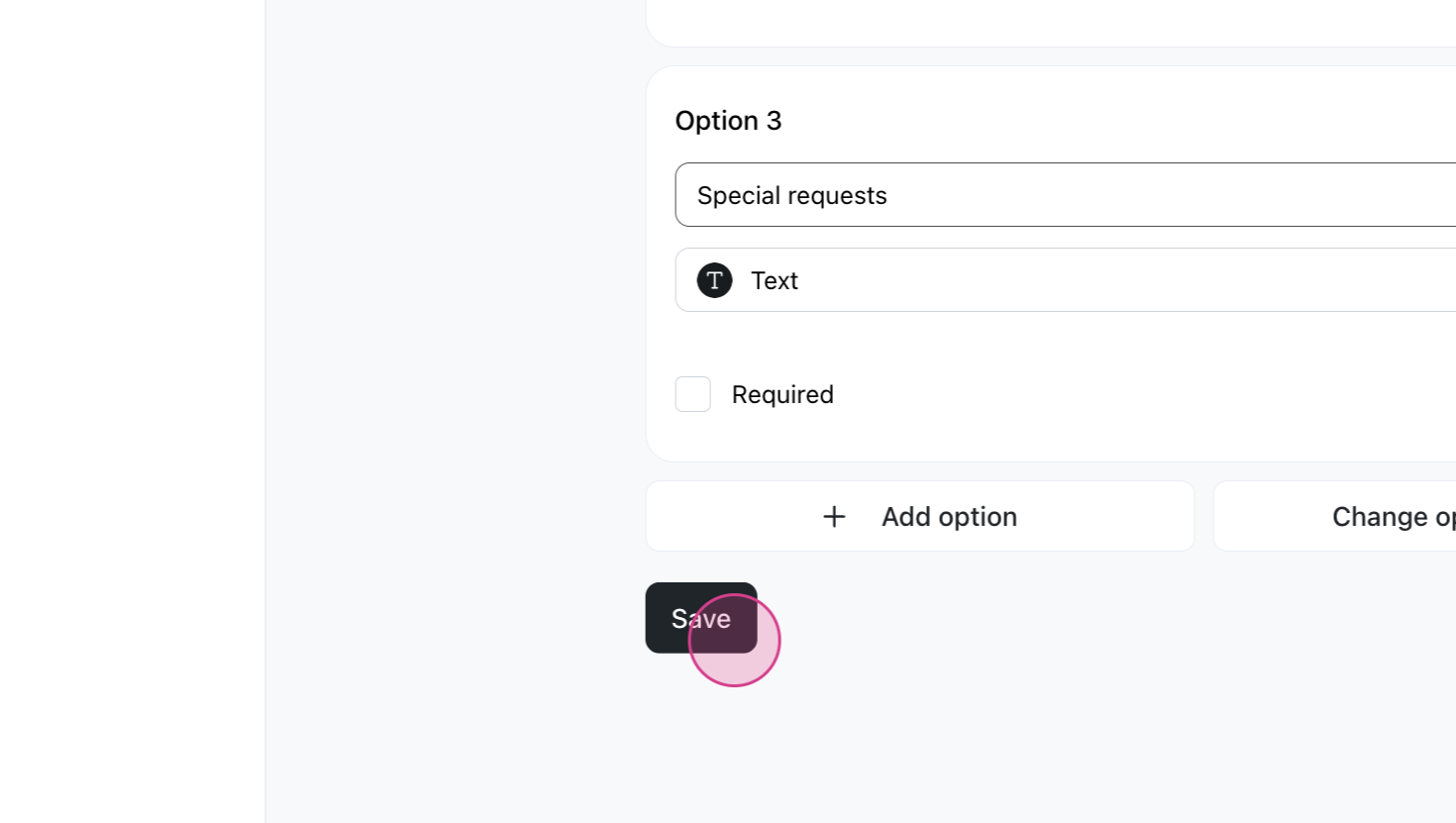
Name the option and add its choices. Each choice can have an extra price. Click Save.
To create many choices at once, see Bulk add for product option.
Understanding the question type
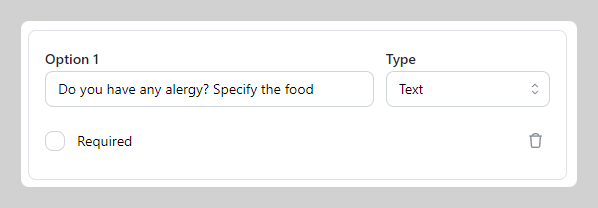
Text type option: This function is designed to pose questions to the buyer and anticipate receiving free-form text as their response — a good fit for special requests.
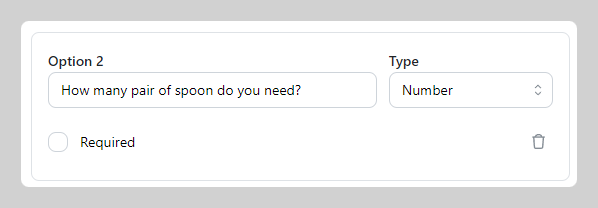
Number type option: This function is intended for posing questions to the buyer and expecting numerical answers.
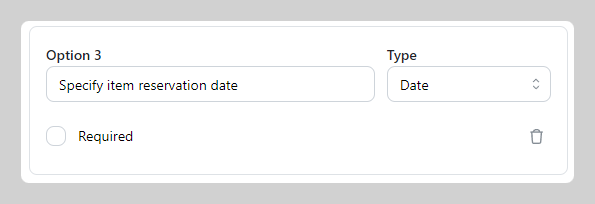
Date type question: This function is designed to present questions to the buyer using a date-picker (calendar) format and to collect answers in the form of specific dates.
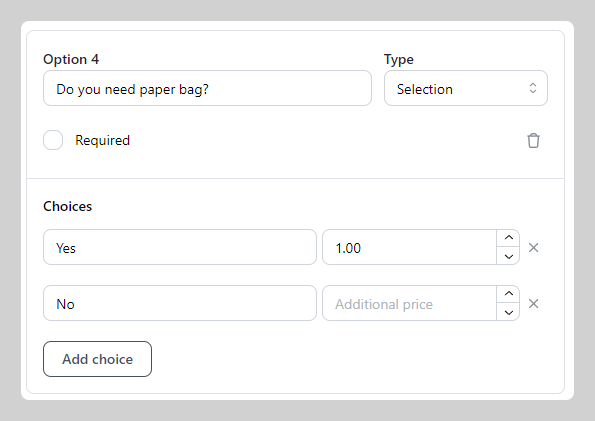
Selection type question: This function is designed to query the buyer with questions and subsequently offer them a multiple-choice selection, allowing them to pick only one answer. You can also include Additional price on each choice.
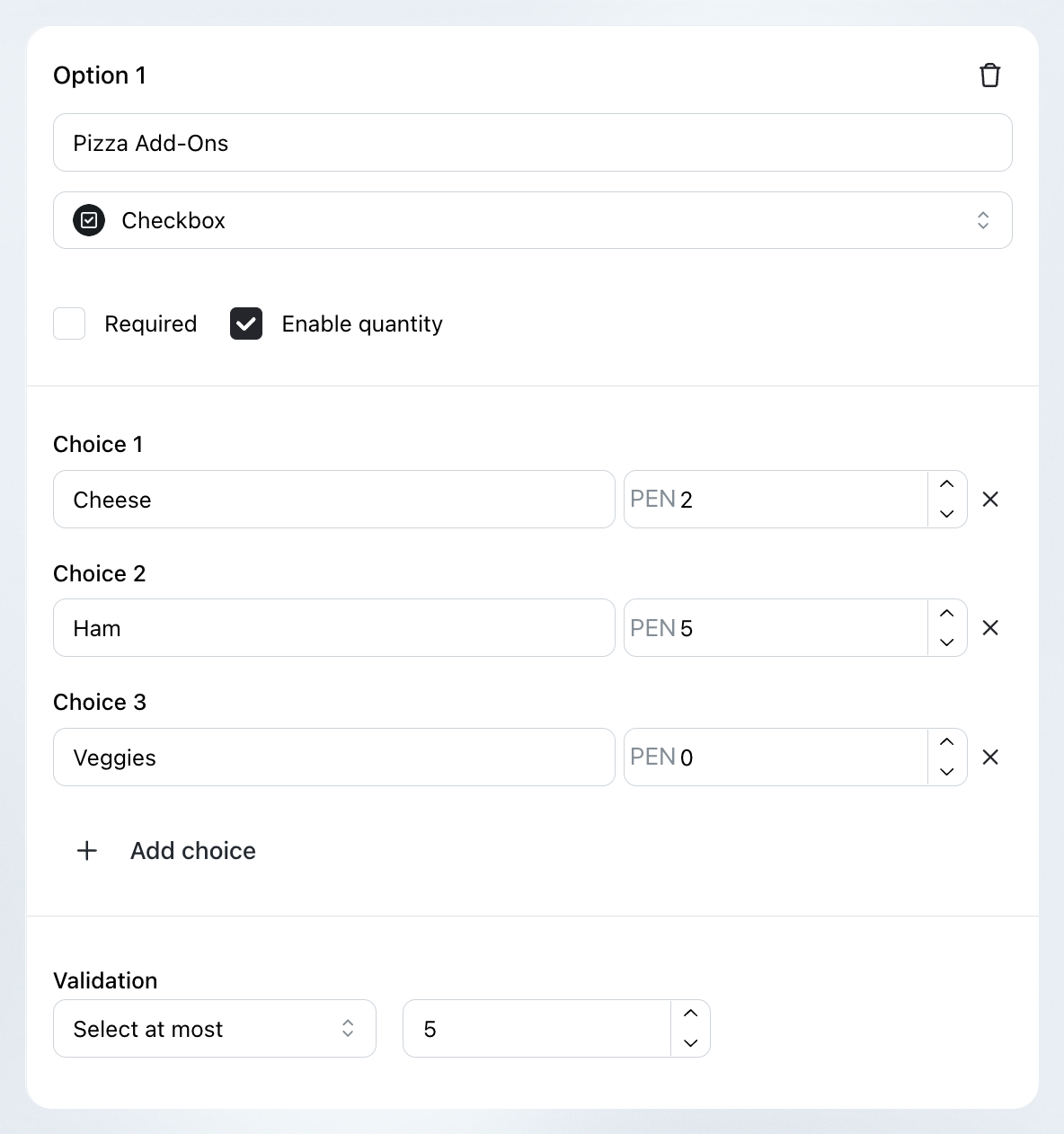
Checkbox type question: This function is meant to inquire the buyer with questions and present a multiple-choice selection, allowing them to pick multiple answer.
You can click on Enable quantity, allowing buyers to select more than one unit of a specific option. Additionally, you can set the validation to be at least, at most, or in between. Each choice can have an Additional price if needed.
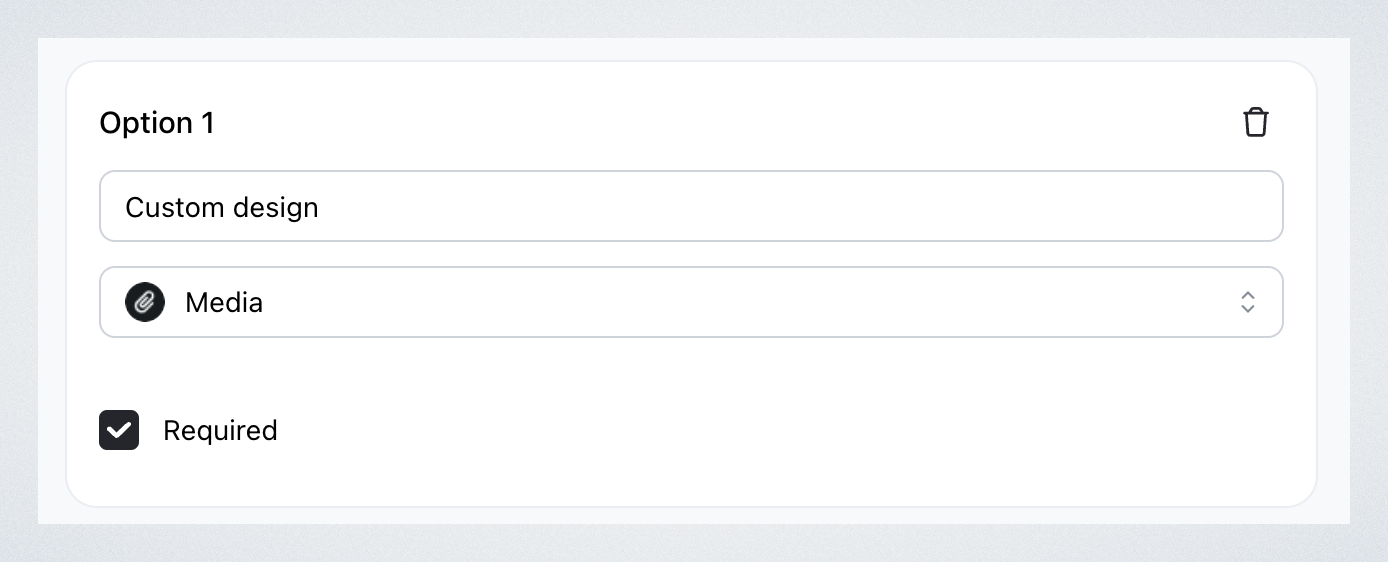
Media type question: This function is designed to let the buyer upload media files, such as photos or images, as a response to a question. It's useful when you need visual input from the buyer — for example, reference images for a custom design. The uploaded files can help clarify requests and ensure better customization.
What the buyer sees
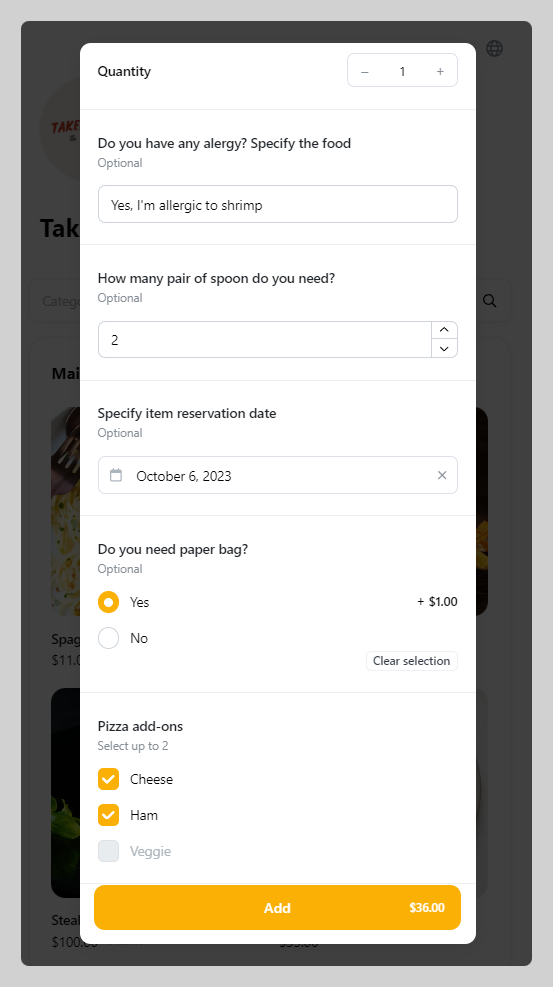
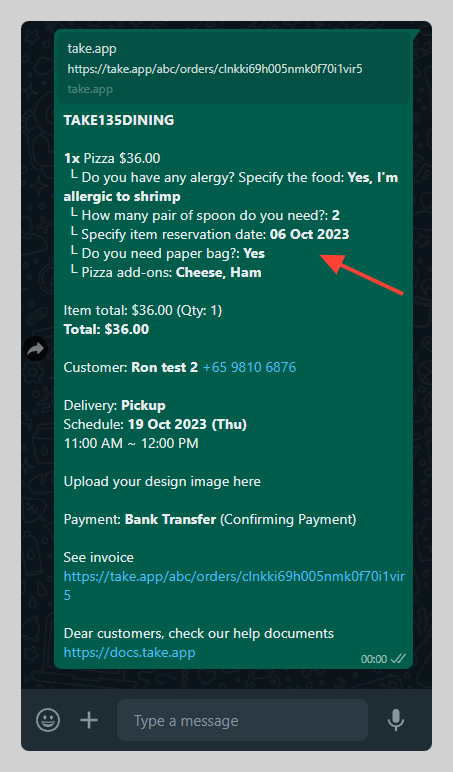
Letting customers add custom text means they can personalise their orders, which makes the whole experience more flexible for them.