
Product recommendations are automatically displayed on both the Product Page and in the Cart. This helps increase order volume by creating more opportunities for upsell and cross-sell.
These recommendations work automatically and do not require any manual setup.
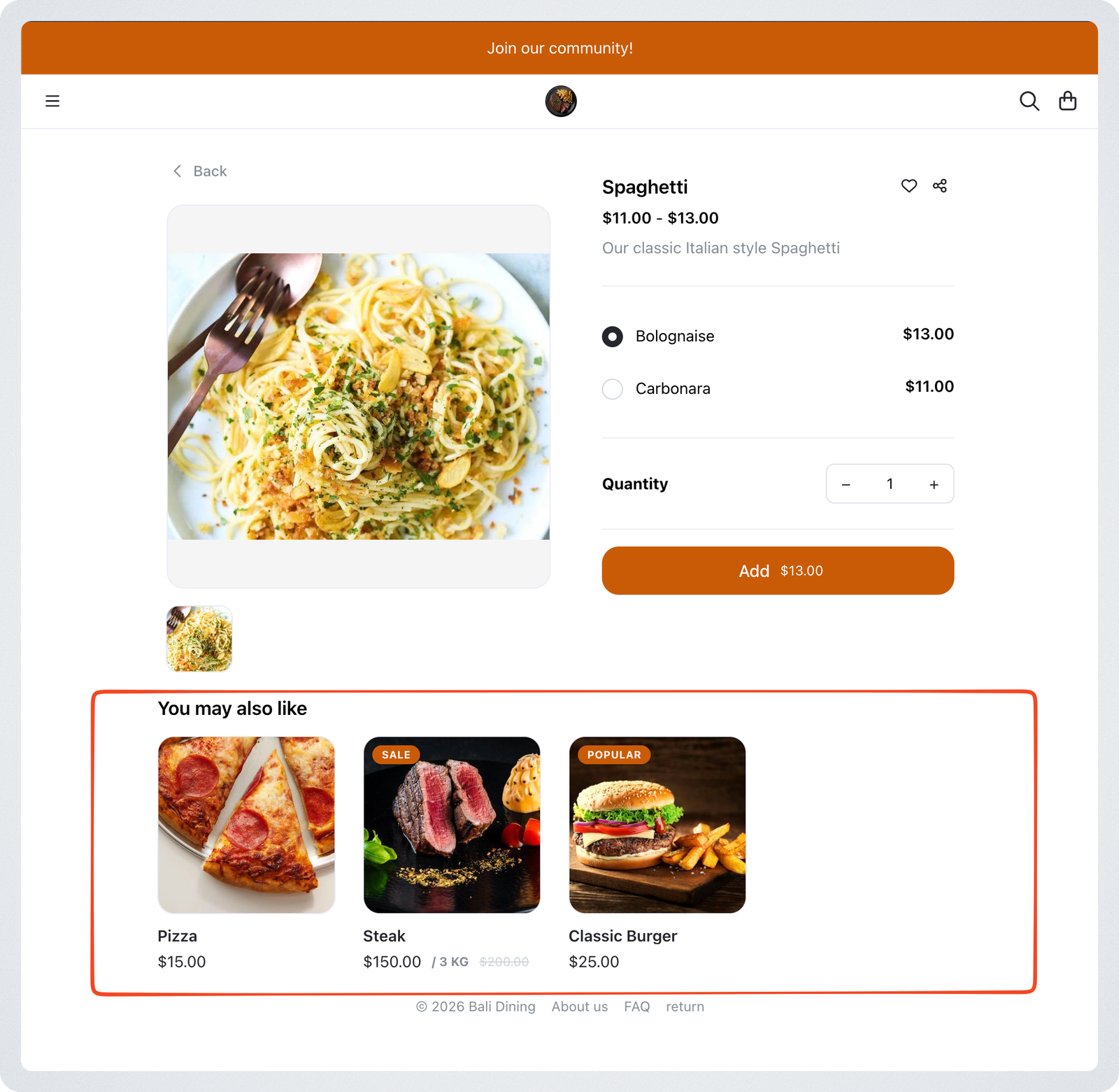
Product Page recommendations
Related products from the same category are shown by default on the Product Page. This encourages customers to explore similar items and add more to their order.
Cart recommendations
Up to three recommended products are displayed in the cart drawer before checkout.
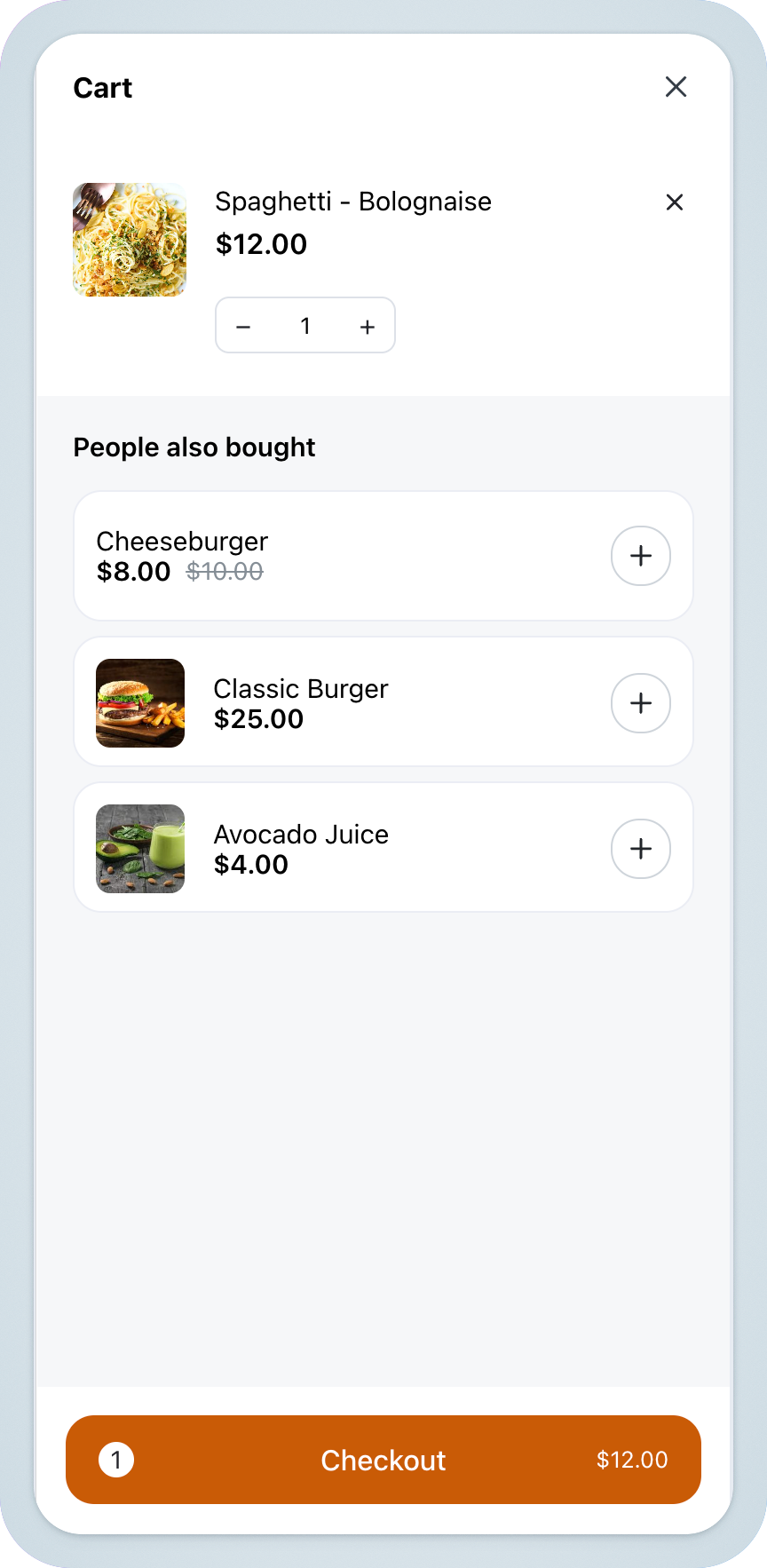
Which products appear depends on your product tags:
- Products carrying a public tag are prioritised and shown first, so you control which products are promoted together.
- If no tagged products are available, best-selling products from the last 7 days are shown as a fallback, so popular items keep getting promoted.
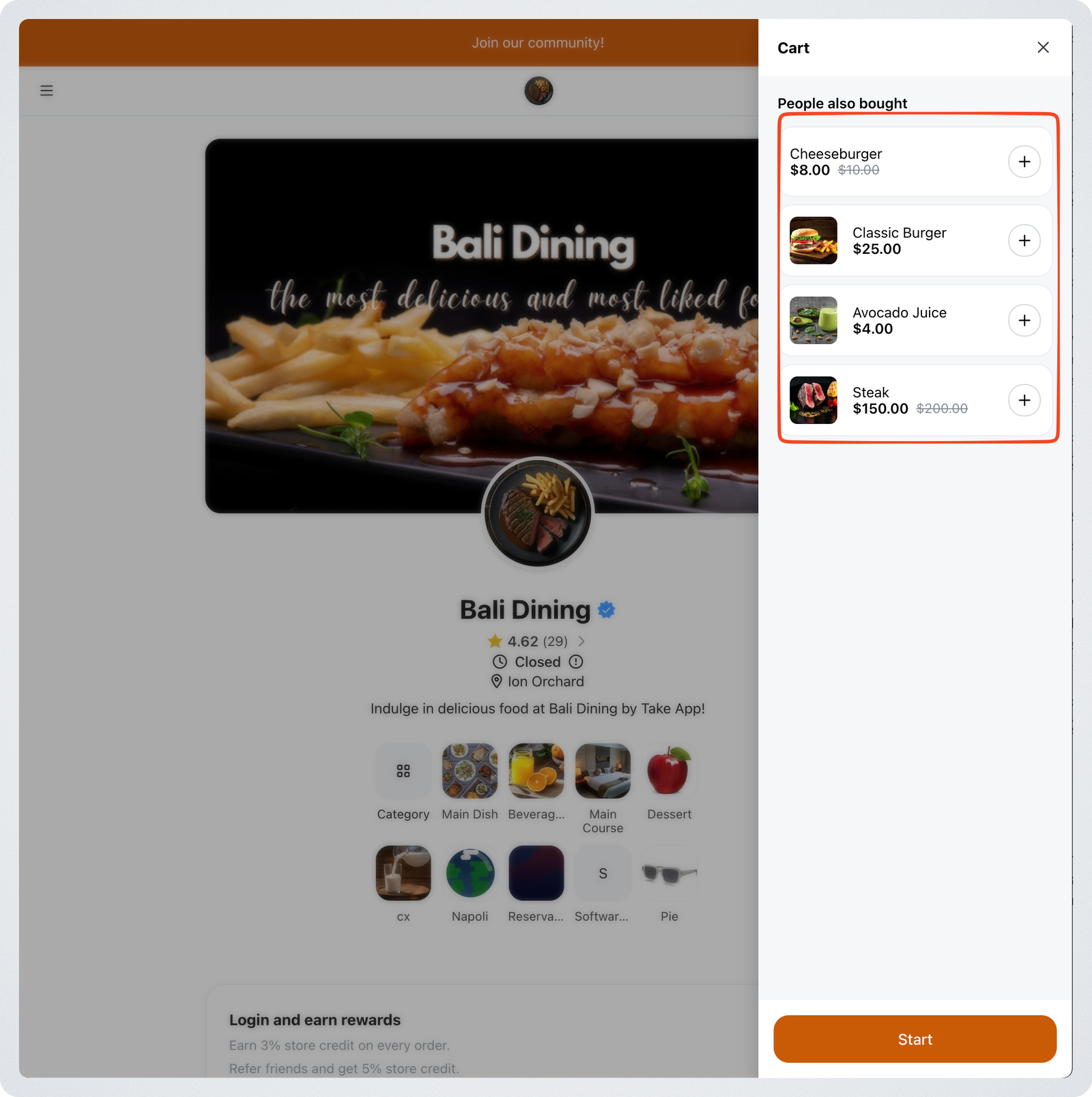
Public tags must be properly assigned to products to appear in recommendations.