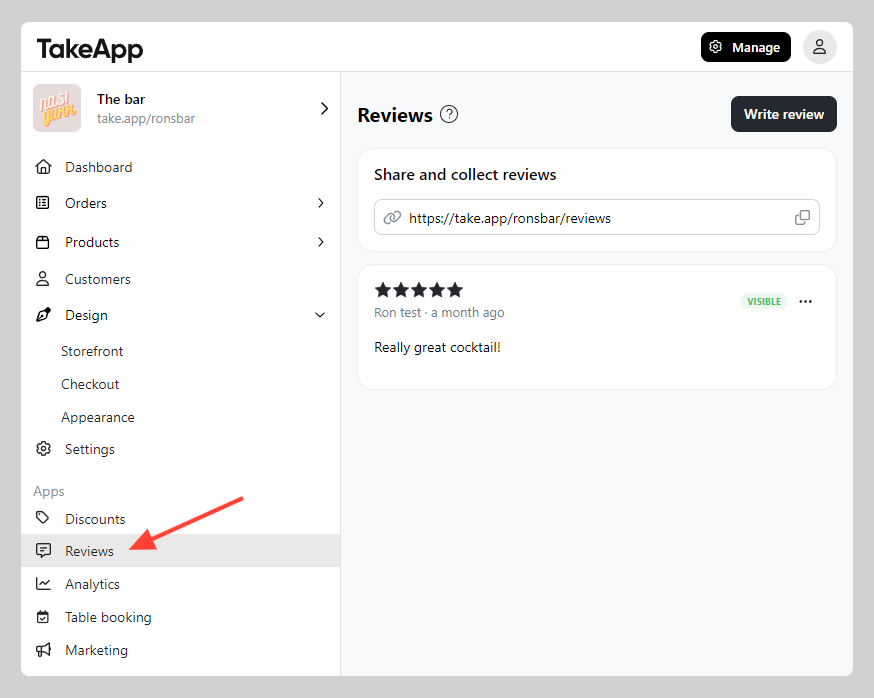
You can add customer reviews that appear directly on your store, helping to showcase trustworthiness and customer satisfaction. Customer reviews are crucial for building trust and encouraging new customers to make purchases, as they offer social proof and highlight the positive experiences others have had with your business.
How to add a review section on the storefront
-
Go to Website (Design) > Appearance > Navigate to advanced options > Toggle on
Show reviews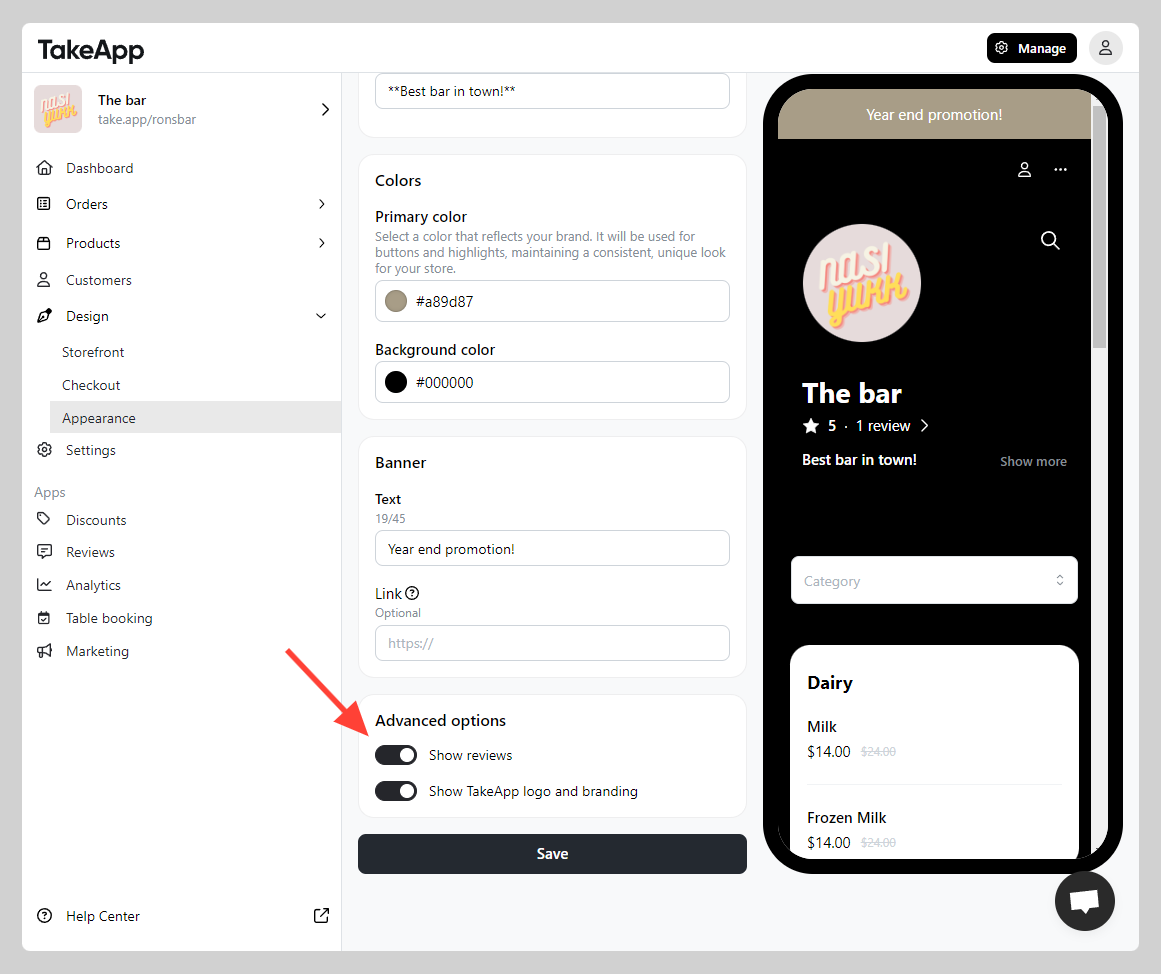
-
Ensure that the review section is activated on your storefront.
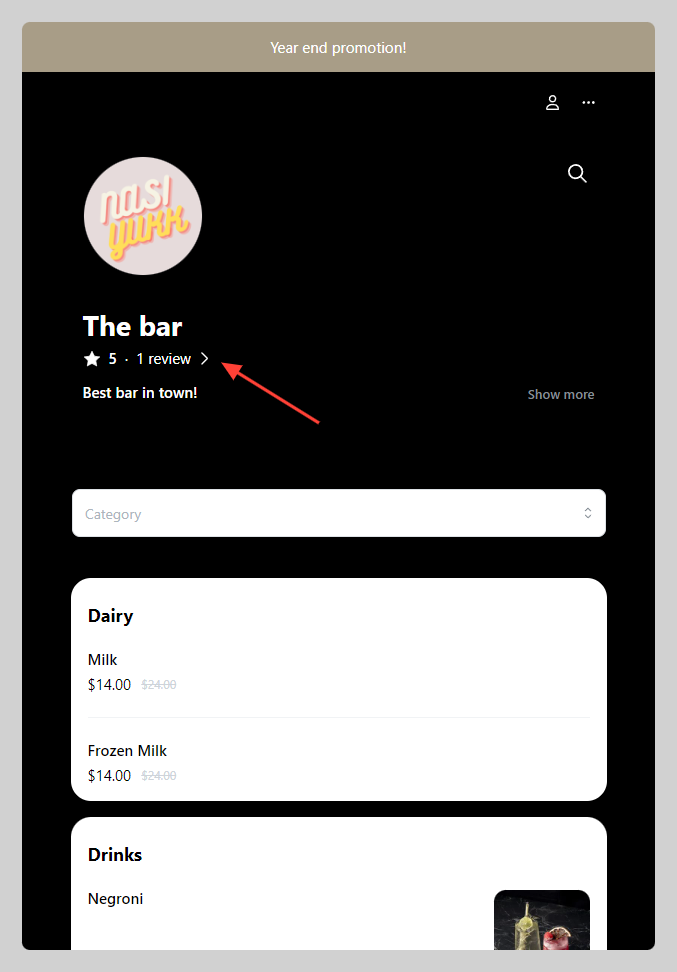
-
Manage your review from the admin menu